Choose the scene.
Some designs use a state outline; others use a rectangular frame or street-map composition. Texas has separate landmark and countryside designs.
U.S. states & cities / Digital laser-cut files
Landmarks, landscapes and familiar places, made in layers. Choose a digital design for state-shaped wall art or a detailed Washington street map.
Digital files · Make it with your own material
31 designs
State outlines and regional scenes.
01 / Decorative cut design
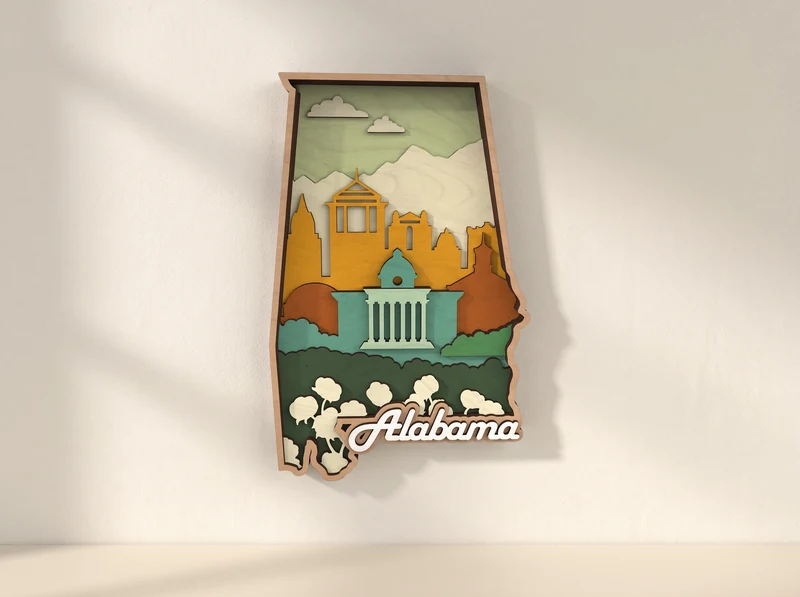
A state-shaped scene combines a city skyline, a columned building and cotton flowers.
Explore the design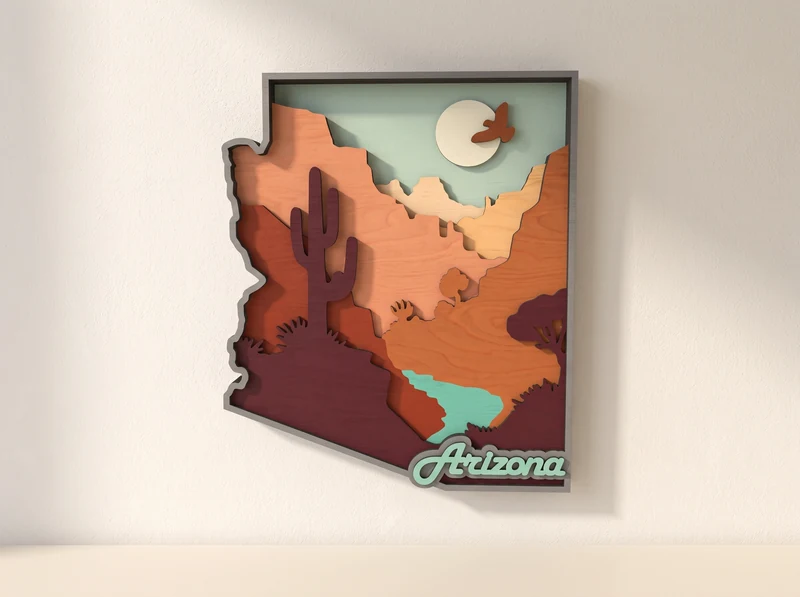
02 / Decorative cut design
A cactus rises in front of a desert sunset, with a bird crossing the pale sun.
Explore the design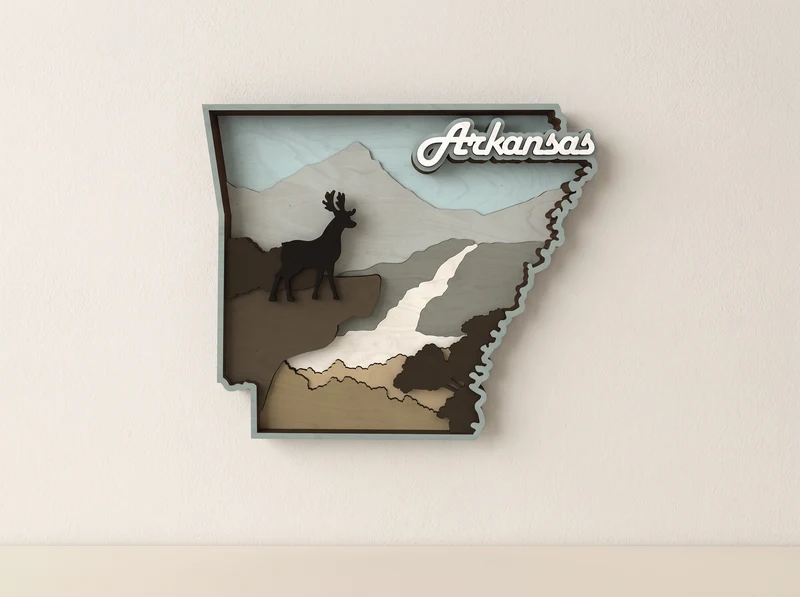
03 / Decorative cut design
A deer stands above a winding river, with pale hills layered behind it.
Explore the design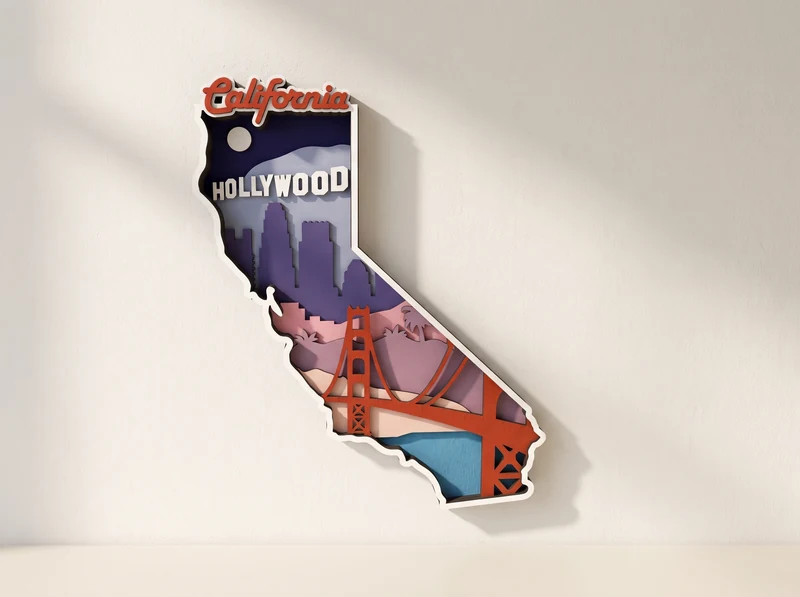
04 / Decorative cut design
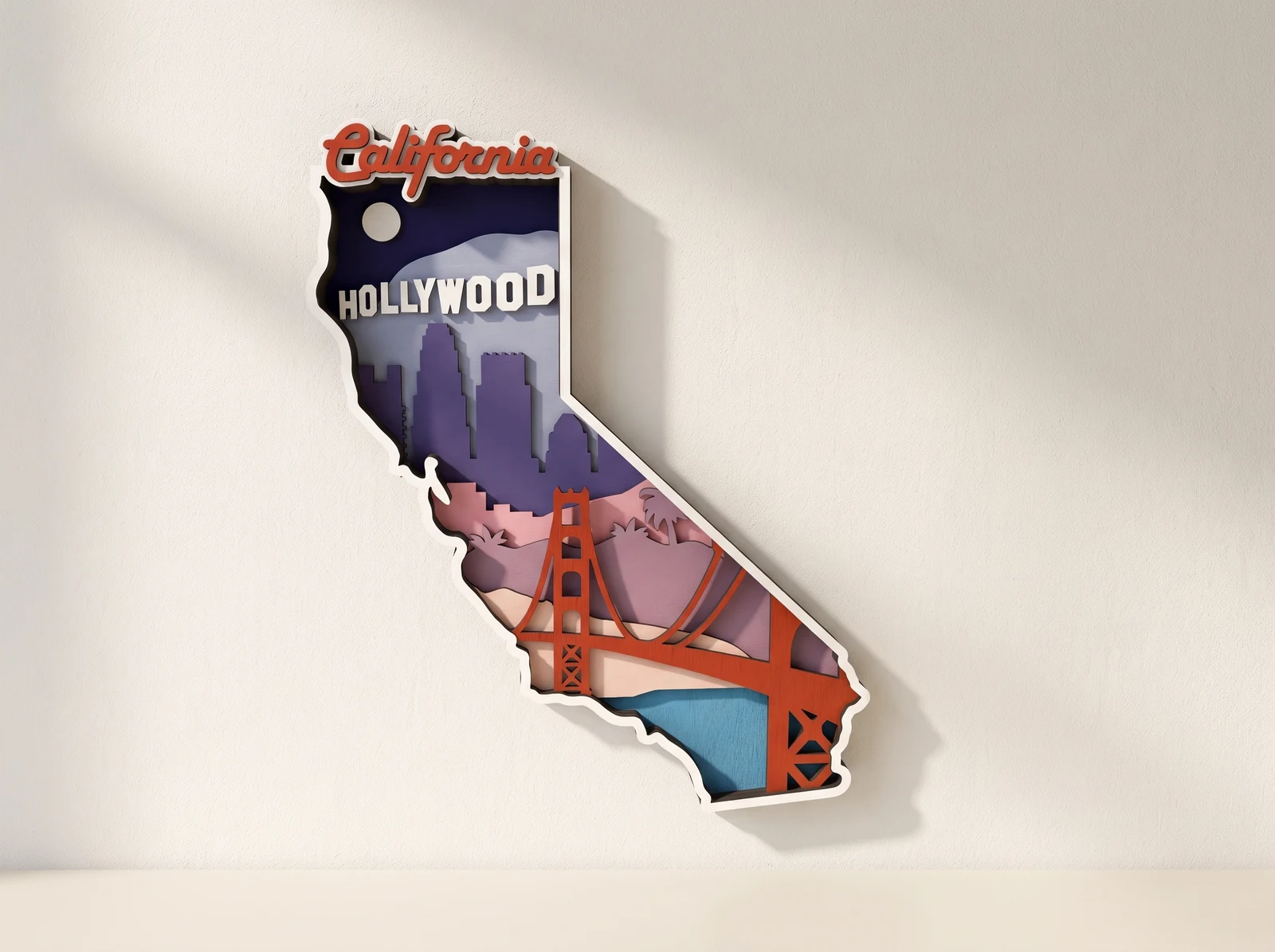
A bridge, palm trees and the Hollywood sign fill the long state outline.
Explore the design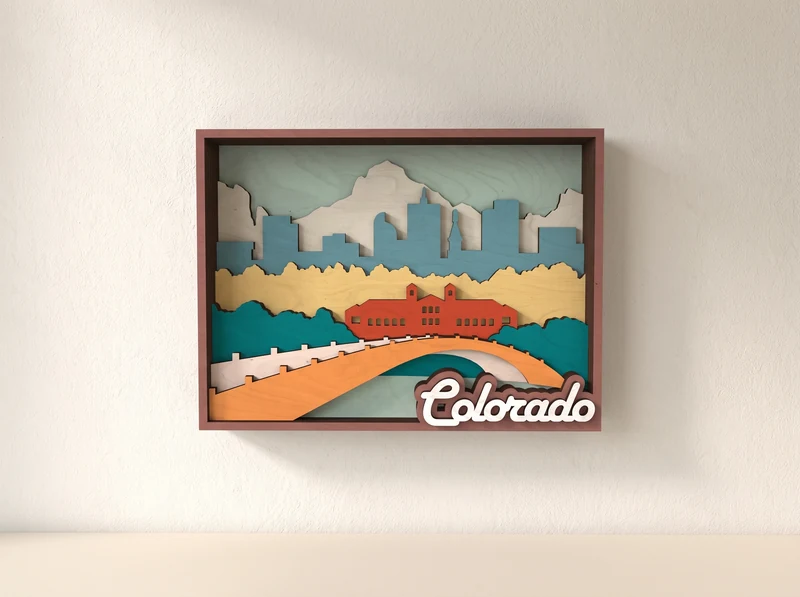
05 / Decorative cut design
A bridge crosses the foreground beneath mountains and a city skyline, all set in a square frame.
Explore the design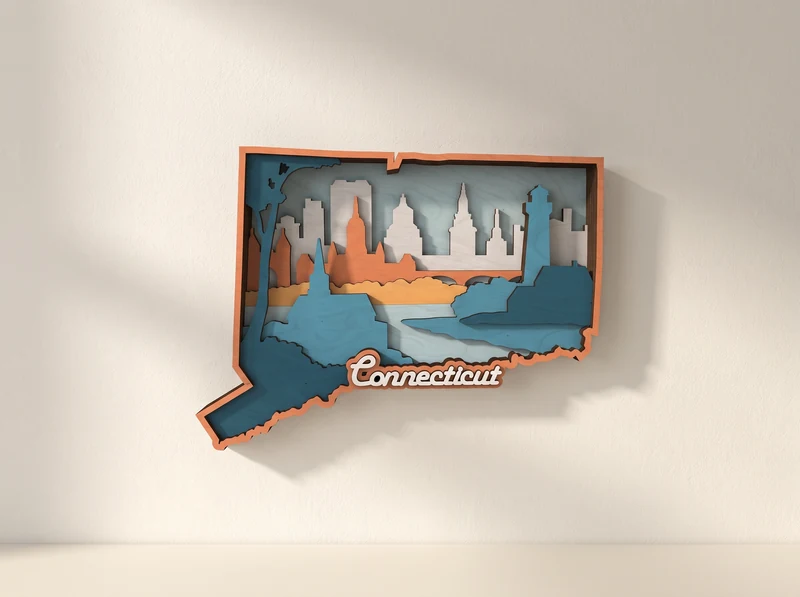
06 / Decorative cut design
Overlapping bands of water and landscape lead toward a skyline inside the state border.
Explore the designCoasts, cities and countryside, arranged alphabetically.
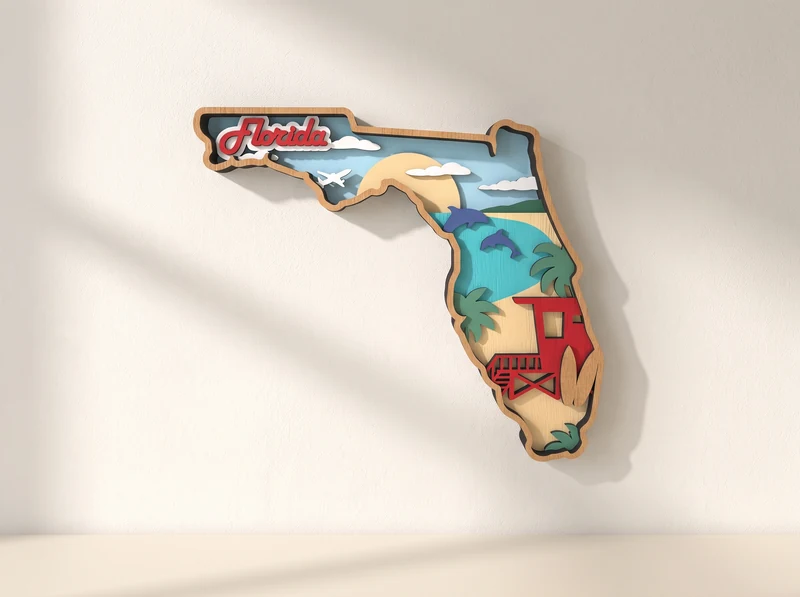
07 / Decorative cut design
A pelican, palm trees and a beach hut form a coastal scene within the state shape.
Explore the design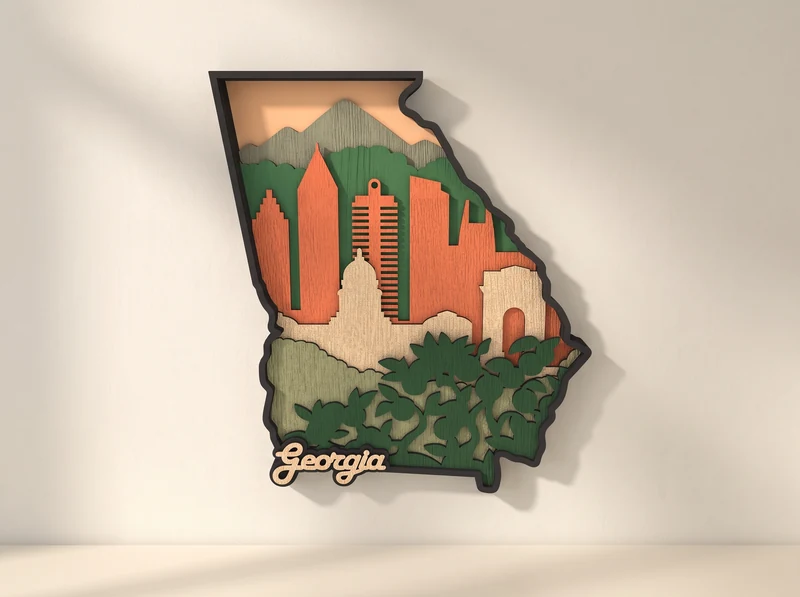
08 / Decorative cut design
City buildings rise above leafy trees, with pale hills behind the skyline.
Explore the design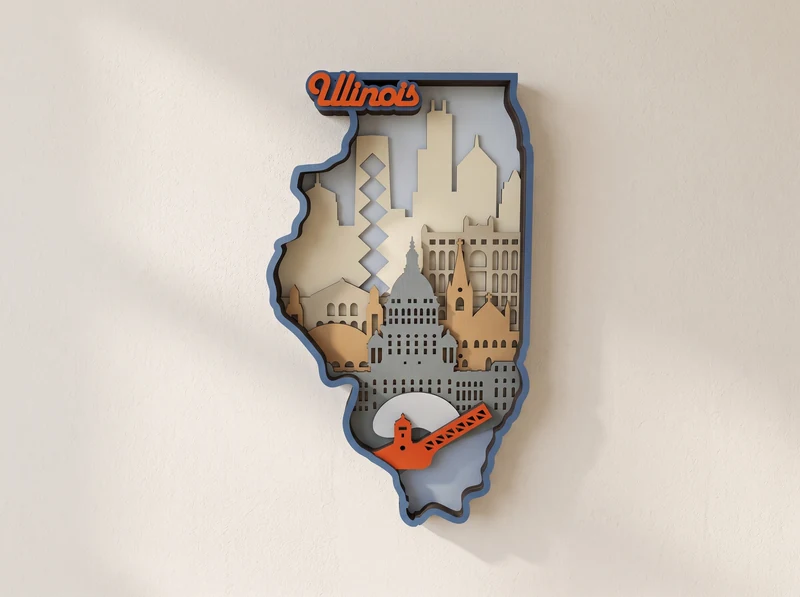
09 / Decorative cut design
Buildings, a tall wheel and a red guitar fill a skyline composition inside the state border.
Explore the design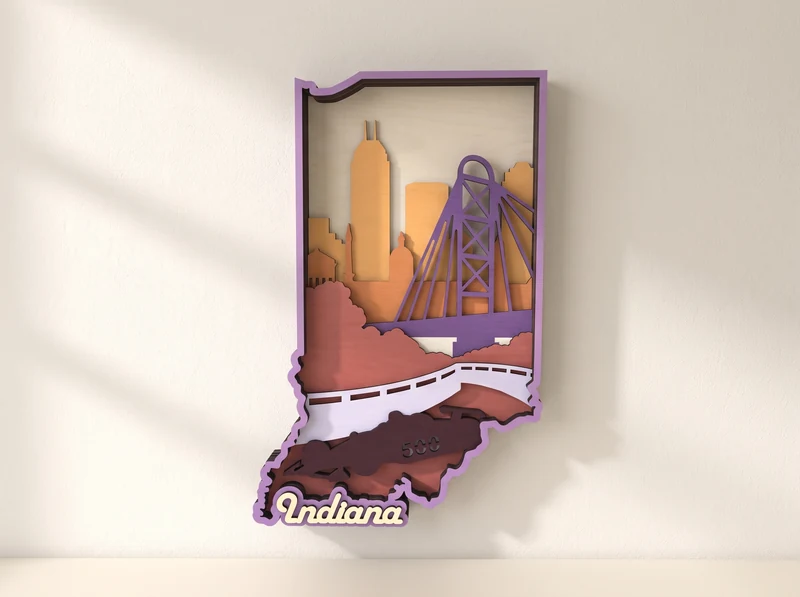
10 / Decorative cut design
A train crosses below a skyline and a tall wheel in this state-shaped composition.
Explore the design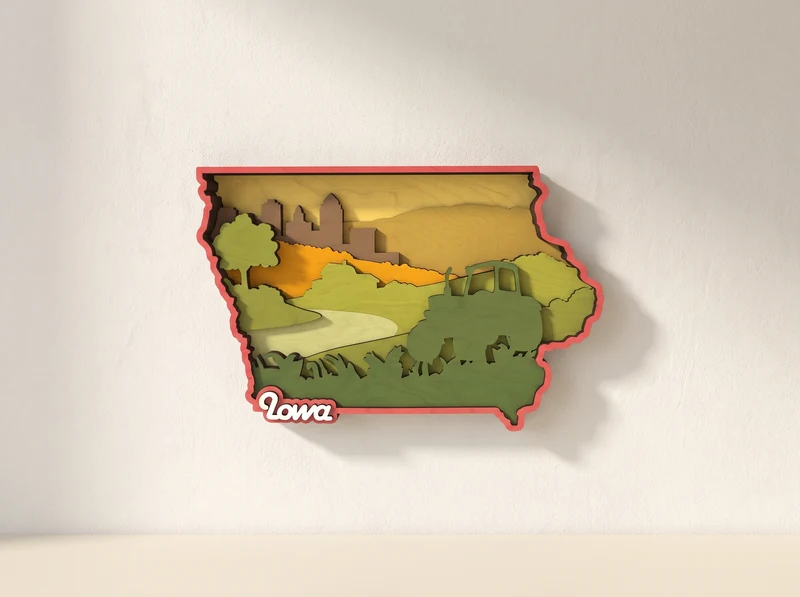
11 / Decorative cut design
Fields, a barn and a tractor build a rural scene in broad horizontal layers.
Explore the design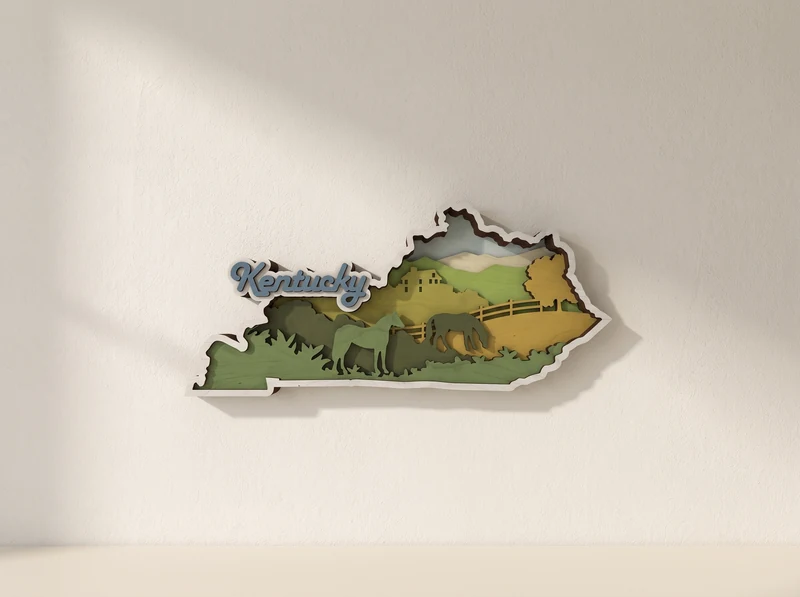
12 / Decorative cut design
Fenced fields stretch across the state outline, with horses and a distant farm scene.
Explore the design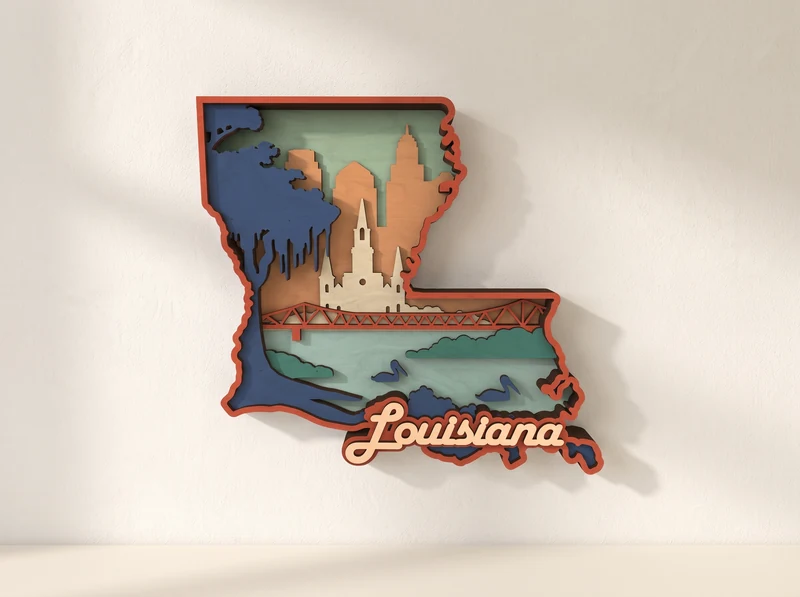
13 / Decorative cut design
Water and hanging branches frame a pale building at the center of the scene.
Explore the design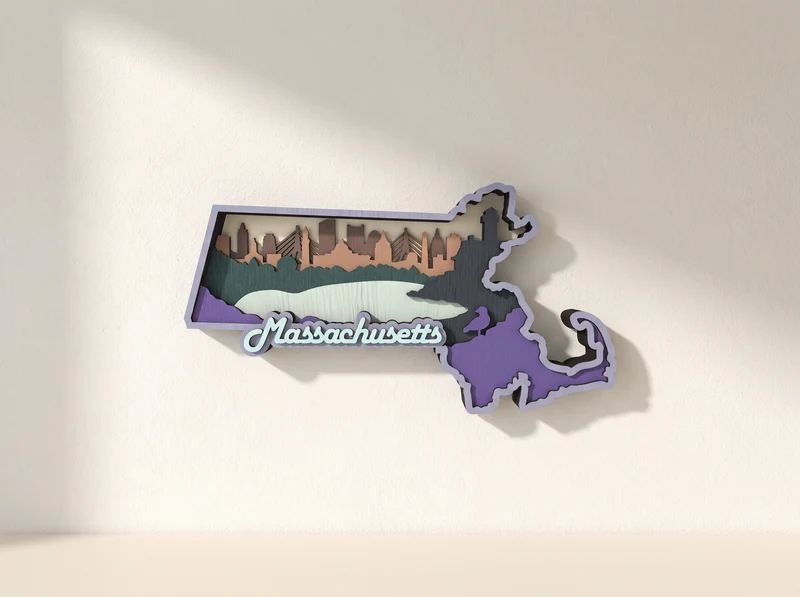
14 / Decorative cut design
A long skyline runs above a band of blue water, framed by the state’s outline.
Explore the design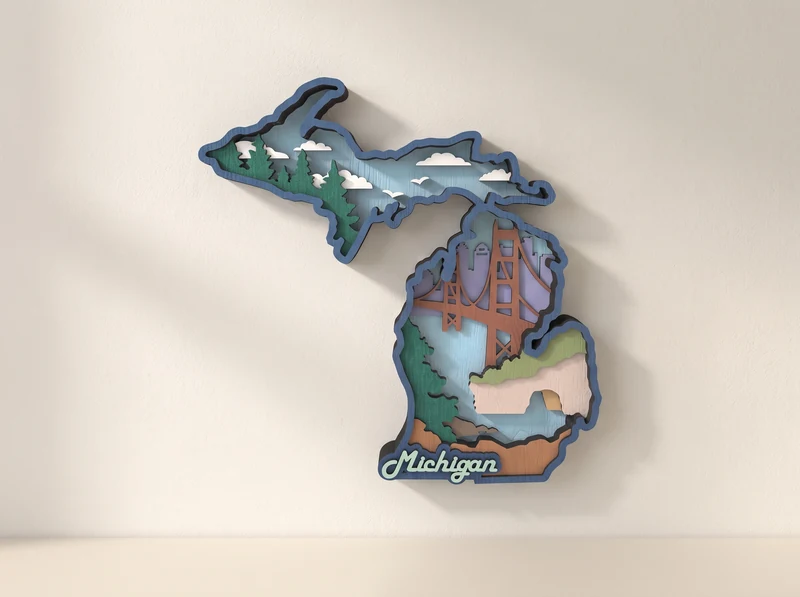
15 / Decorative cut design
The state’s two land shapes surround a layered scene of bridges, trees and water.
Explore the design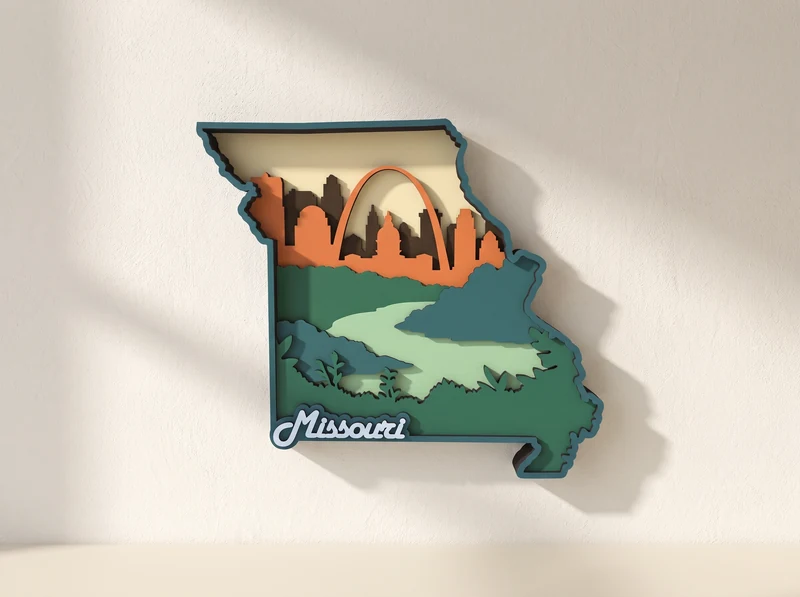
16 / Decorative cut design
A skyline and a broad arch sit above green river layers and a wooded foreground.
Explore the design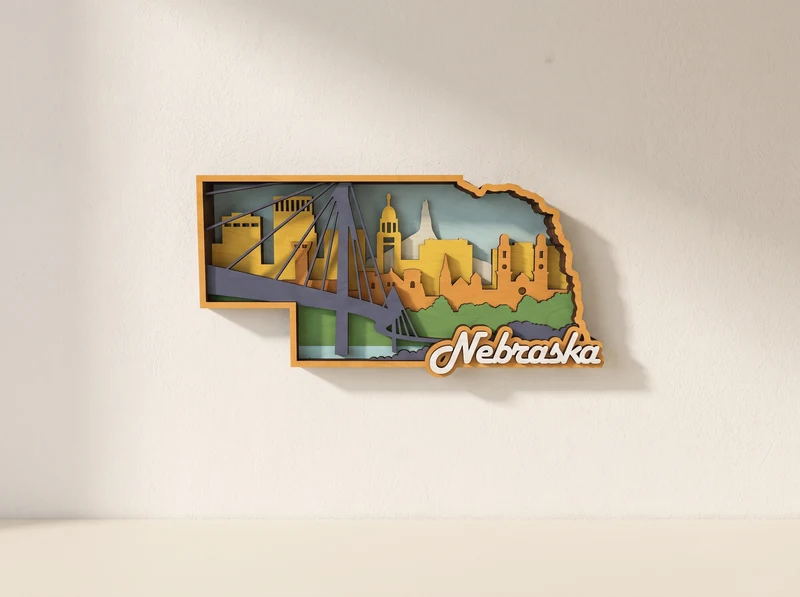
17 / Decorative cut design
A bridge stretches across the upper part of this composition, above buildings and trees.
Explore the design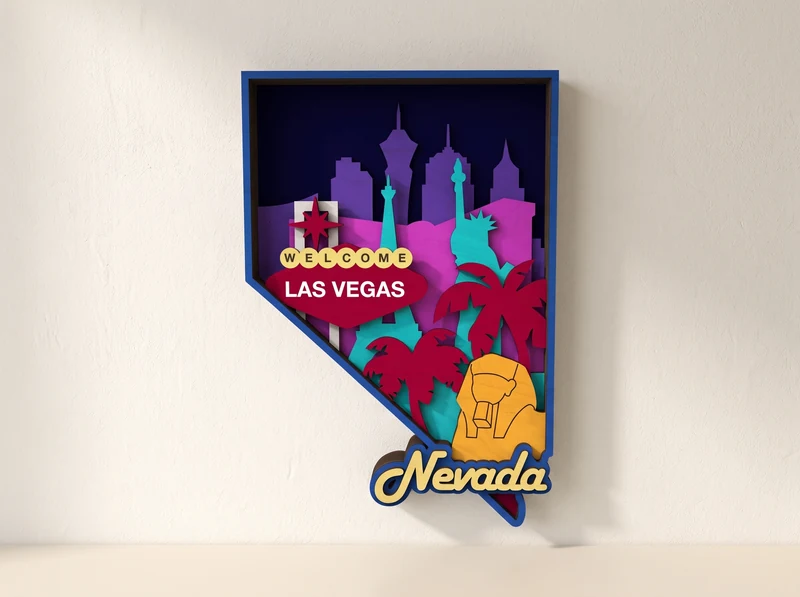
18 / Decorative cut design
Las Vegas lettering, skyline shapes and a palm tree build a bright city scene.
Explore the design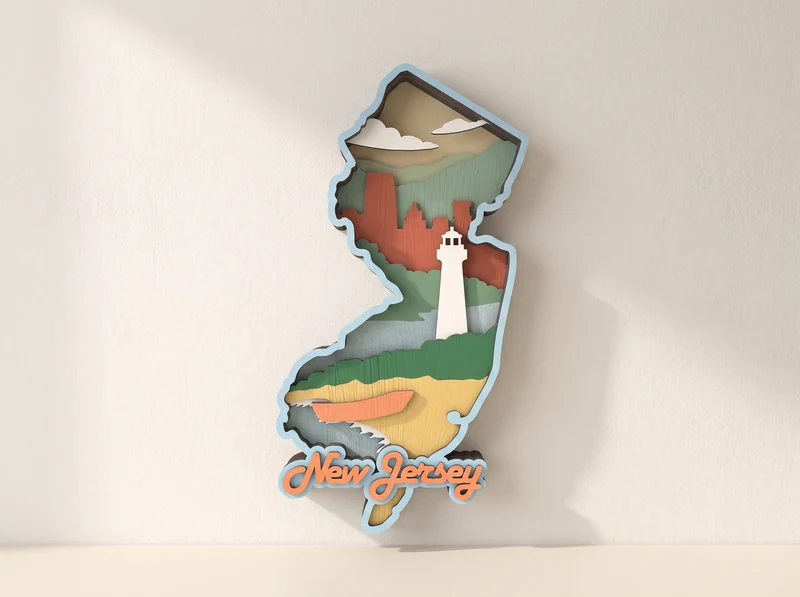
19 / Decorative cut design
A white lighthouse stands in front of layered water, hills and a distant skyline.
Explore the design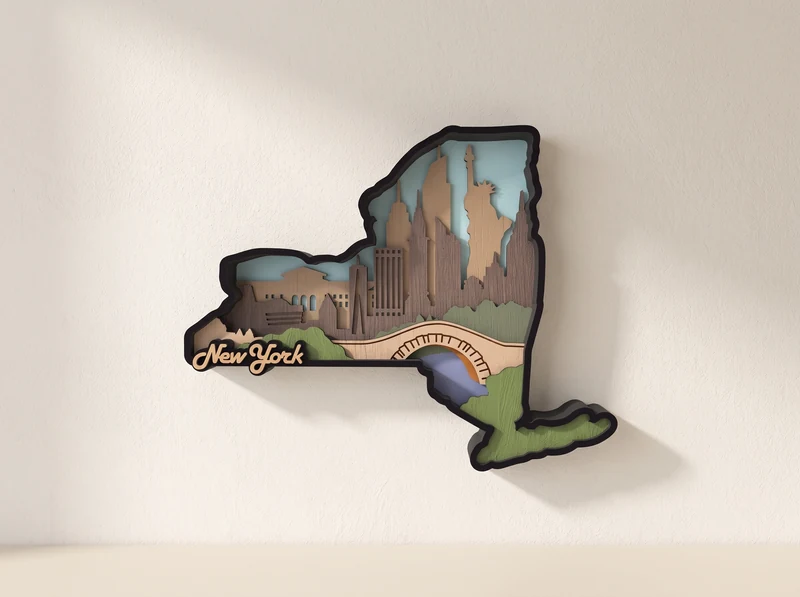
20 / Decorative cut design
Skyscrapers and a bridge sit inside the wider state silhouette. Choose this version for the state-shaped composition.
Explore the design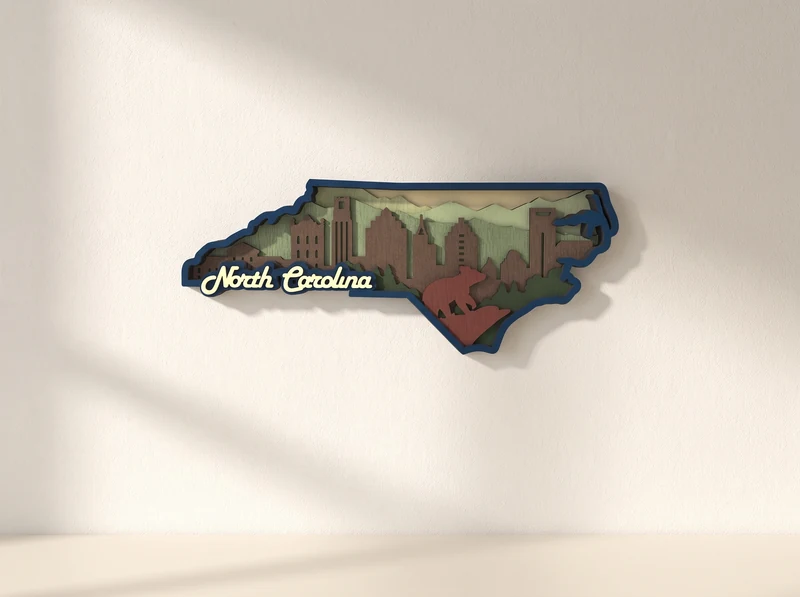
21 / Decorative cut design
A muted skyline rises behind trees and sloping landscape layers.
Explore the designTwo different Texas designs sit alongside the other state scenes.
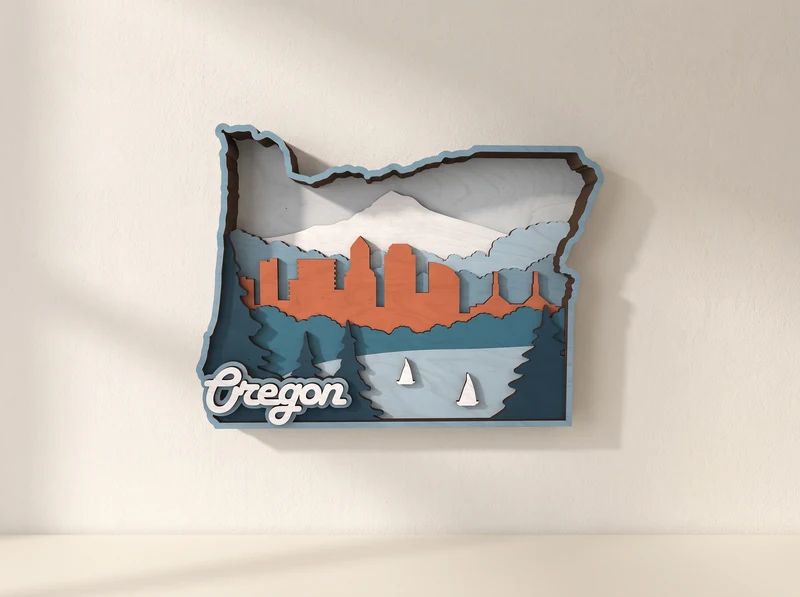
22 / Decorative cut design
Sailboats cross the foreground below a skyline and a pale mountain range.
Explore the design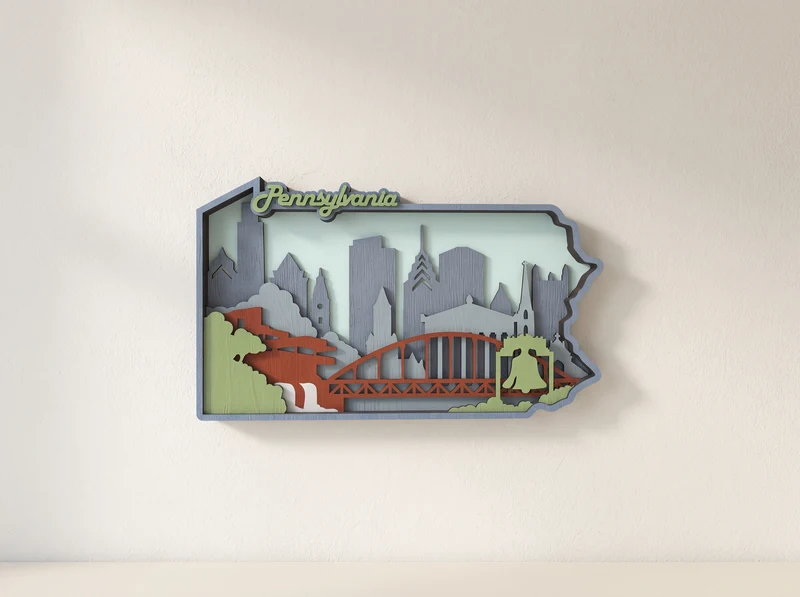
23 / Decorative cut design
A city skyline and red bridge sit above green landscape layers.
Explore the design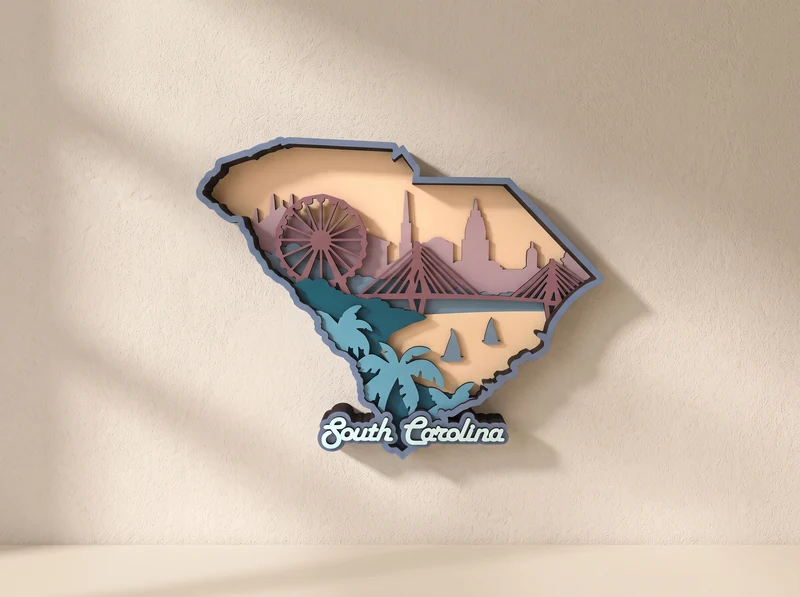
24 / Decorative cut design
Palm trees and sailboats sit below a skyline and a large wheel.
Explore the design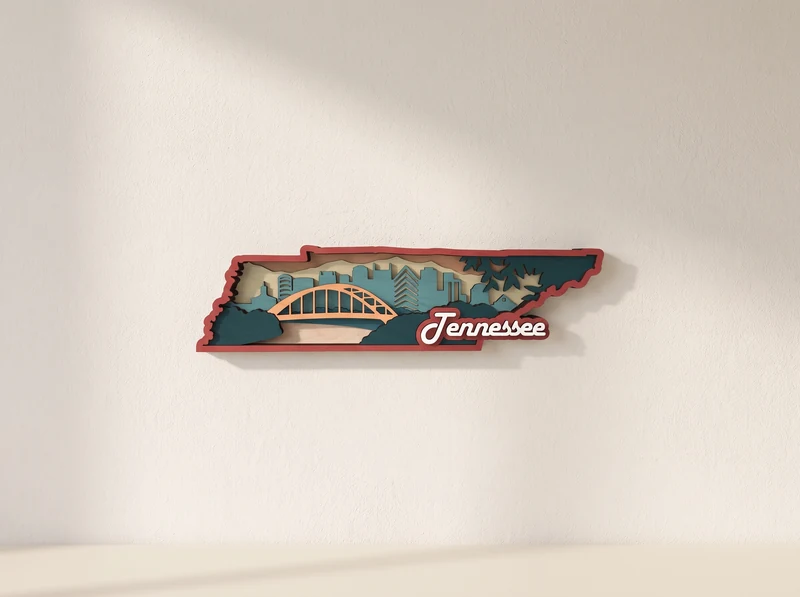
25 / Decorative cut design
A pale bridge spans the long state outline, with trees and city shapes behind it.
Explore the design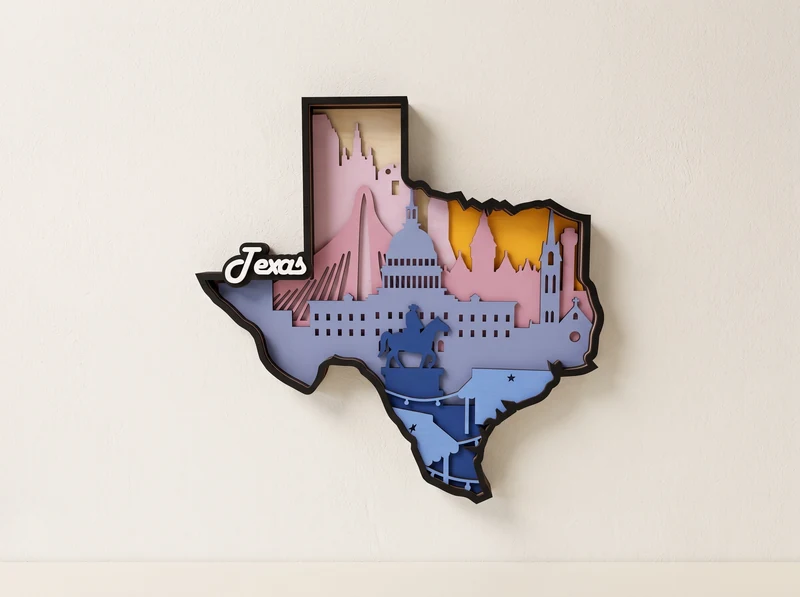
26 / Decorative cut design
A city and landmark composition fills the state shape in purple and blue layers.
Explore the design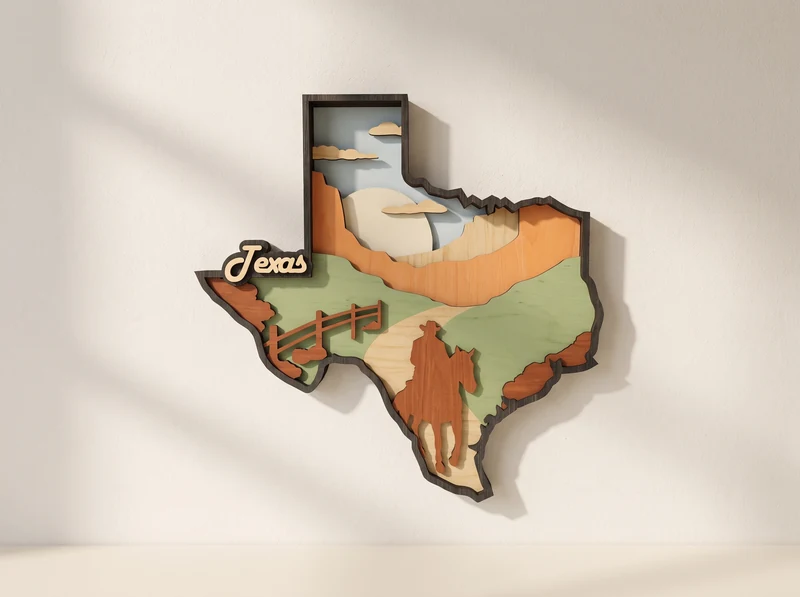
27 / Decorative cut design
A rider on horseback, fencing and open landscape make this the rural Texas design.
Explore the design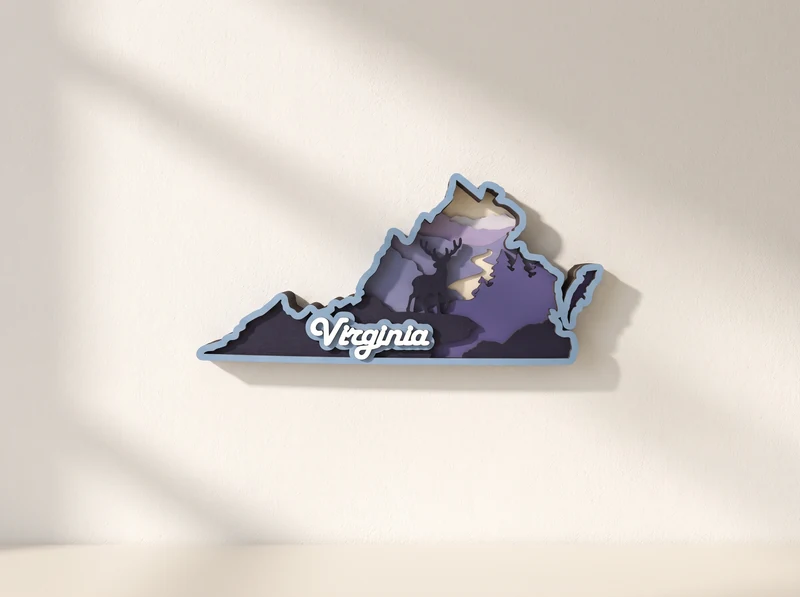
28 / Decorative cut design
Deer and mountain shapes form a night scene beneath a moon and a streak of lightning.
Explore the design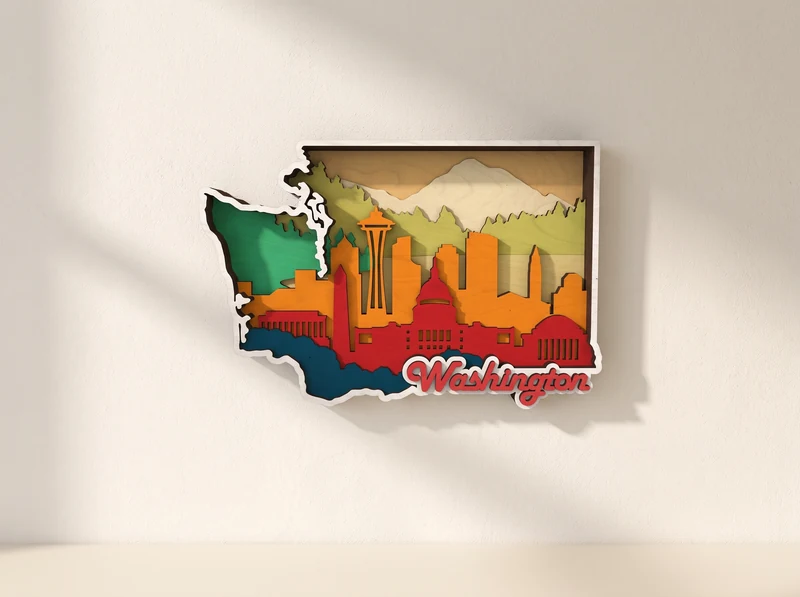
29 / Decorative cut design
Mountains rise above a colorful skyline inside the state outline.
Explore the design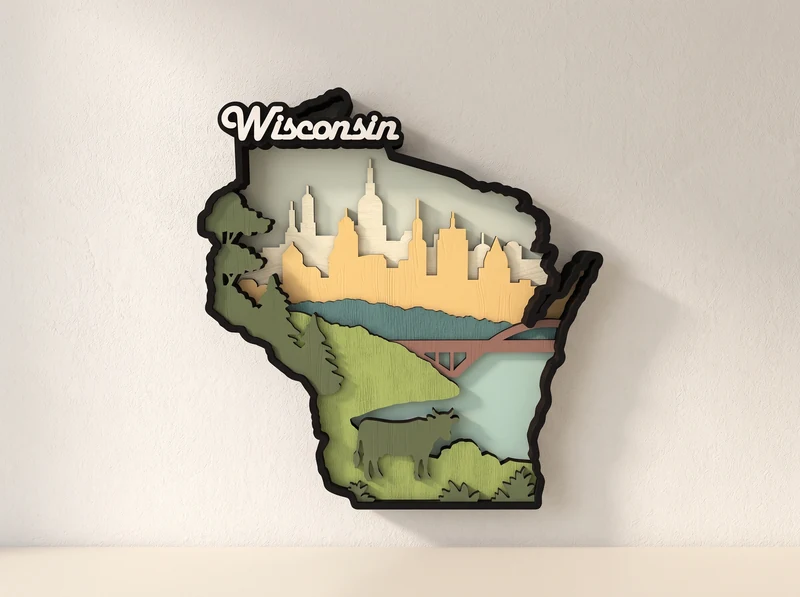
30 / Decorative cut design
A skyline, bridge and open countryside sit within the state-shaped border.
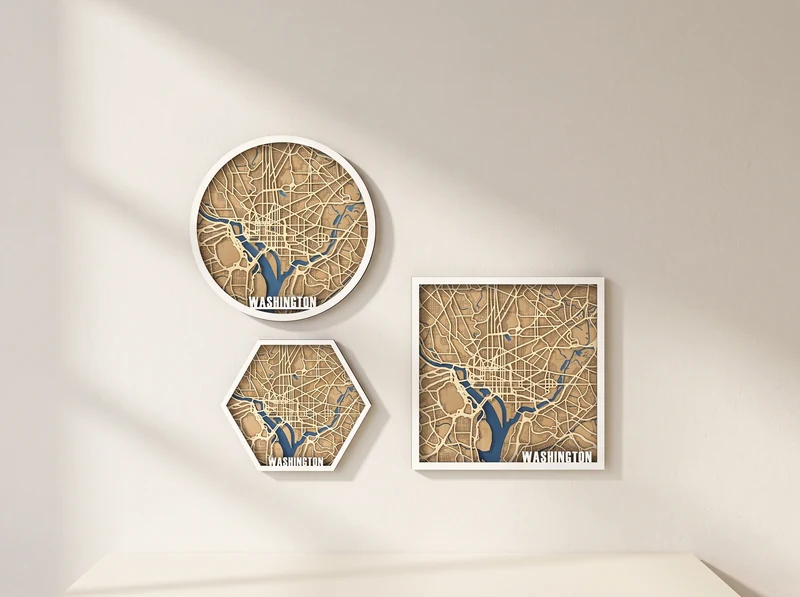
Explore the designA street-map design with roads and waterways, separate from the state silhouette above.
Before you make it
Choose a composition, plan the colors and keep the smallest details in mind.
Some designs use a state outline; others use a rectangular frame or street-map composition. Texas has separate landmark and countryside designs.
At the 3 mm material scale, no individual part exceeds 290 mm. The full layout can be larger. Check the design’s intended material and any changes after resizing.
Choose colors that separate the foreground, buildings and background. Test narrow bridges and small details before cutting the whole design.
No. This collection contains the individual designs shown here. Open a design to check its current file package; a complete all-state bundle is not implied.
Most designs are decorative scenes using a state outline or a frame. Washington Street Map uses a road and water pattern. These are wall-art projects, not survey or navigation maps.
The landmark version focuses on buildings and city shapes. The countryside version shows a rider and an open rural landscape. They are separate compositions with separate design pages.
These are digital files. You provide the material, finish and any mounting hardware. Images show examples of how the finished artwork can look.
Check the individual design page for its formats and material guidance. Resizing changes every cutout and any slots or tabs; test a small section before the full cut.