Choose the build.
Pick an individual model or a set of related designs. Check the included files on its page; a collection image does not mean every model is supplied together.
Vehicles & machinery / Digital laser-cut files
Laser-cut files for wooden cars, trucks, construction machines, aircraft and ships. Find a model to cut and assemble yourself.
Digital files · No physical model or kit
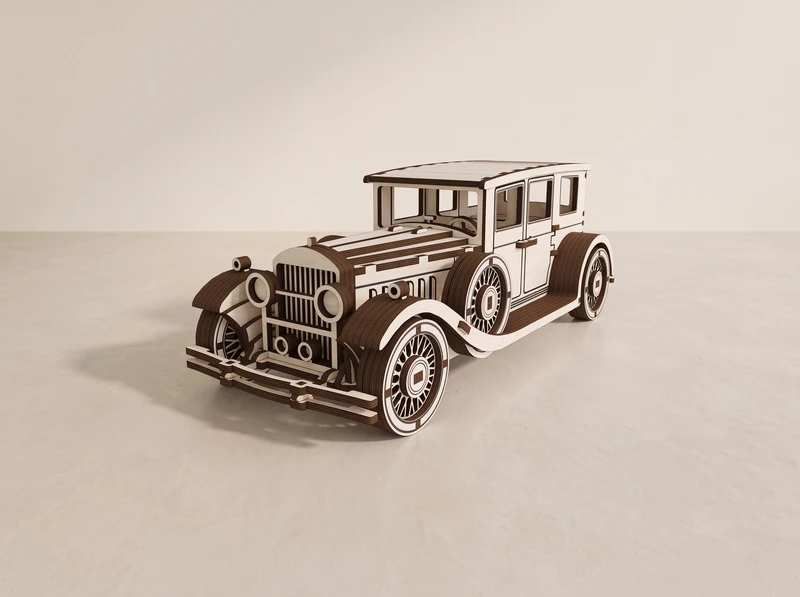
24 designs & sets / Plus the train collection
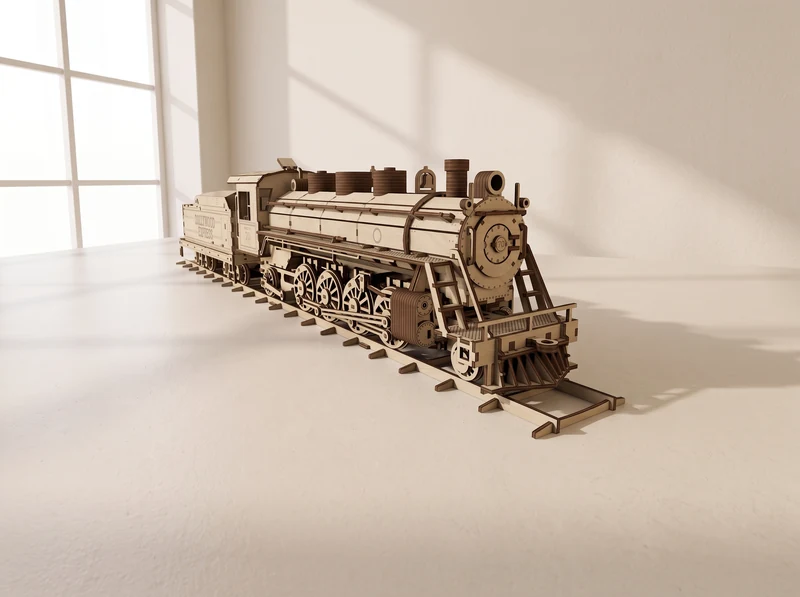
Explore the railway collection
Big Boy, Dollywood locomotives and their companions. Compare five train designs in their own collection.
Explore the trainsImages include AI-assisted model visualizations and earlier listing renders. Check each design for the files and parts included.
From a classic roadster to a six-wheel expedition build.
01 / Vintage car
A boxy passenger cabin, long bonnet and spoked wheels. A wooden build for the classic-car shelf.
Explore the design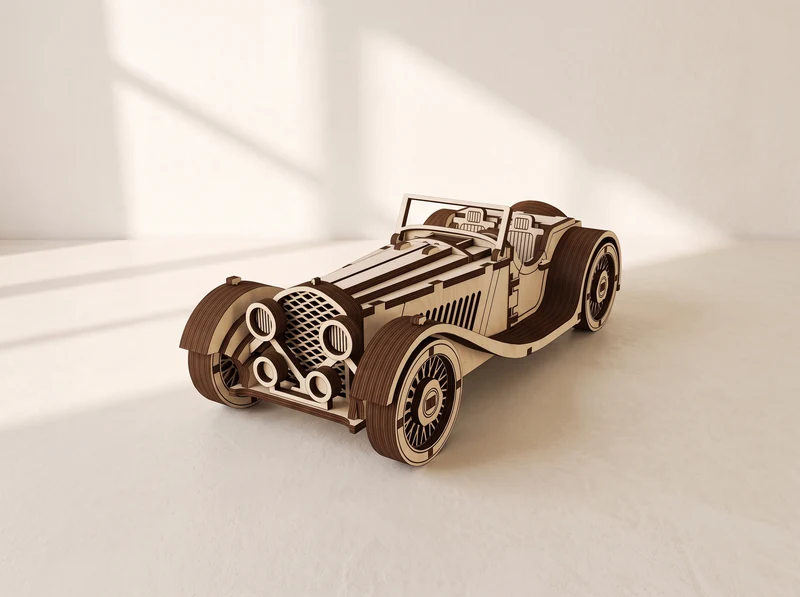
02 / Open-top car
An open cockpit behind a long bonnet, with rounded wings over the wheels. Compare it with the enclosed Classic Car.
Explore the design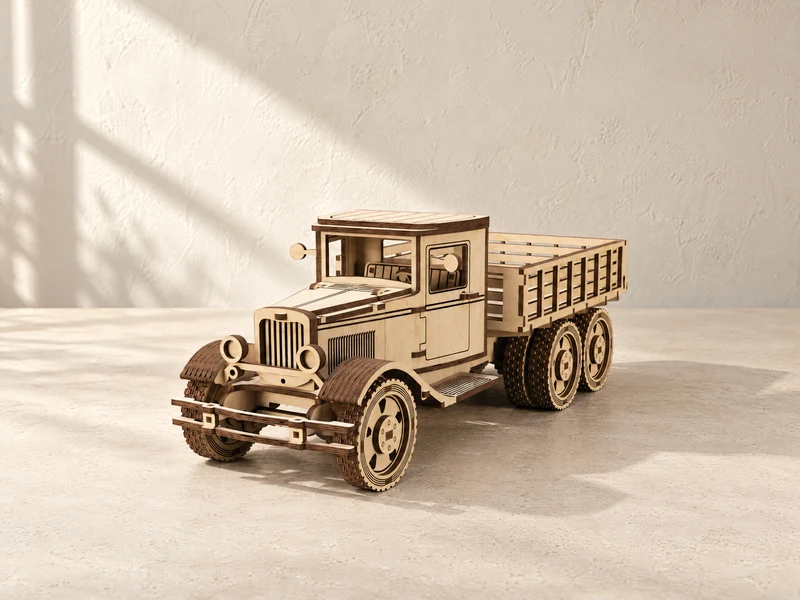
03 / Cargo truck
An upright cab and slatted cargo bed give this truck its workhorse shape. Explore the model and its cutting files.
Explore the design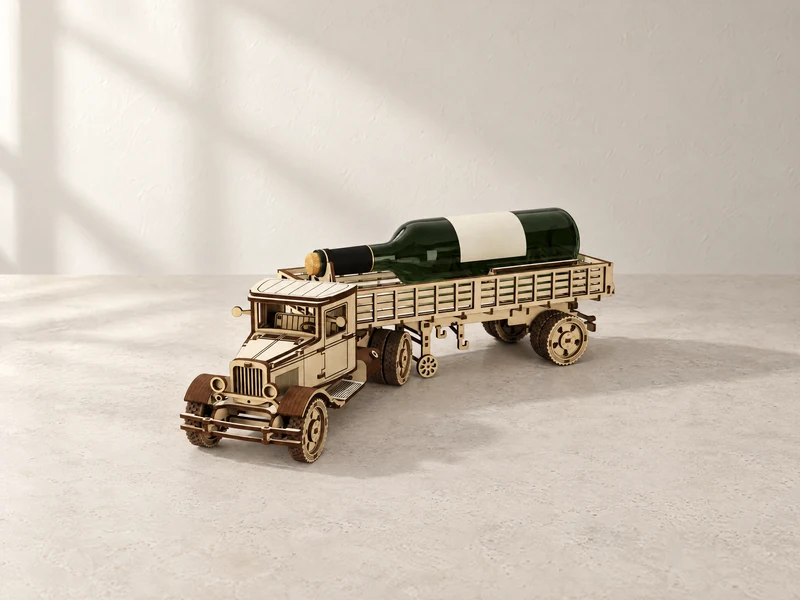
04 / Long-bed truck
A long cargo bed behind a compact cab. The design page also describes the optional bottle-holder build.
Explore the design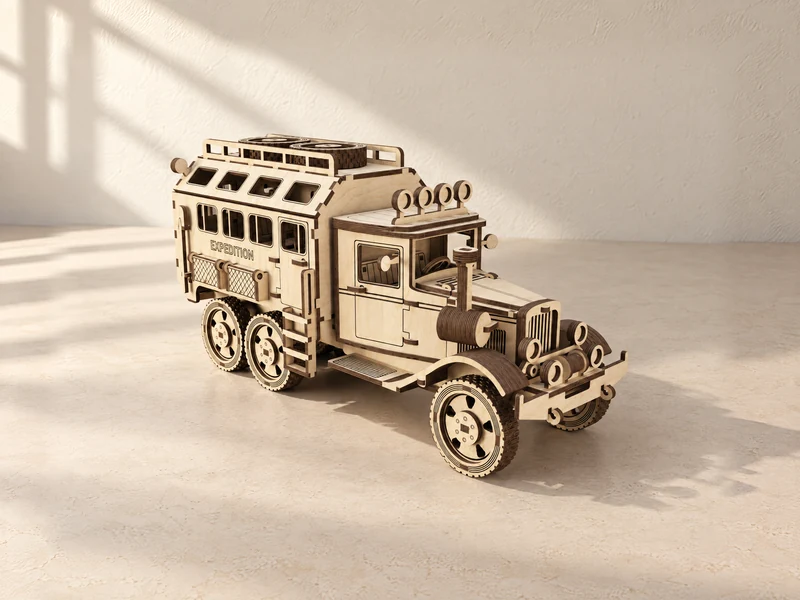
05 / Camper truck
A tall camper body, roof-mounted spare wheels and three axles. Build a miniature expedition vehicle from cut panels.
Explore the design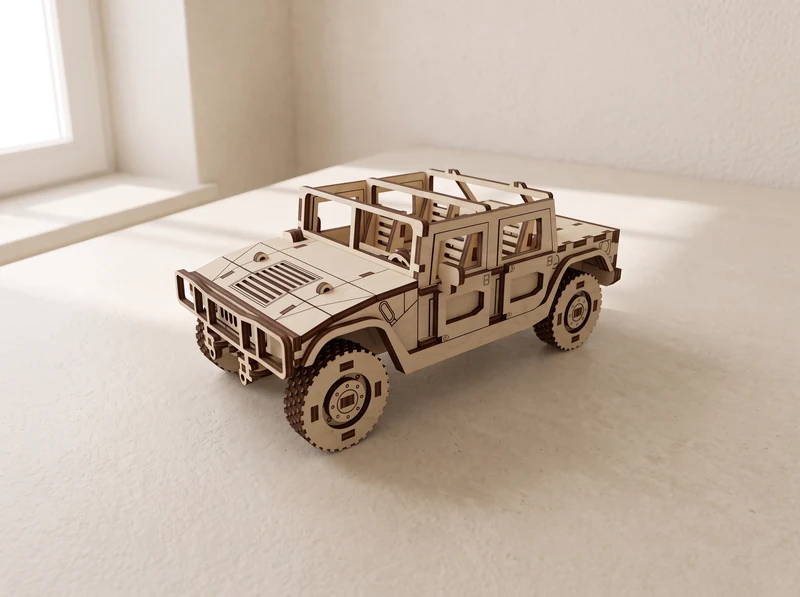
06 / Four-wheel SUV
The four-wheel H1, with a wide bonnet and open rear load area. Compare its shorter body with the six-wheel versions.
Explore the design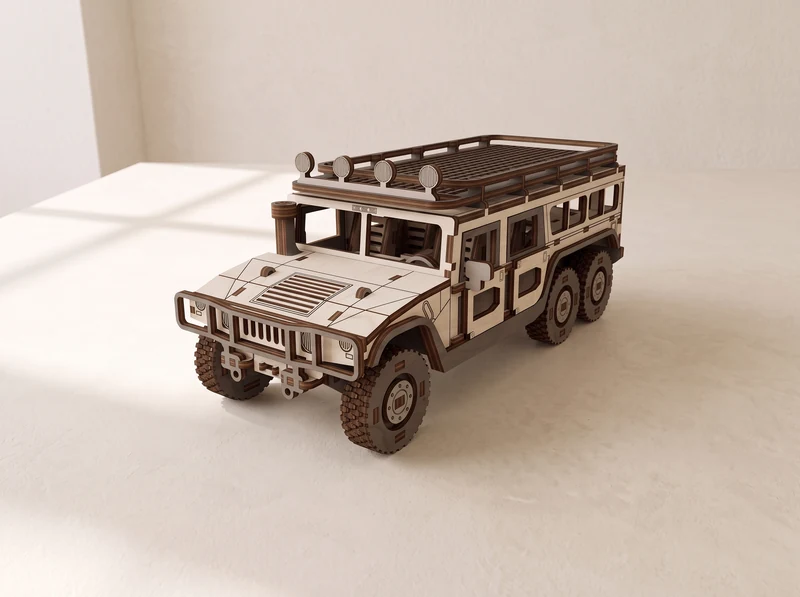
07 / Six-wheel SUV
An extended enclosed body over three axles. This is the wagon version of the H1 six-wheel design.
Explore the design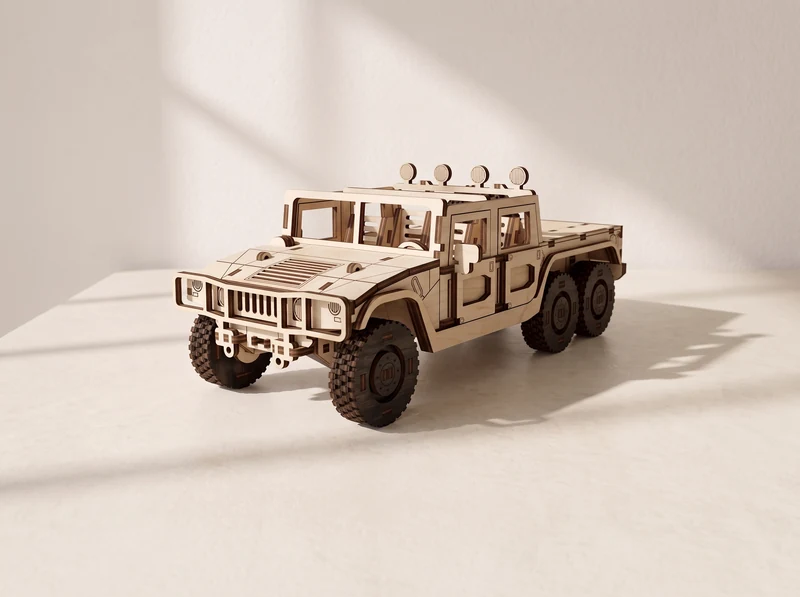
08 / Six-wheel pickup
An open cargo bed behind the H1 cab. Choose this pickup on its own or find it with the wagon in the two-model set.
Explore the design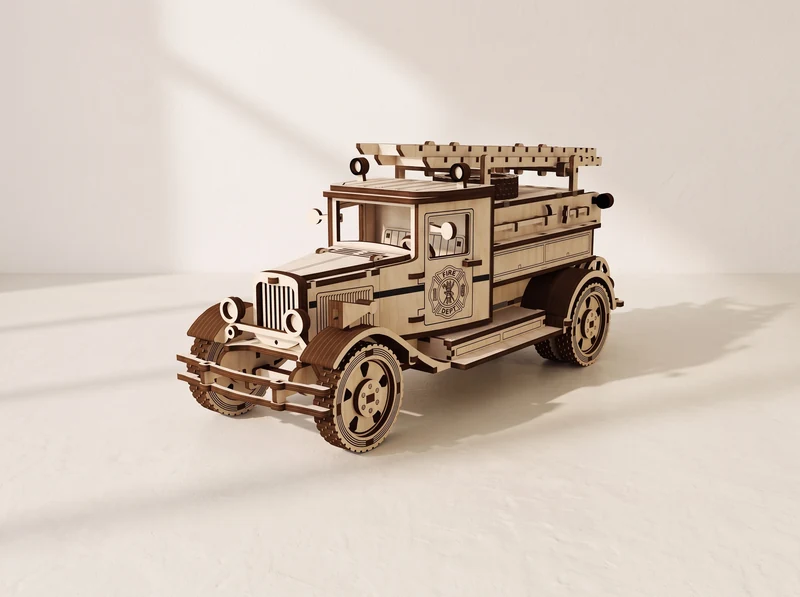
09 / Fire engine
A classic truck body with ladders mounted above the rear deck. Explore its cab details and assembly information.
Explore the design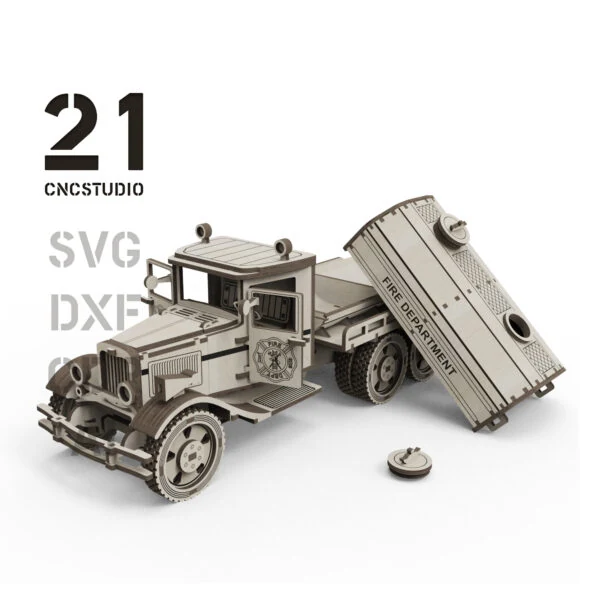
10 / Classic truck
Explore the original truck design, its cutting-file options and assembly information.
Explore the design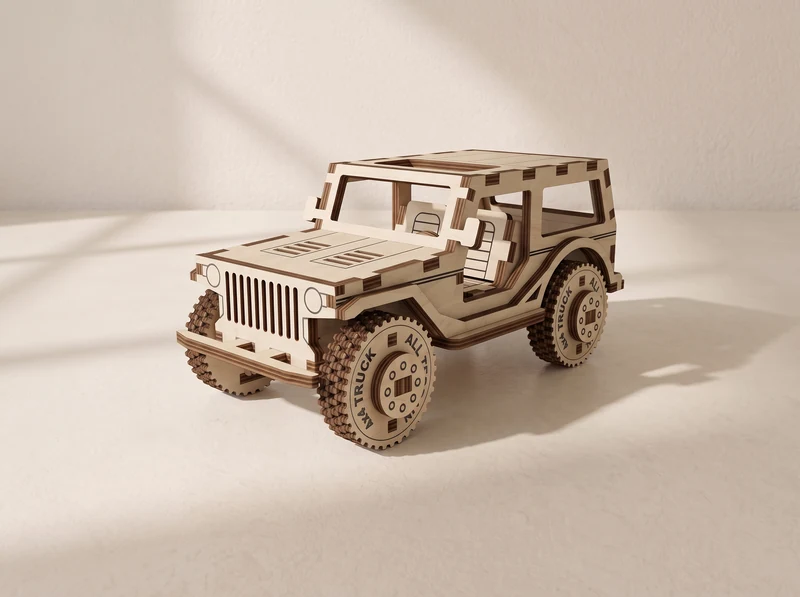
11 / Compact model
A short, upright body with large wheels and an open window frame. A compact alternative to the longer H1 models.
Explore the design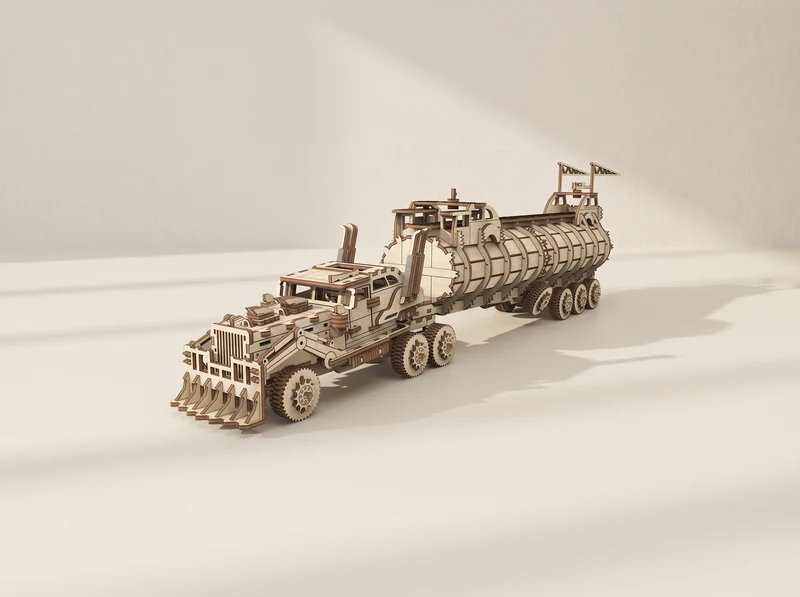
12 / Tanker model
A long ribbed tank, reinforced cab and broad front grille. Explore this distinctive truck and its cutting files.
Explore the designLoaders, haul trucks and a tracked tank model.
13 / Construction machine
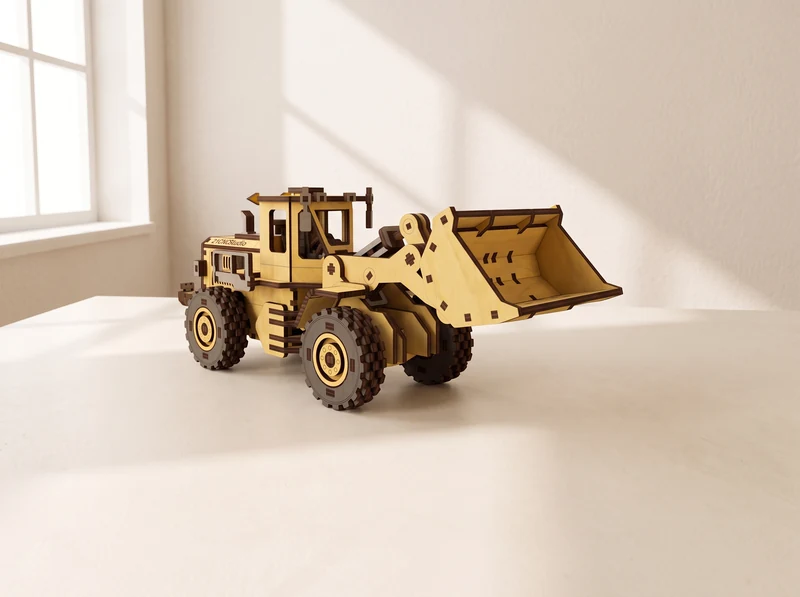
A wide bucket, large tyres and a raised cab. Cut and assemble a loader for your machinery collection.
Explore the design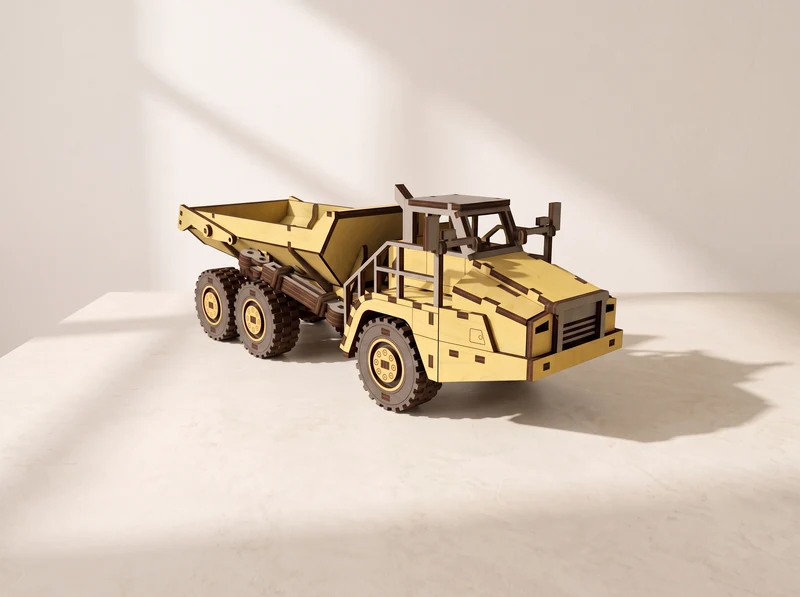
14 / Construction machine
A deep rear load bed behind a separate cab section, carried on three axles. Pair it with the Front Loader.
Explore the design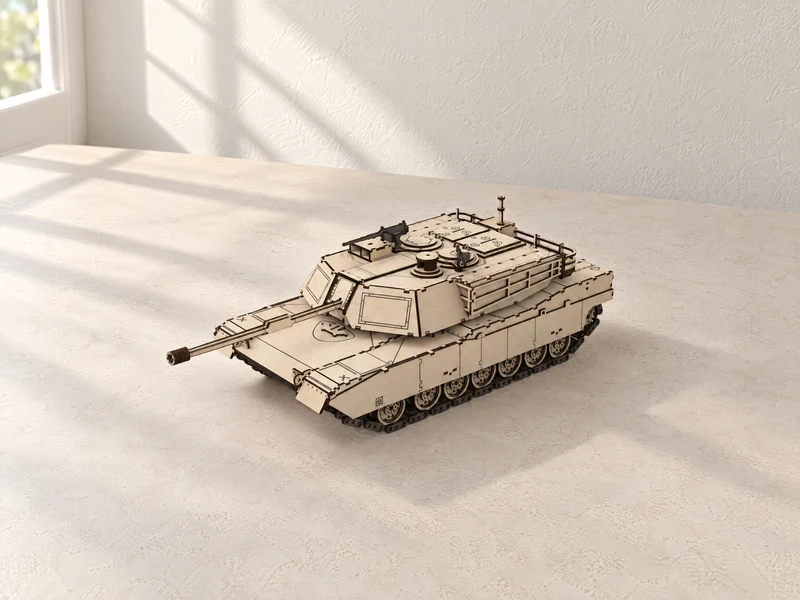
15 / Tracked model
Layered tracks support a low hull and angular turret. Explore the tank model and its assembly details.
Explore the designBiplanes, a helicopter and a tall-masted ship.
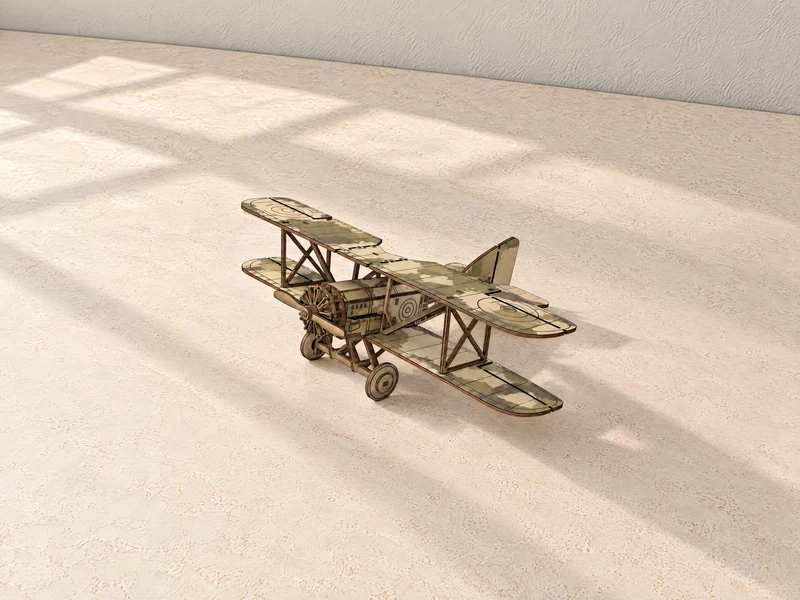
16 / Aircraft model
Two stacked wings, an exposed cockpit and a propeller nose. A detailed aircraft to build from flat wooden parts.
Explore the design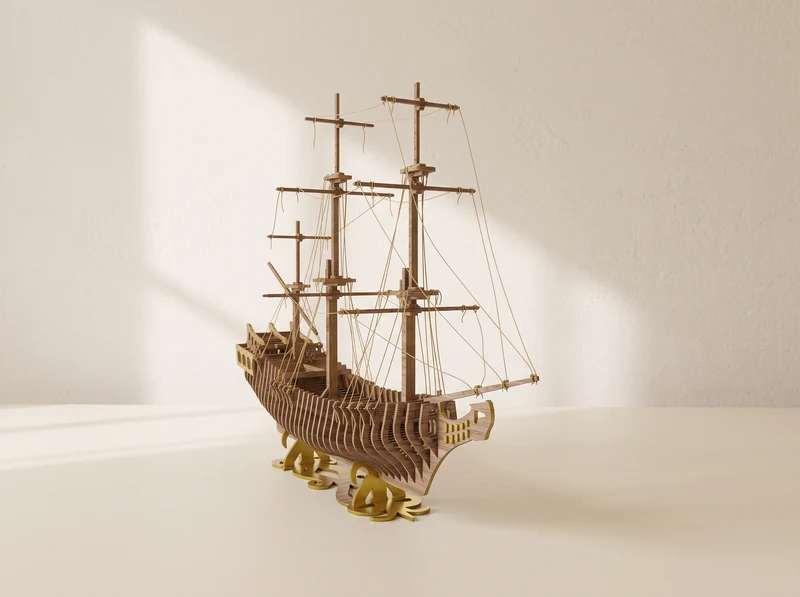
17 / Ship model
A curved wooden hull beneath tall masts and rigging. Follow the design through to a ship for display.
Explore the design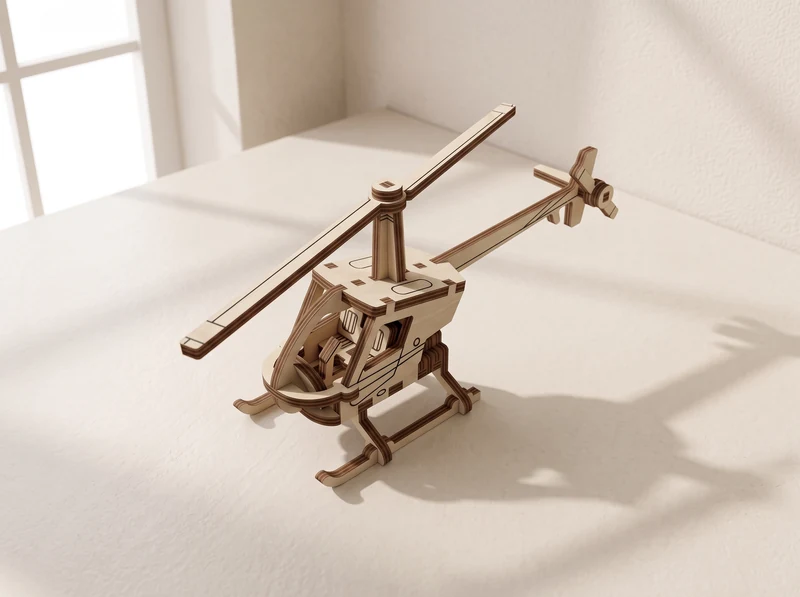
18 / Compact aircraft
An open frame, long main rotor and landing skids. A smaller aircraft design with its structure on show.
Explore the design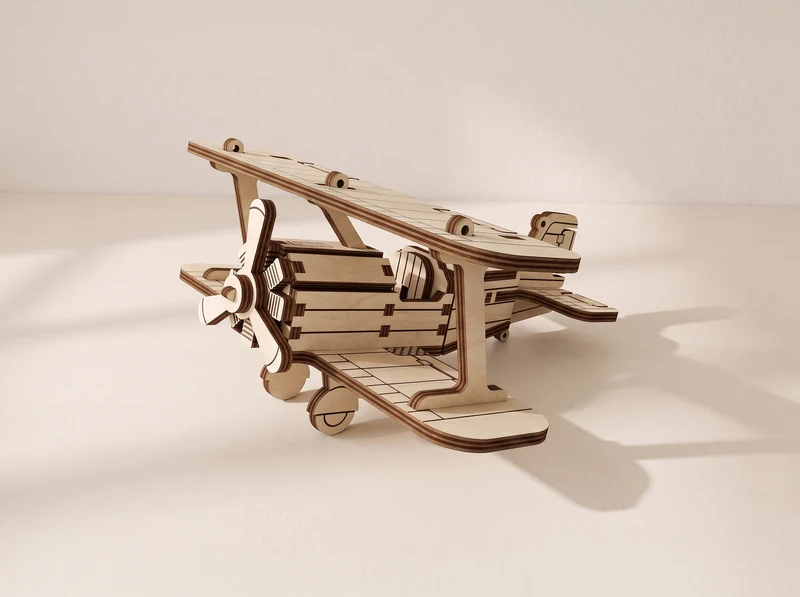
19 / Compact aircraft
A short fuselage between two broad wings. Compare this compact aircraft with the more detailed Vintage Biplane.
Explore the designRelated designs brought together in one file set.
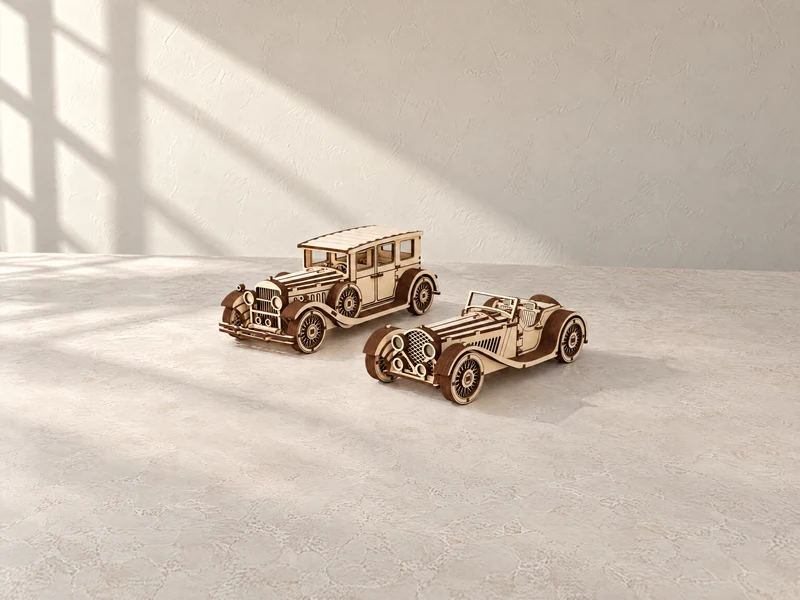
20 / Two-model set
The enclosed Classic Car and open-top Roadster together. Explore both designs in one file set.
Explore the design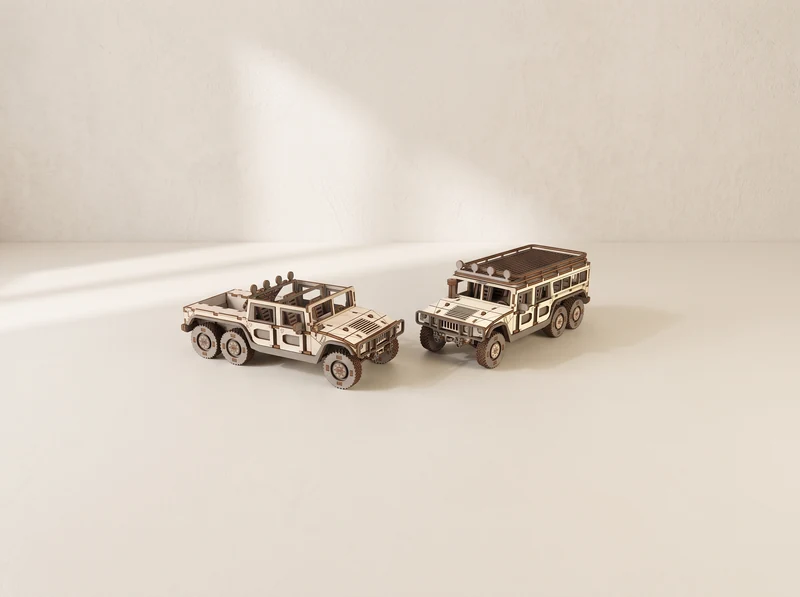
21 / Two-model set
The six-wheel pickup and wagon together. Compare their open and enclosed rear bodies before choosing your build.
Explore the design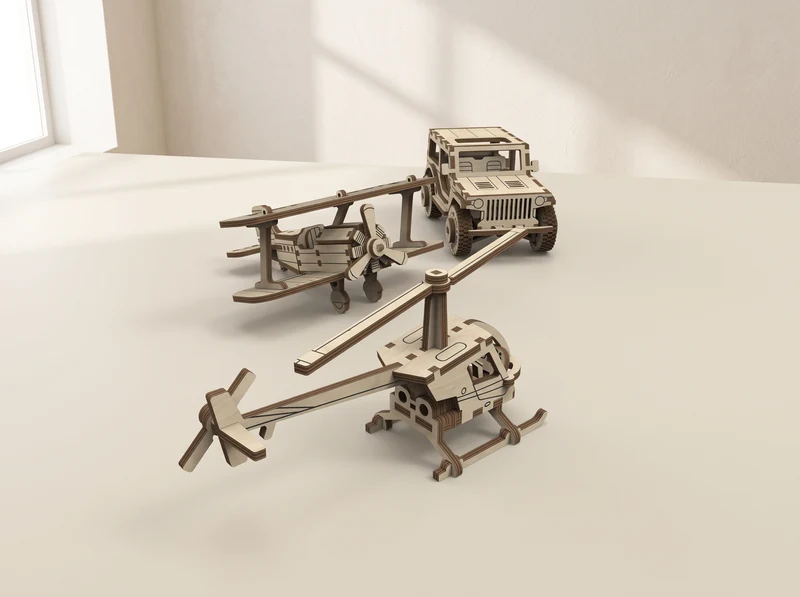
22 / Three-model set
A helicopter, biplane and compact SUV in one collection. Each has its own distinct shape and construction.
Explore the design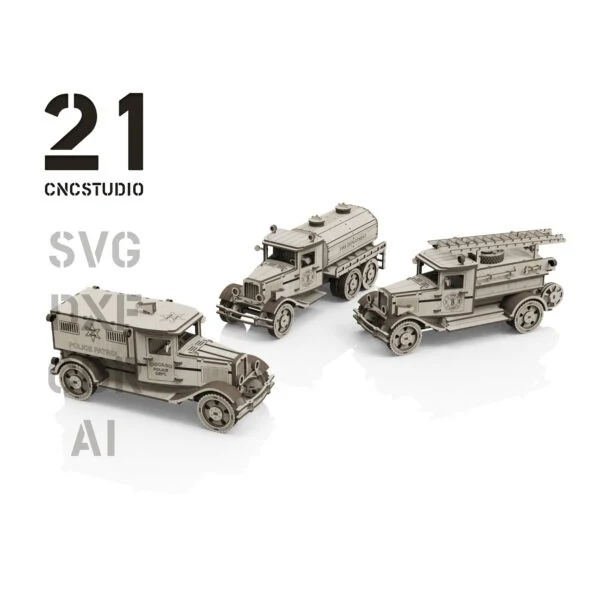
23 / Three-model set
Three classic emergency vehicles: a police truck, fire truck and fire cistern. Explore the set and its included files.
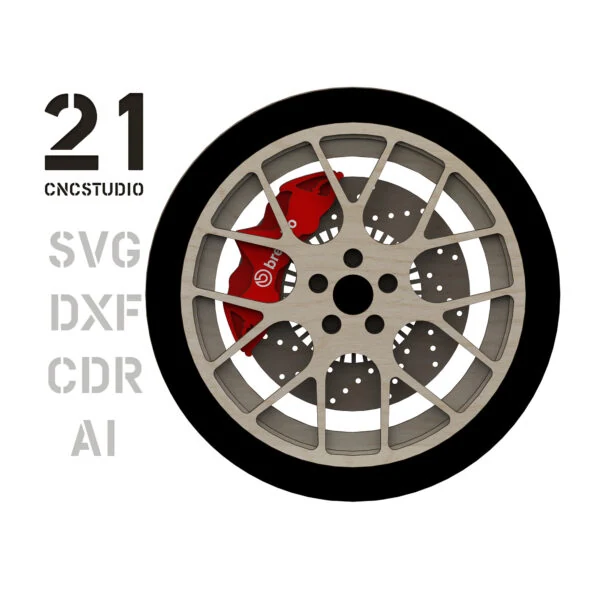
Explore the designA layered wheel design to display alongside your models.
From file to workbench
Start with the design you want to build, then check its file version against your material and machine.
Pick an individual model or a set of related designs. Check the included files on its page; a collection image does not mean every model is supplied together.
At the 3 mm material scale, no individual part exceeds 290 mm. Rescaling changes the part sizes too. See each model for file formats and assembly instructions.
Material thickness and the width of the laser cut affect how parts meet. Cut a small joint sample before committing a whole sheet, and adjust the fit for your setup.
These are digital designs for laser cutting. You supply the material, cut the parts and assemble the model. Each design page explains which files and instructions are included.
A model page covers one design. A set brings related designs together, such as the H1 pickup and wagon. Check the specific listing before buying, particularly if you already own one of the included models.
The supplied versions depend on the design. Choose the one that matches your measured material. At the scale for 3 mm material, no individual part exceeds 290 mm; the assembled model can be much larger.
Uniform scaling changes the overall size, slots and tabs together. Match the scale to your actual material thickness and test a joint first. For an SVG version, Laser Studio offers scaling and cut-preparation tools.
Explore the Trains collection for Big Boy, Dollywood locomotives and a matching Big Boy tender. The collection links to each design separately.