Simple Biplane / Laser-cut design
Two wings. One small build.
SVG and DXF files for a compact wooden biplane, with PDF assembly instructions. Build the stacked wings, open cabin and tail from a single-sheet cutting layout.
Digital design · SVG + DXF · PDF guide
No physical model or materials are shipped.
01 /The design
A small cabin between two wings.
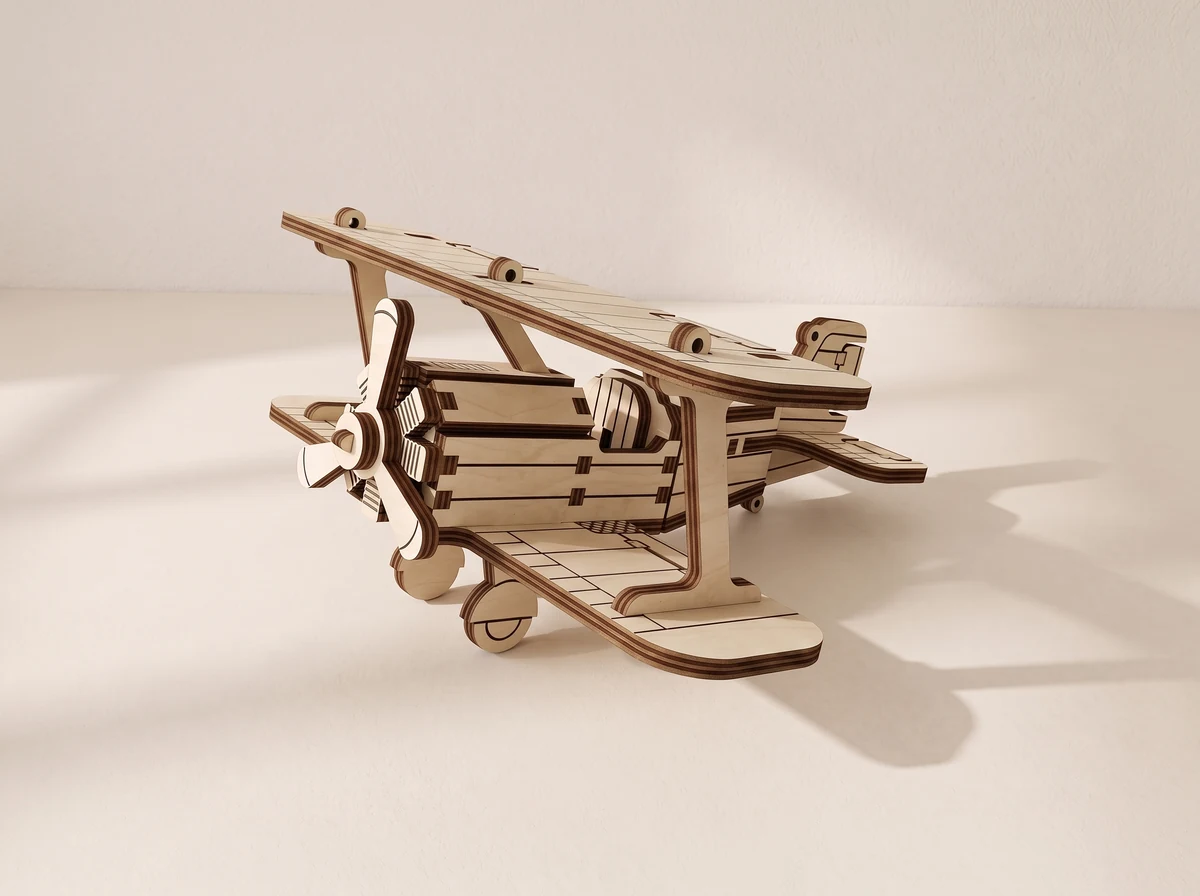
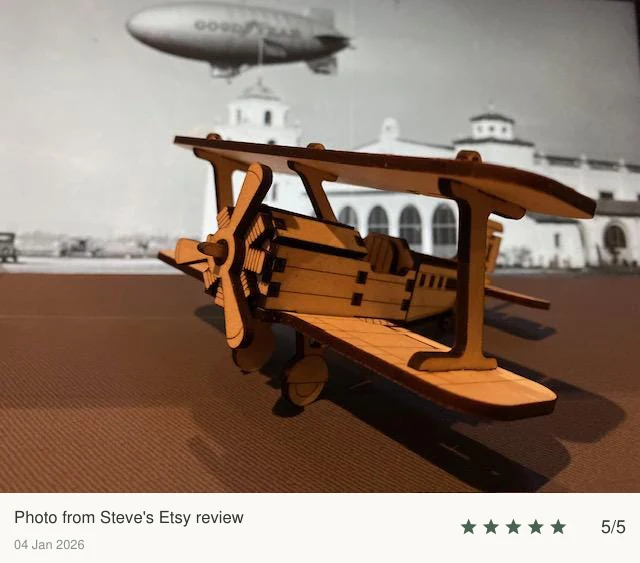
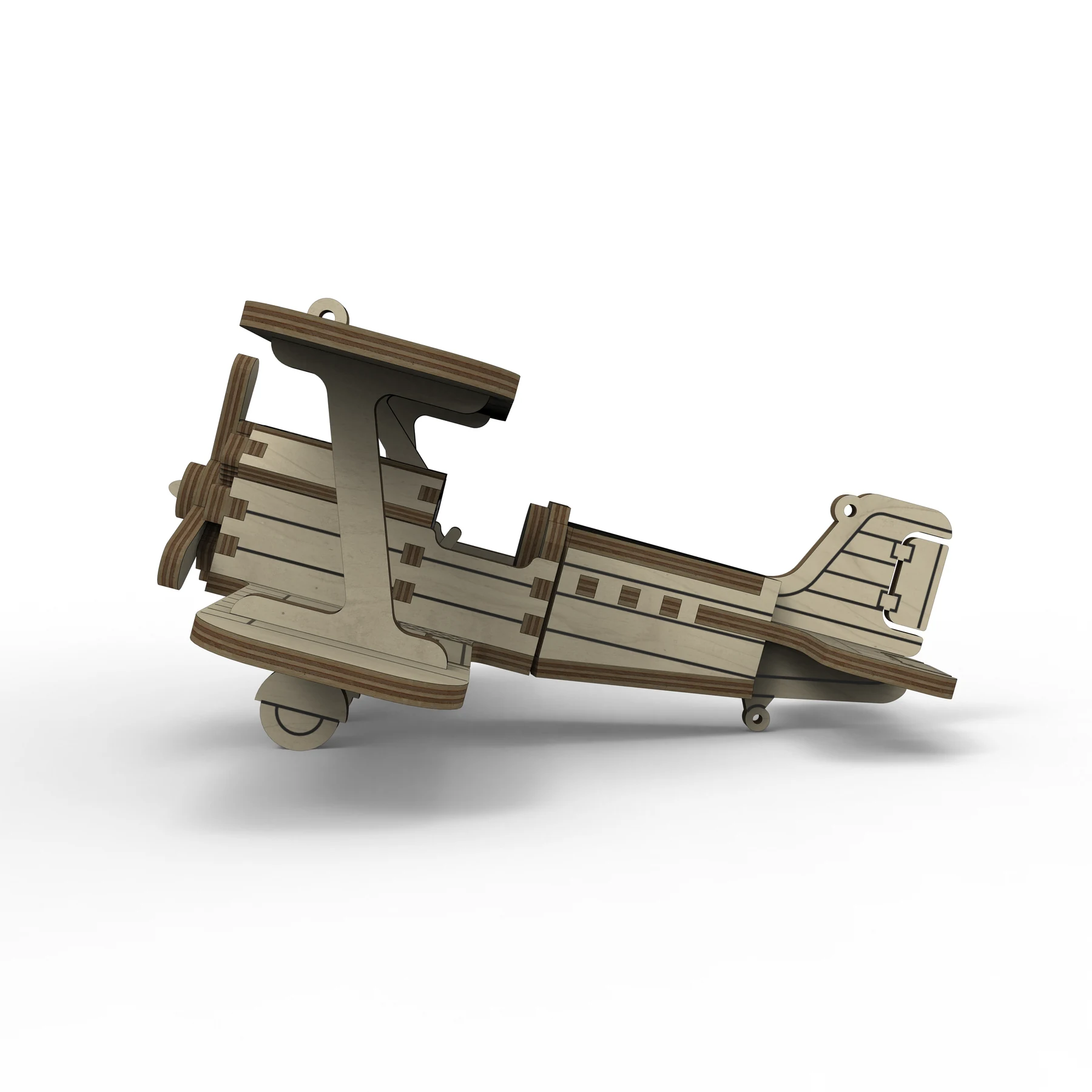
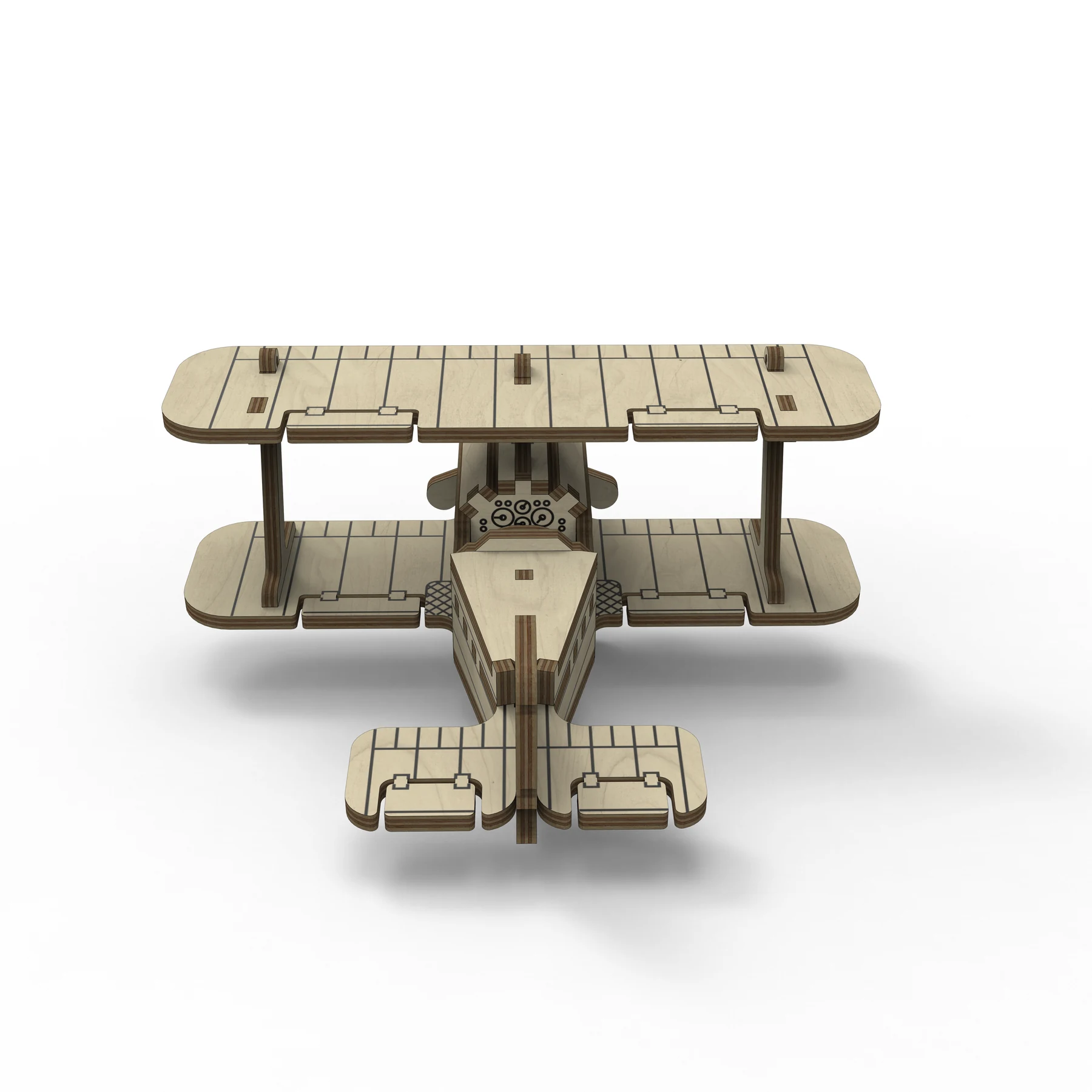
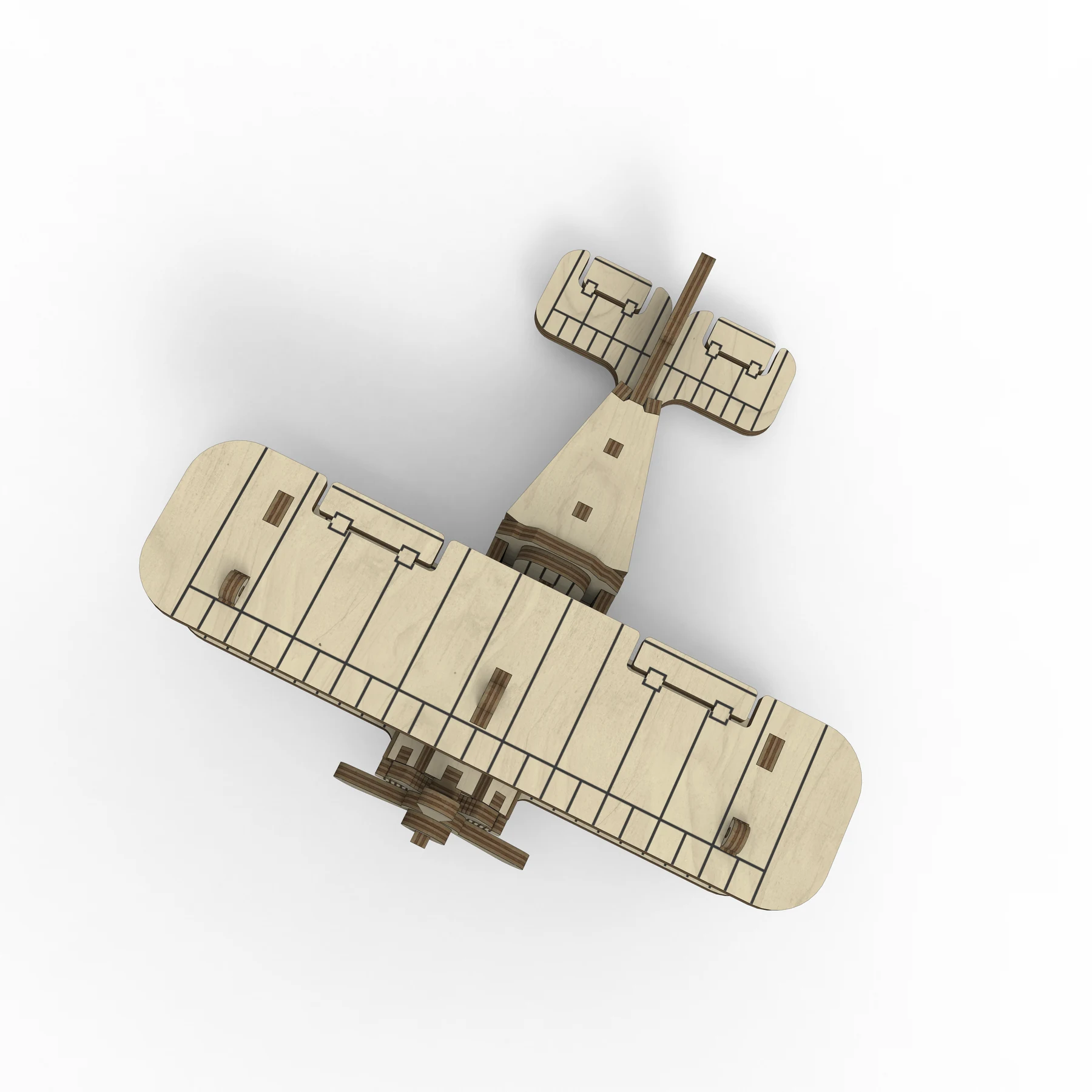
The two wings sit above and below the open cabin, with a front propeller and tail surfaces completing the profile. Original renders show the side, rear and overhead arrangement; a customer photograph shows the assembled wooden model.
The cutting layout specifies one 185 × 205 mm sheet. Files for 3 mm and 1/8-inch plywood are supplied with a PDF assembly guide. The sheet dimensions describe the layout rather than the finished aircraft.
Compact biplane design
Two wings and an open cabin define the model.
Single-sheet layout
The design specifies one 185 × 205 mm cutting sheet.
Assembly PDF
Use the guide to identify the parts and construction sequence.
Views & details
A closer look.
Different views, details and a physical build. Select an image for a larger view.
02 /At your workbench
Choose your material.Make it fit.
Measure first.
Check your actual material thickness and the matching file version. Test the slots and kerf on a small cut.
Check the layout.
Open the supplied design in compatible laser software. Check that the layout fits your machine’s usable work area.
Follow the guide.
Use the PDF assembly guide to identify the parts and work through the construction sequence.
Plan this build.
Check the cutting layout against your usable laser area and choose the version for your measured plywood. Test fitted connections and inspect the wing supports before cutting the full model.
At the 3 mm material scale, no individual part exceeds 290 mm. This refers to one part, not the assembled model or the whole cutting layout. Rescaling changes that limit.
Before you start.
- Design files
- SVG + DXF
- Assembly guide
- PDF included
- Material versions
- 3 mm / 1/8 inch plywood
- Cutting layout
- One 185 × 205 mm sheet
Is 185 × 205 mm the size of the finished biplane?
Those dimensions describe the cutting layout. Check the assembled model dimensions in the current files if you are planning a particular display space.
What do I receive?
SVG and DXF cutting designs with PDF assembly instructions, prepared for 3 mm and 1/8-inch plywood. No physical aircraft or material is supplied.
Can I change the scale?
Scale every part equally. Slots and tabs change with the design, so the material thickness must change in the same proportion; the finished dimensions also change. Test the fit and kerf before cutting all the parts.
Can I use the design commercially?
Contact 21CNCStudio to discuss permission before commercial use. Do not redistribute the digital files without the author’s permission.
03 /From the studio to your workbench
Build the compact biplane.
View the Simple Biplane file package and its current terms on Etsy.
View files on EtsyDigital design files.No physical model, material or hardware is shipped.