Cutting or engraving?
The build designs use cut parts. Engraving artwork creates an image on a surface; it does not assemble into the figure shown. Check the listing for the right files and workflow.
Home & garden / Digital cutting & engraving files
A clock for the wall, a place for keys or a decorative piece to make yourself. Explore laser-cut projects and a separate collection of engraving artwork.
Digital files · Make it with your own material
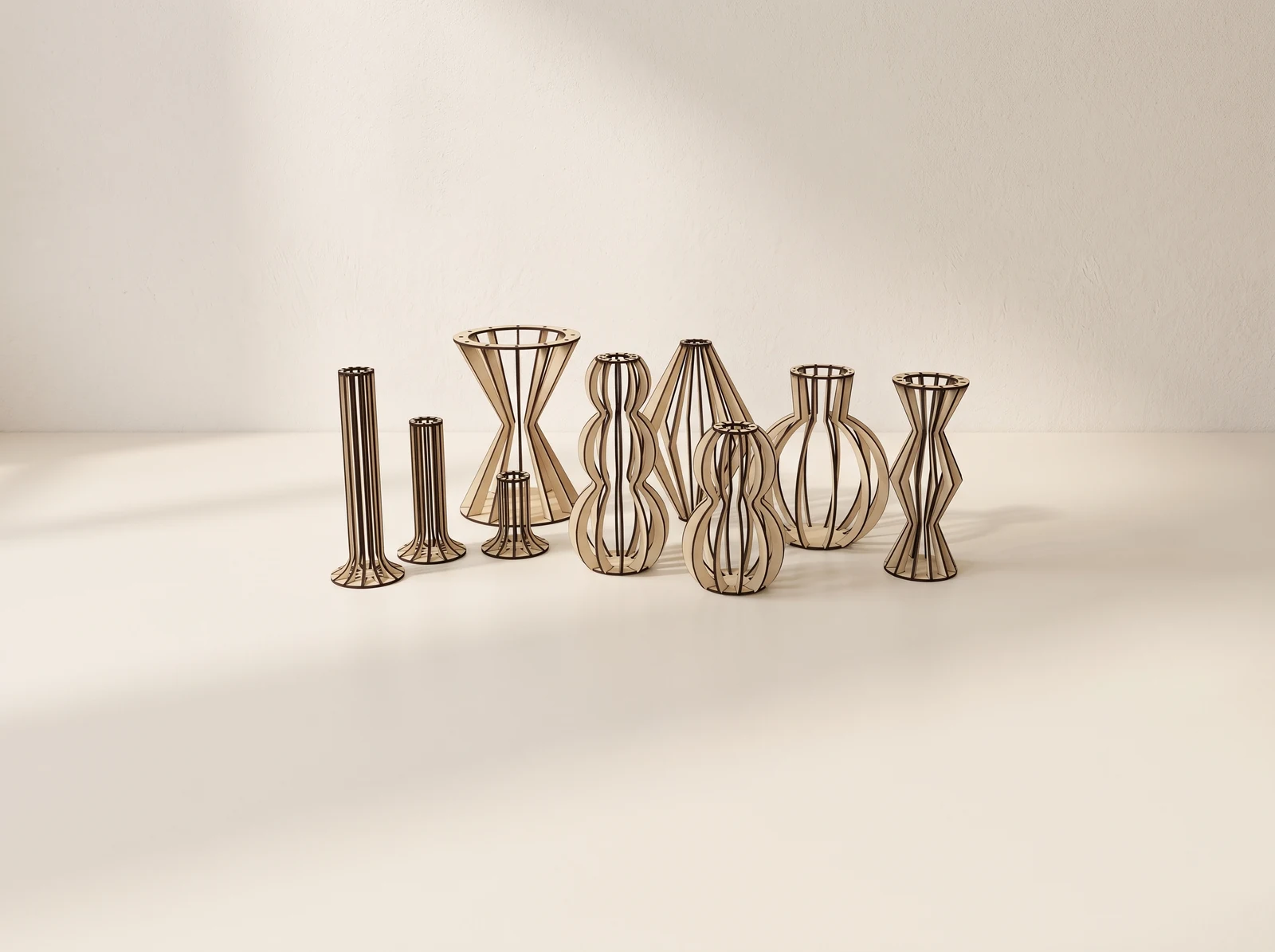
26 designs
Decorative builds, a coin bank and small house designs.
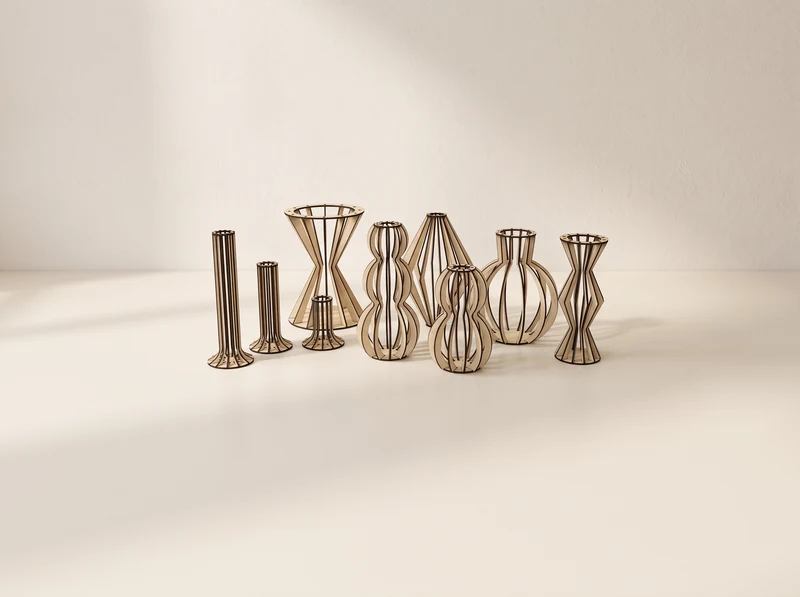
01 / Digital cut design
Curved ribs form a set of open vase shapes, from narrow waists to rounded bodies.
Explore the design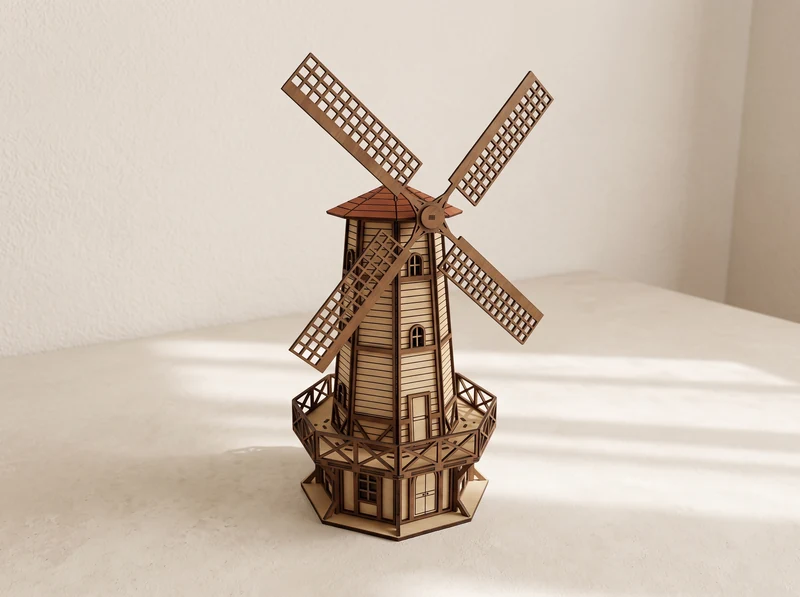
02 / Digital cut design
A tall wooden tower supports four lattice blades above a small wraparound balcony.
Explore the design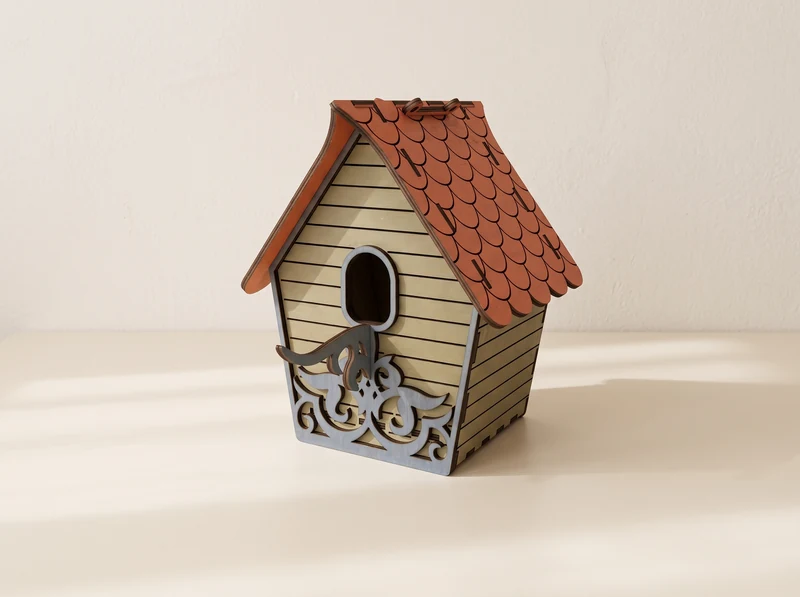
03 / Digital cut design
A steep roof covers a small house with a round entrance and an ornamental front panel.
Explore the design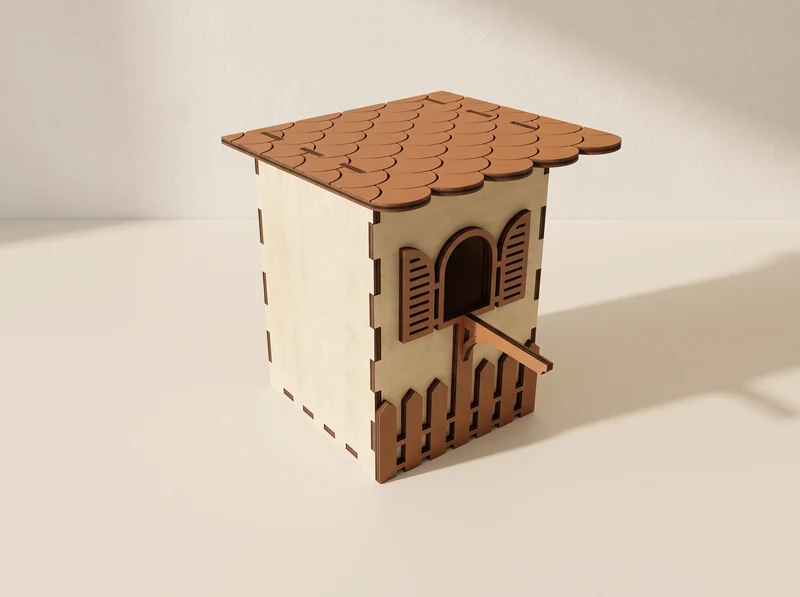
04 / Digital cut design
A broad roof overhangs the front, where shutters and a small balcony surround the opening.
Explore the design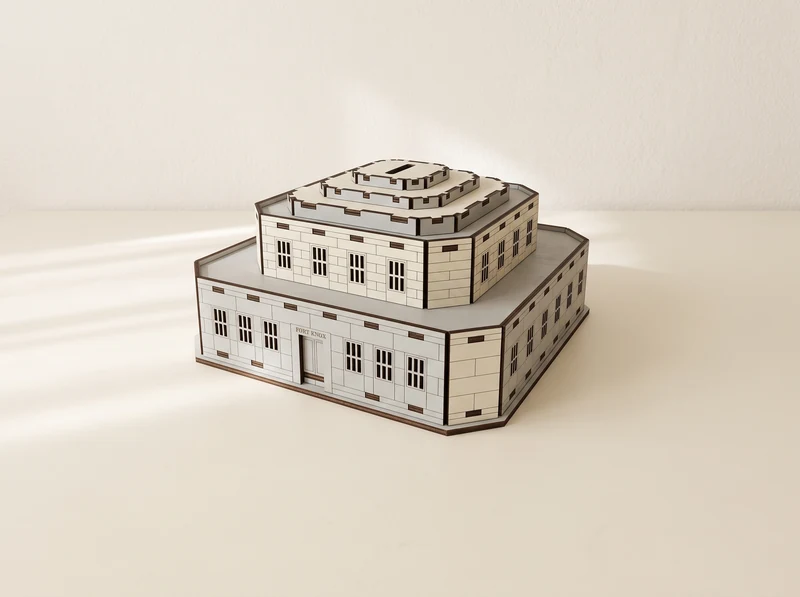
05 / Digital cut design
A square building-shaped coin bank with stepped walls and small window details.
Explore the design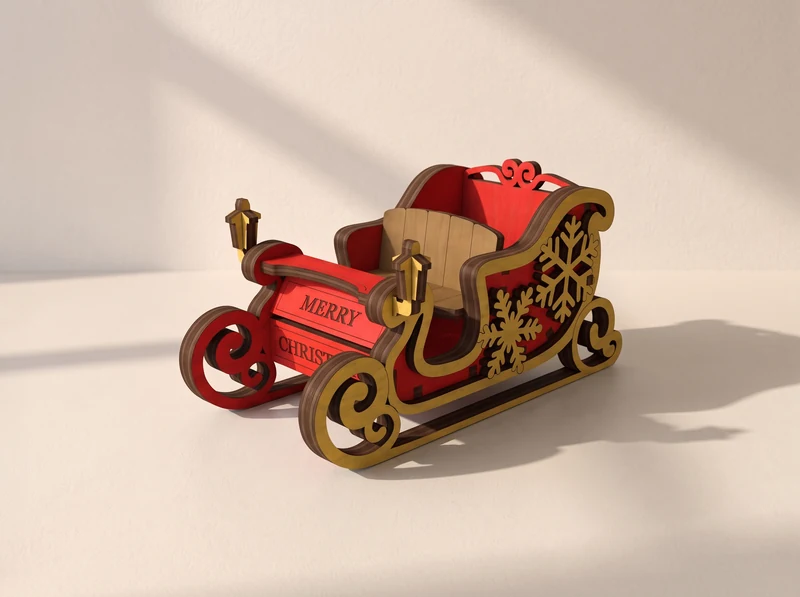
06 / Digital cut design
Curled runners and decorative side panels frame a small Christmas sleigh.
Explore the designClocks, key holders and two distinct Tooth Fairy hangers. Hardware requirements depend on the design.
07 / Digital cut design
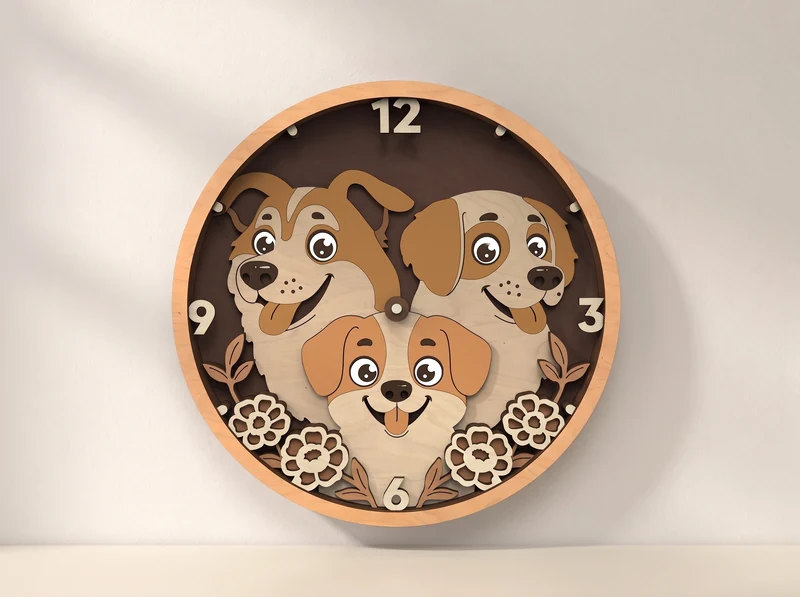
Three dog faces fill a round clock design, with paw prints arranged around the lower edge.
Explore the design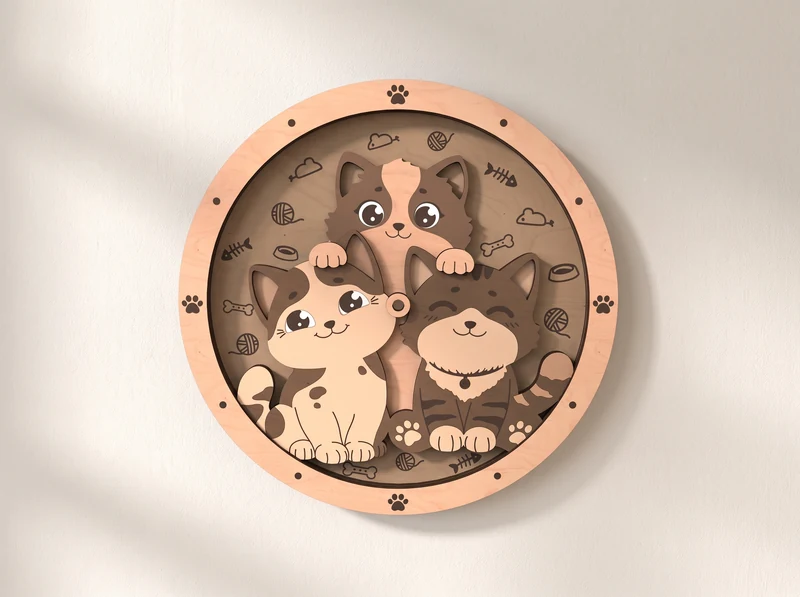
08 / Digital cut design
Three cats fill a round clock face, with small decorative details between them. Check the design for the required clock hardware.
Explore the design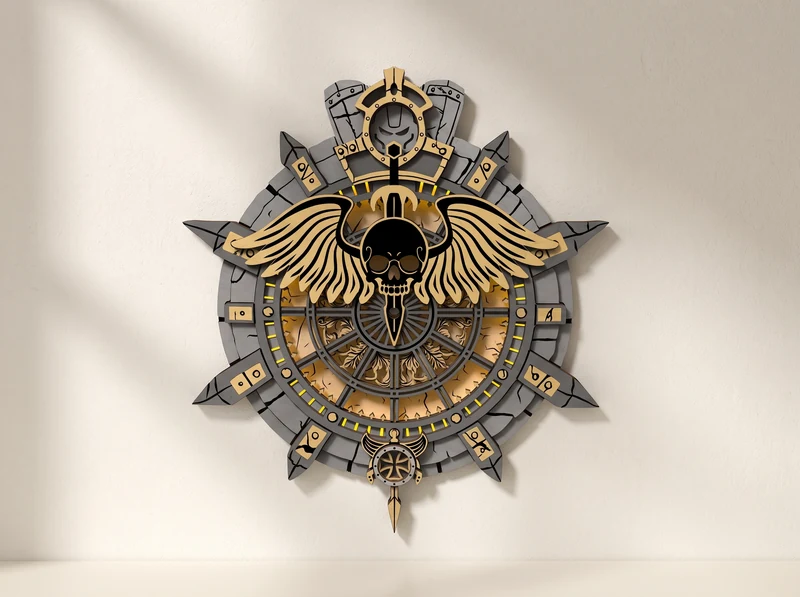
09 / Digital cut design
A winged skull sits over a circular dial surrounded by angular decorative panels.
Explore the design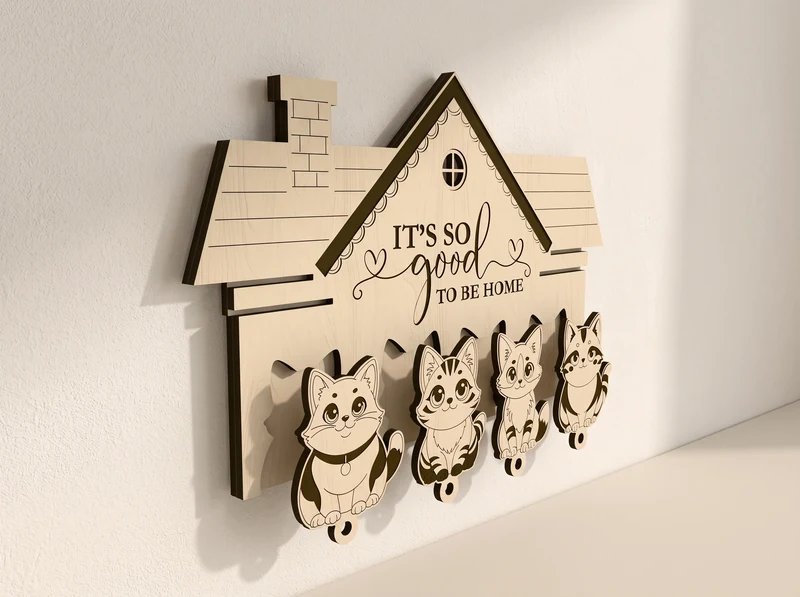
10 / Digital cut design
A house-shaped plaque carries a row of cat figures along its lower edge.
Explore the design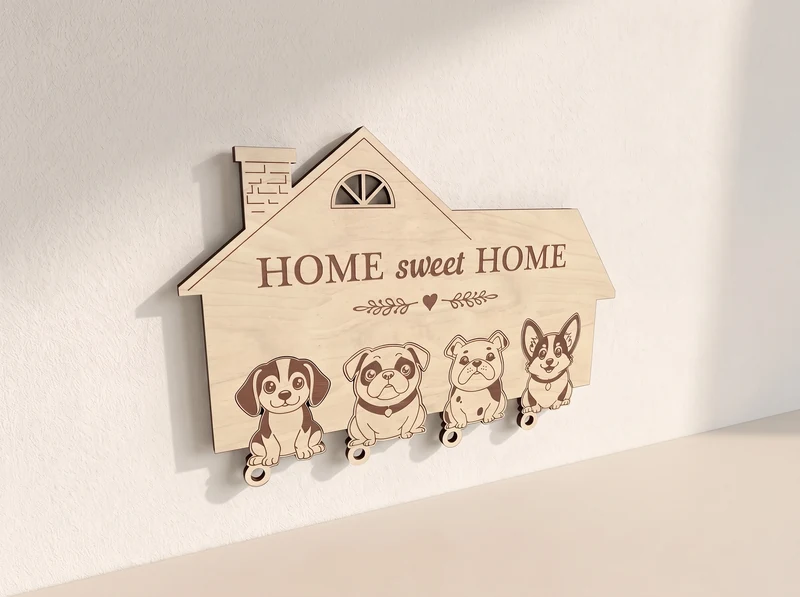
11 / Digital cut design
A row of dog figures hangs below a house-shaped Home Sweet Home plaque.
Explore the design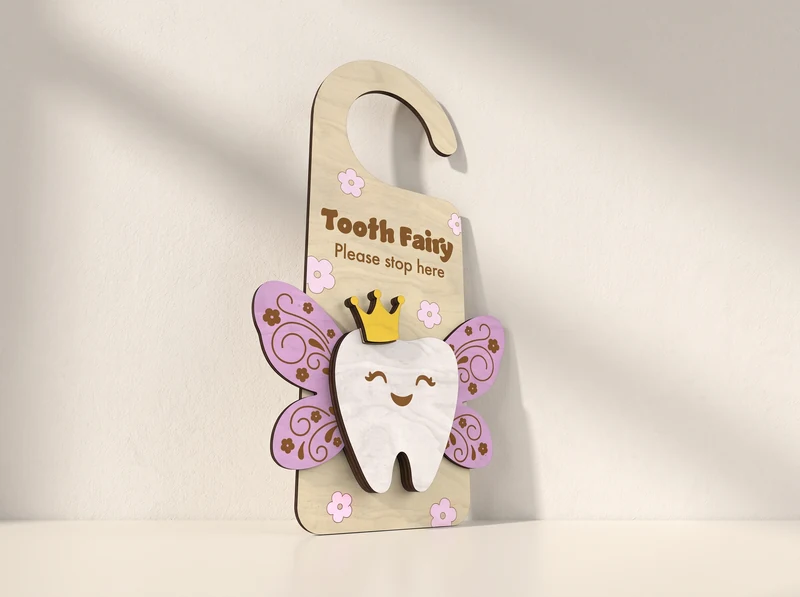
12 / Digital cut design
A crowned tooth with closed eyes and pink wings sits at the bottom of the door hanger.
Explore the design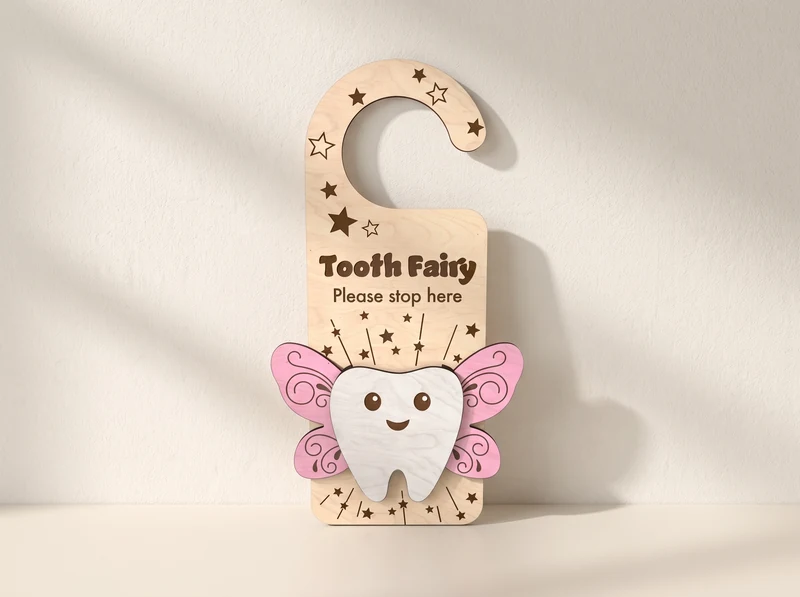
13 / Digital cut design
A star-patterned hook sits above a winged tooth with open eyes.
Explore the designThirteen engraving designs for decorative pieces. These images are surface artwork, not files for assembling the pictured figure.
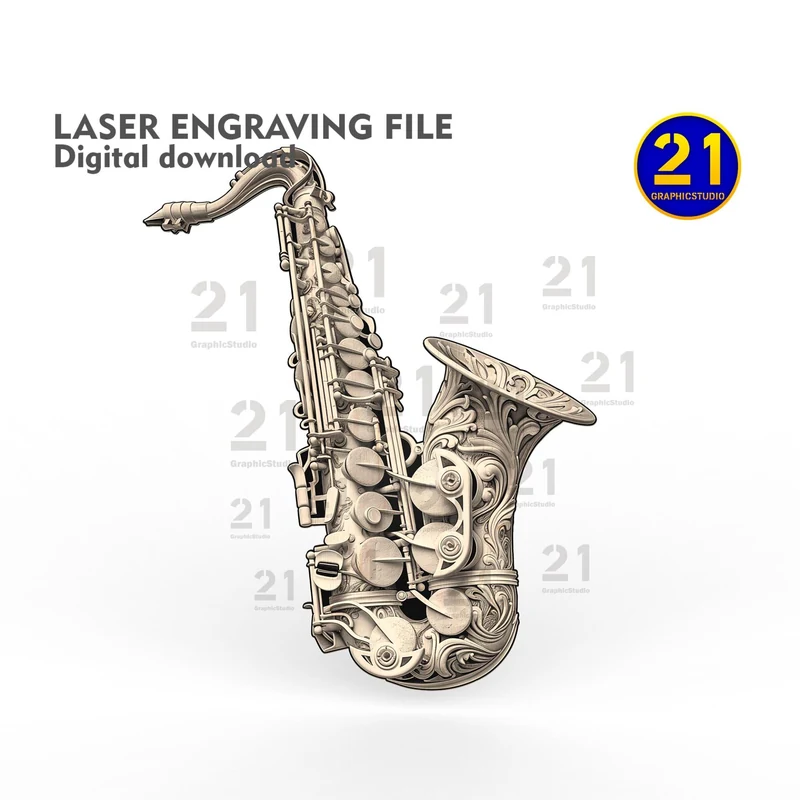
14 / Engraving artwork
Flowing ornament follows the saxophone’s curved body. This is an engraving design, not an instrument model.
Design preview · file link to follow
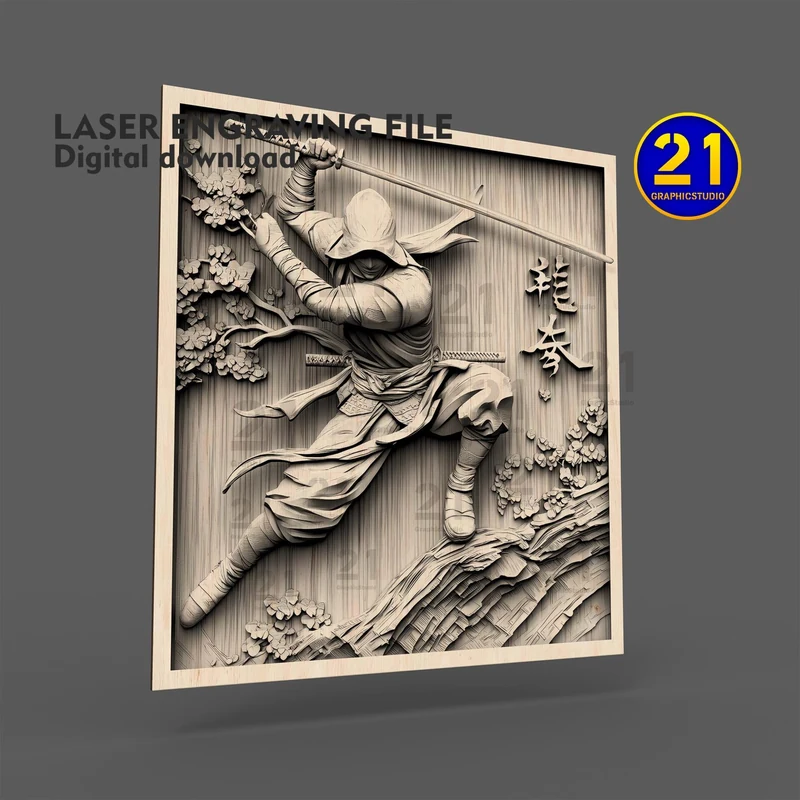
15 / Engraving artwork
A moving warrior and flowing fabric fill a rectangular composition with decorative details.
Design preview · file link to follow
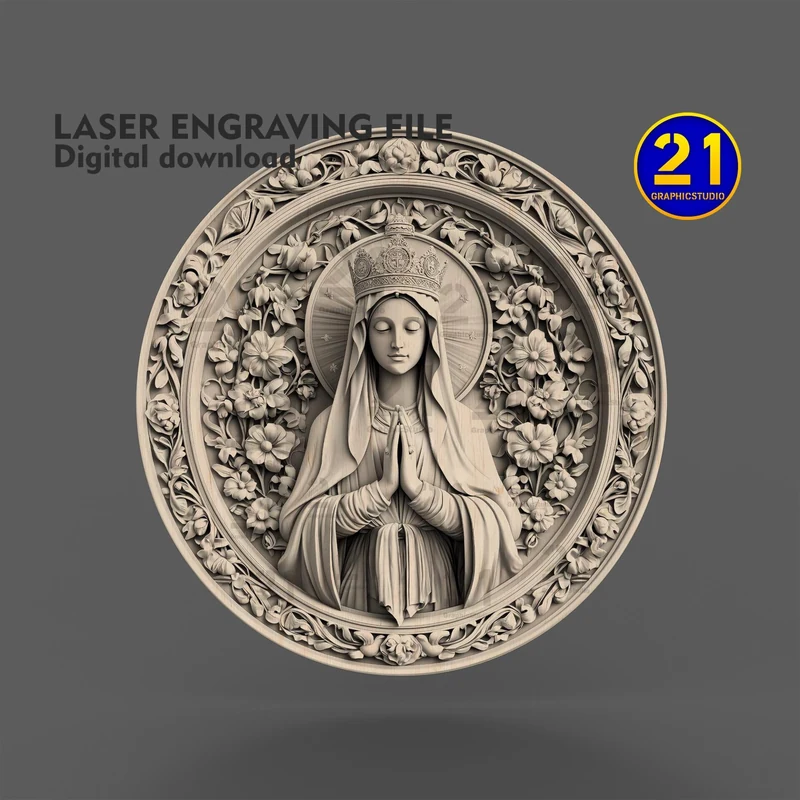
16 / Engraving artwork
A figure with folded hands sits inside a circular ornamental border.
Design preview · file link to follow
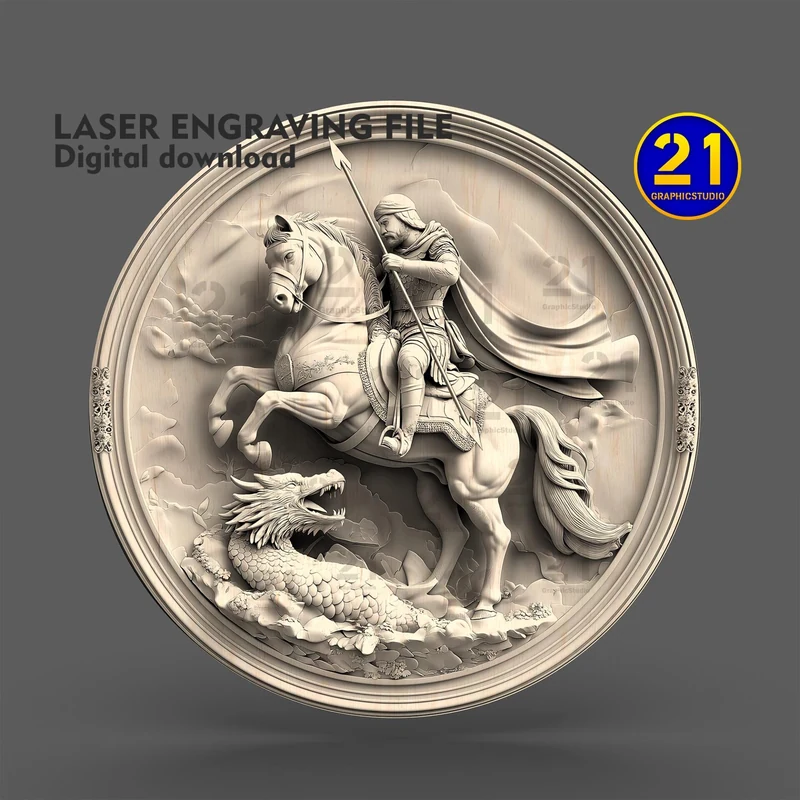
17 / Engraving artwork
A mounted rider and dragon form a circular scene with a raised-looking engraved finish.
Design preview · file link to follow
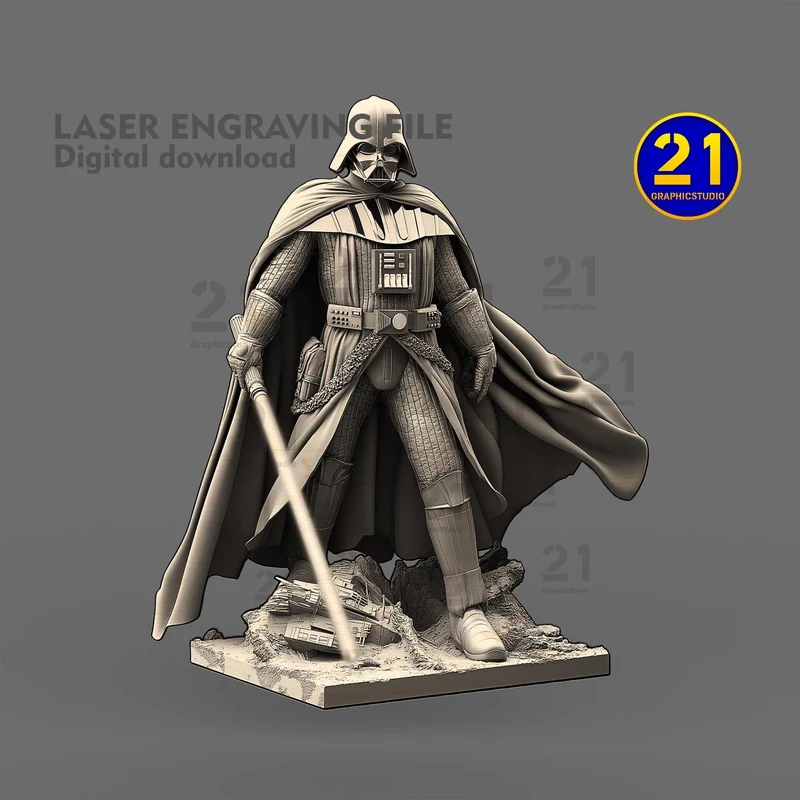
18 / Engraving artwork
A cloaked figure stands with a long weapon in this detailed engraving composition.
Design preview · file link to follow
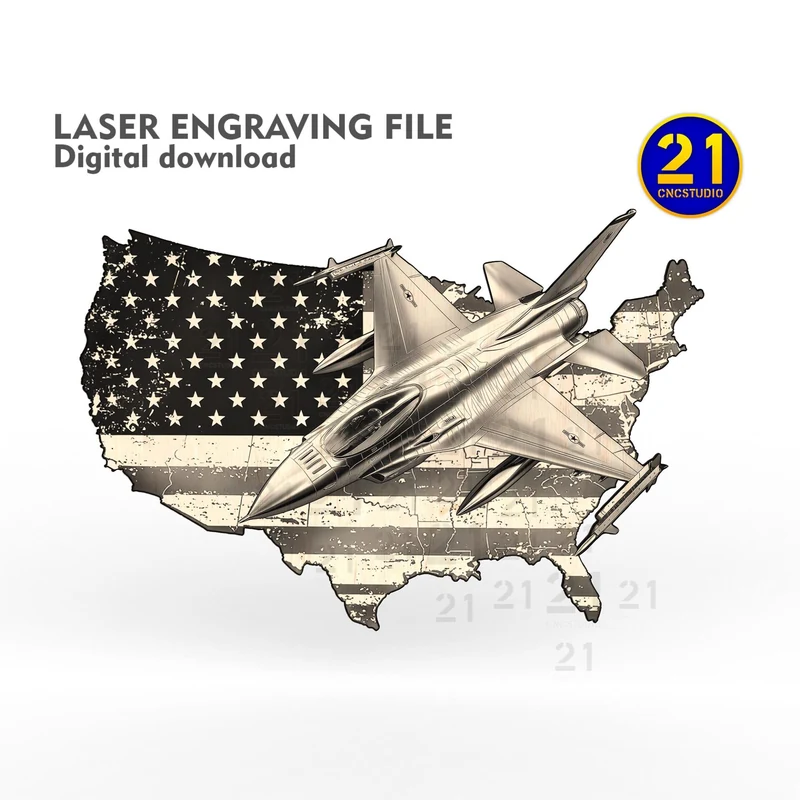
19 / Engraving artwork
A jet crosses a U.S.-shaped flag background. Use the individual listing to check the engraving and outline files.
Design preview · file link to follow
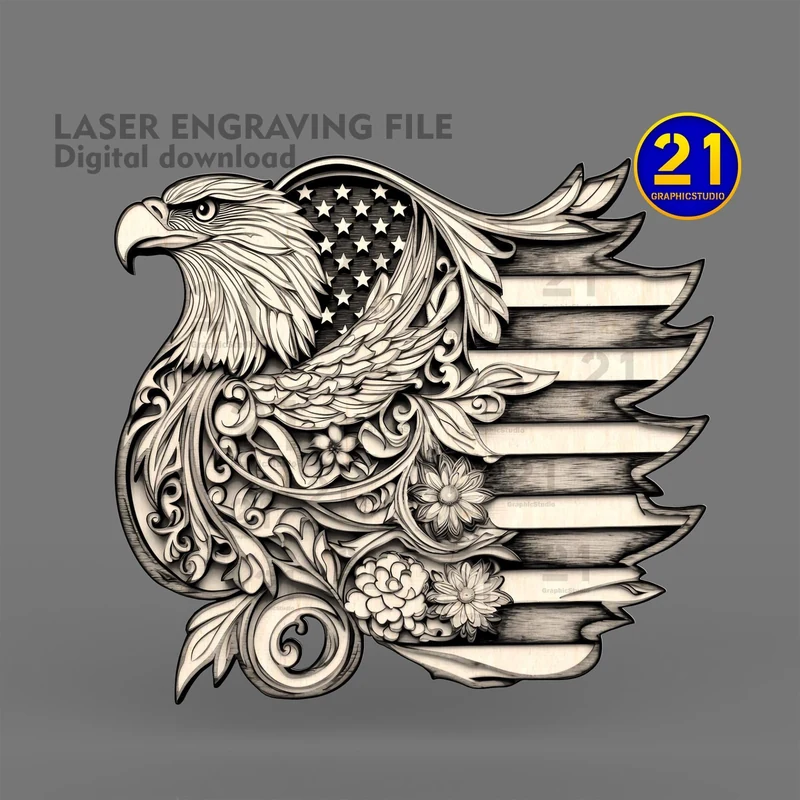
20 / Engraving artwork
An eagle’s head and flowing ornament overlap a stylized flag arrangement.
Design preview · file link to follow
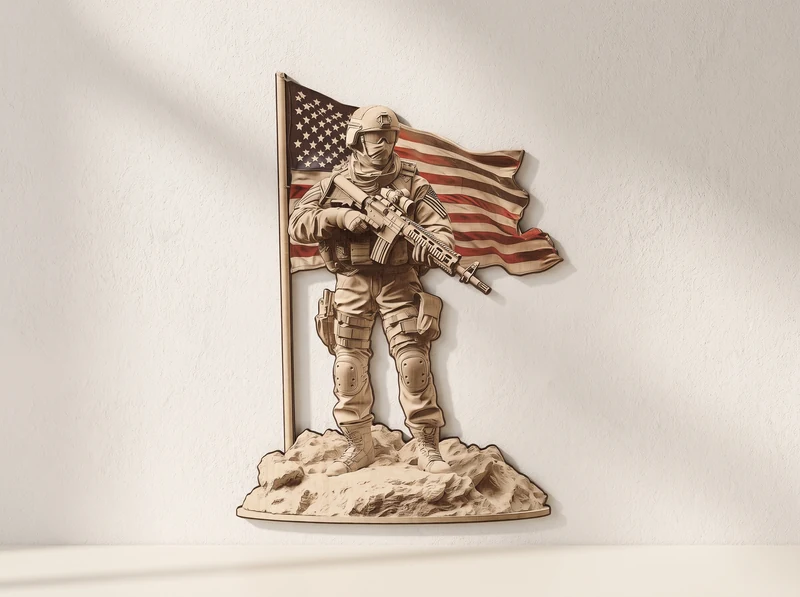
21 / Engraving artwork
A standing soldier fills the foreground, with a flag extending behind the figure.
Explore the design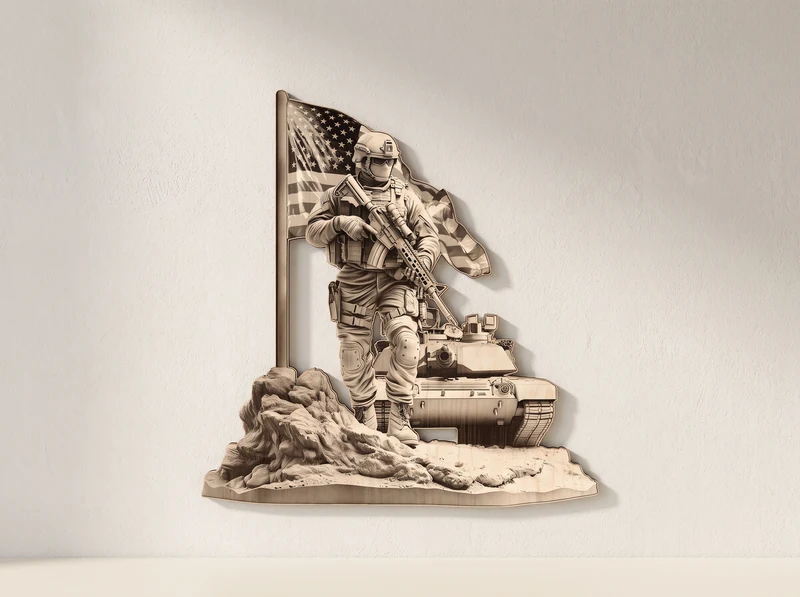
22 / Engraving artwork
A front-facing soldier stands beside a tank with the flag behind them. Compare the preview with the other soldier designs.
Explore the design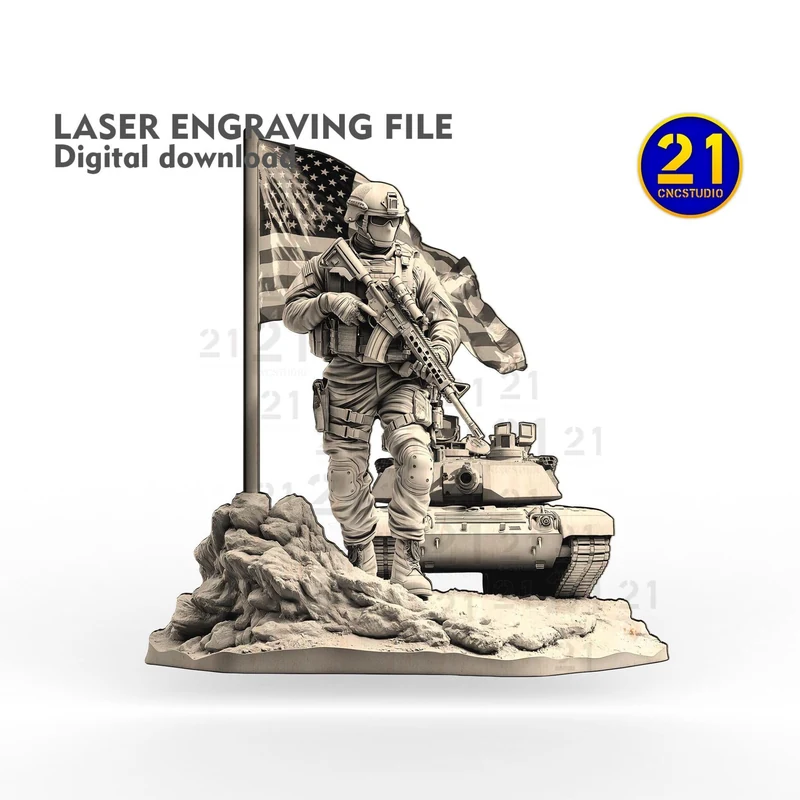
23 / Engraving artwork
The soldier and tank are shown from an angle in this separate listing. Check its files before choosing between similar designs.
Design preview · file link to follow
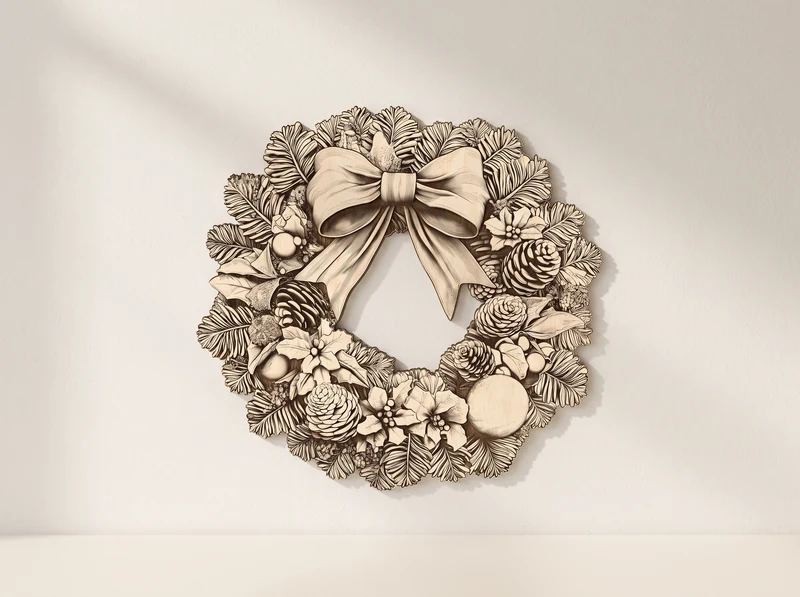
24 / Engraving artwork
A large bow tops a wreath of foliage, fruit and small decorative details.
Explore the design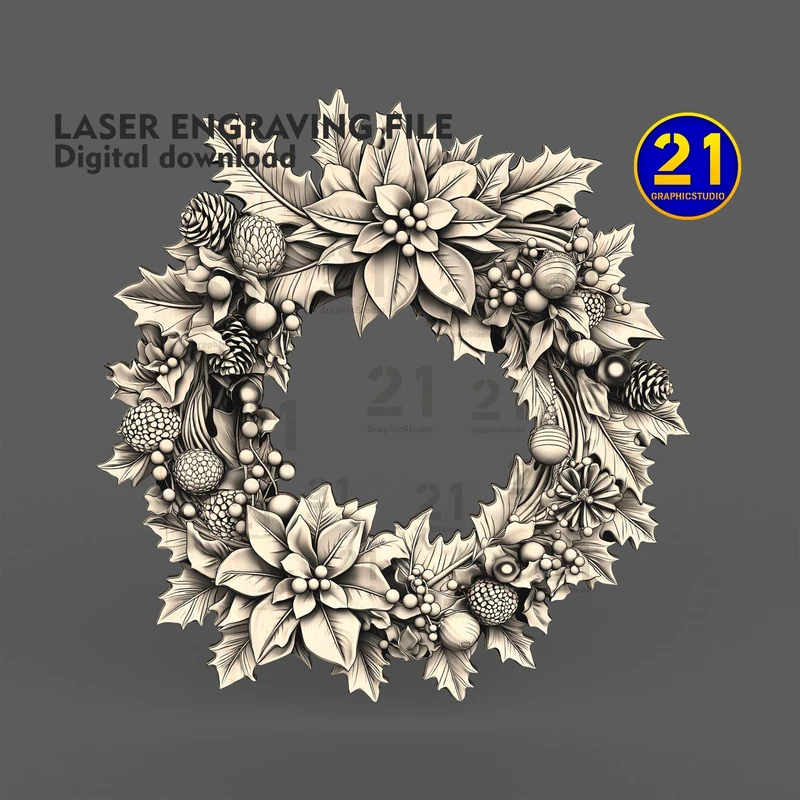
25 / Engraving artwork
Large blossoms, pinecones and leaves form a full circular wreath.
Design preview · file link to follow
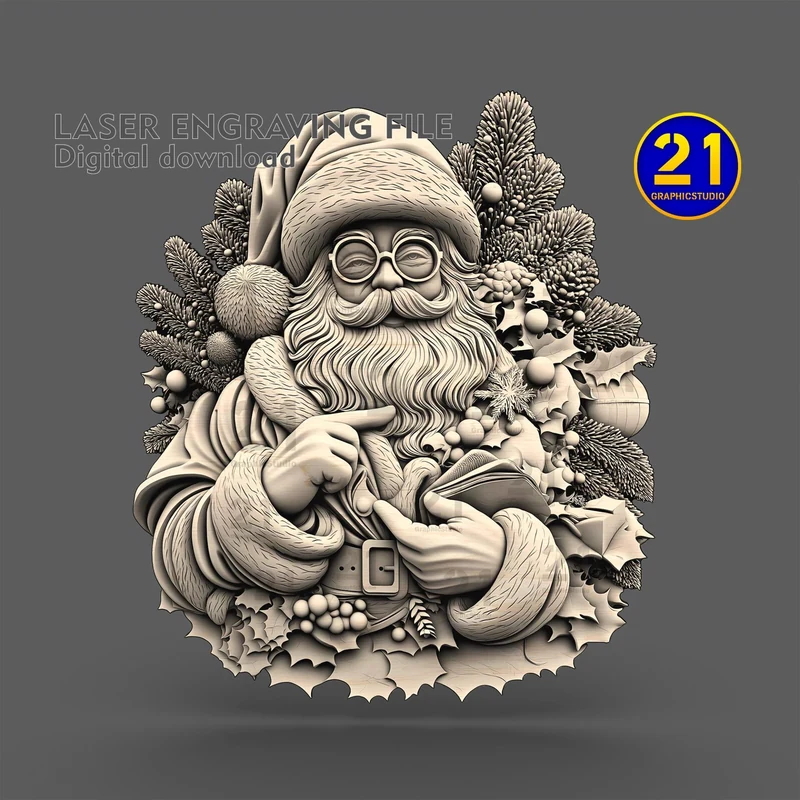
26 / Engraving artwork
A bearded Santa sits among small festive details in a shaped engraving composition.
Design preview · file link to follow
Before you make it
A slotted model and an engraved picture need different preparation.
The build designs use cut parts. Engraving artwork creates an image on a surface; it does not assemble into the figure shown. Check the listing for the right files and workflow.
For cut models at the 3 mm material scale, no individual part exceeds 290 mm. Resizing changes part sizes and any slots. Test the fit on your measured material.
Check the clock mechanism, hooks or mounting parts needed for your chosen design. Outdoor use needs a suitable material and finish; the preview does not establish weather resistance.
No. These are digital cutting and engraving designs. You provide the material and any hardware, such as a clock movement or hooks.
Check the design’s intended use and choose a suitable material, finish and mounting method. A pictured wooden model is not a promise of weather resistance or suitability for nesting birds.
The previews show open ribbed decorative forms. Do not assume they are watertight. Check the design and use an appropriate separate container if you need to hold water.
One shows a crowned tooth with closed eyes; the other has stars on the hook and a tooth with open eyes. They are shown separately so you can choose the design you want.
No. The engraving images use shading to depict depth. They are surface-art designs, not assembly kits or printable STL models. Check each listing for its image and outline files.
Laser Studio currently imports SVG. It can help prepare a supported vector outline for cutting, but it is not a PNG engraving editor. Use suitable engraving software for the raster image and test settings on your material.