Choose the scale.
Display models, gaming buildings and 1:64 car scenes serve different purposes. Check the finished dimensions of the specific design before planning a shelf or combining buildings in one scene.
Miniature buildings / Digital laser-cut files
Laser-cut files for wooden houses, churches and a lighthouse, plus buildings for 1:64 car dioramas. Choose an architectural model to cut and assemble.
Digital files · No physical building or kit
9 building designs / Plus tabletop terrain
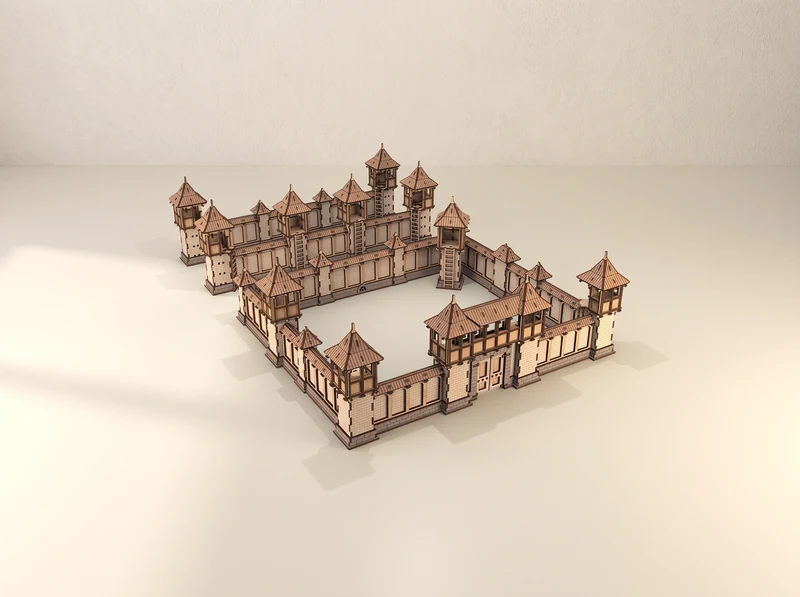
Explore a collection
Pagodas, watchtowers, fortifications and medieval scenery. Explore the dedicated collection of 12 terrain designs, sets and a gaming accessory.
Explore tabletop terrain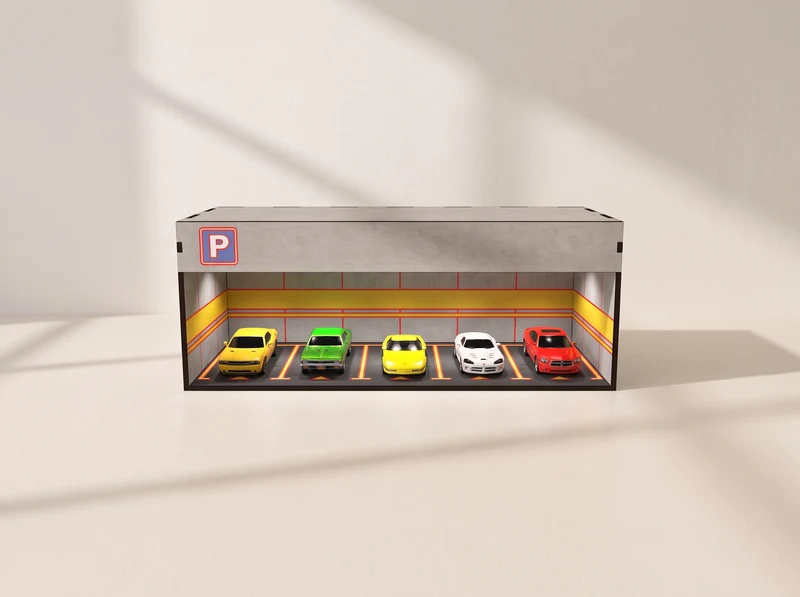
Explore a collection
Parking and service scenes for a miniature car collection. Compare the buildings here or open the dedicated diorama collection.
Explore 1:64 dioramasAI-assisted model visualizations. Check each design for the files, scale and parts included.
Three different silhouettes, from timber framing to a fantasy roof.
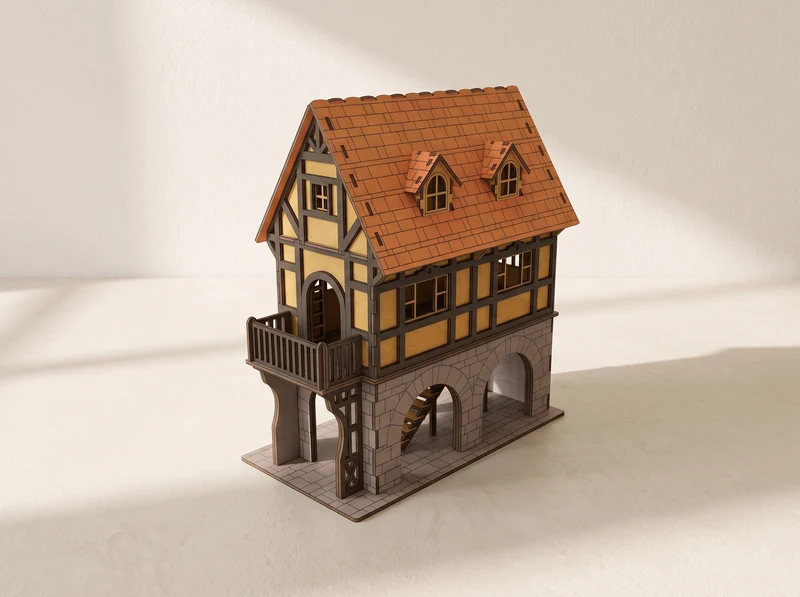
01 / Architectural model
Dormer windows and an orange roof above a timber-framed upper floor. A balcony and open arches give this house its distinctive front.
Explore the design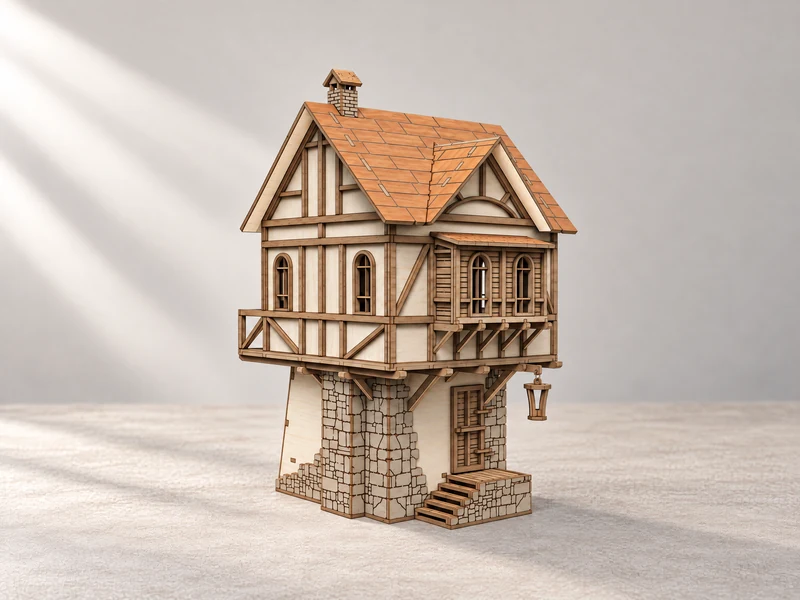
02 / Architectural model
Projecting windows, twin gables and an outside stair bring detail to a compact footprint. Compare its shape with the arched Tudor House.
Explore the design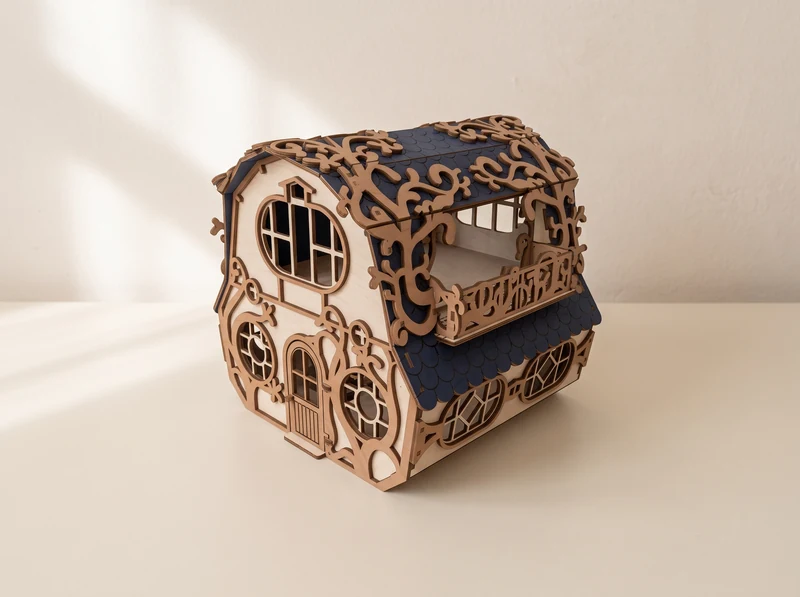
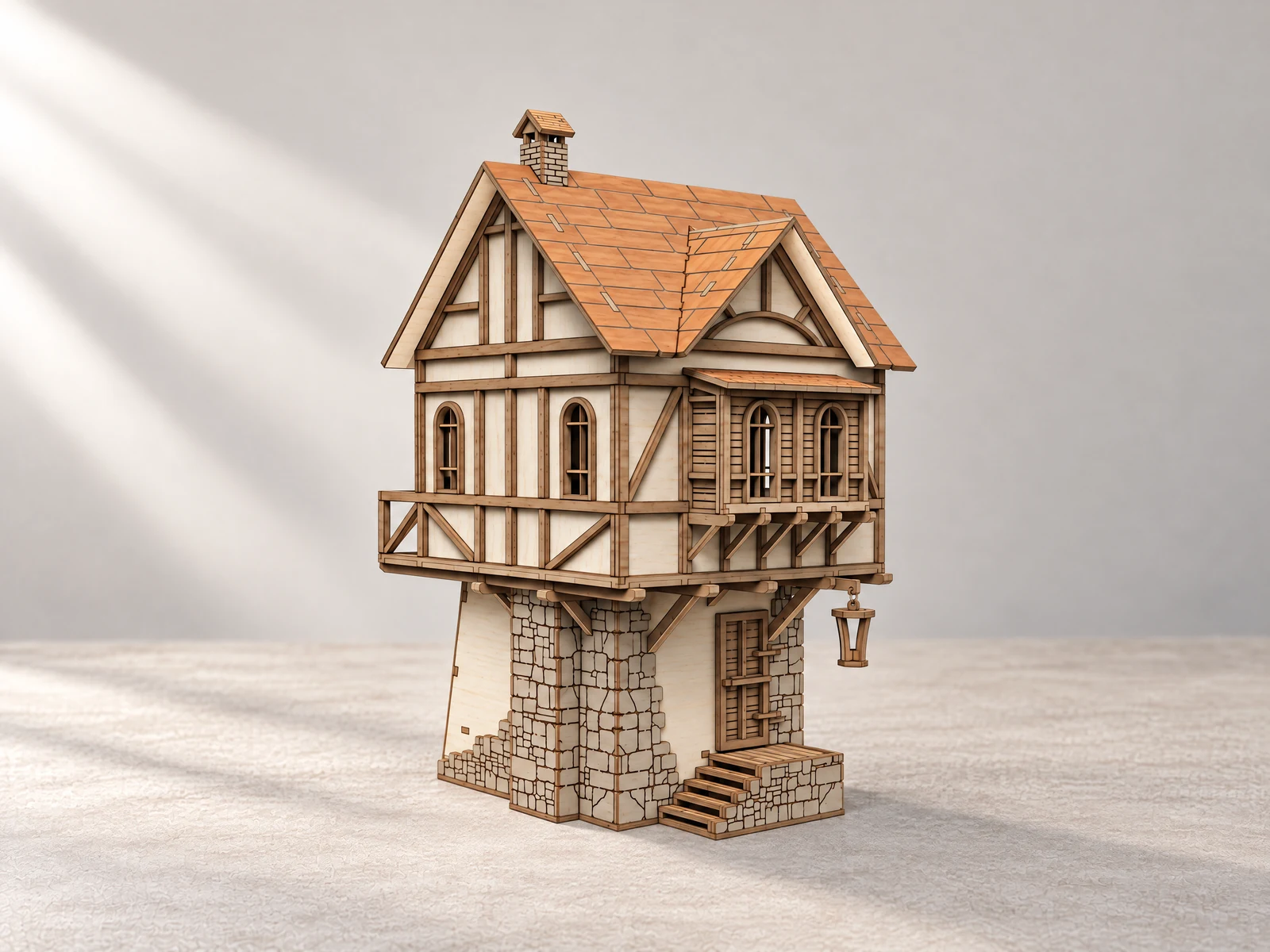
03 / Fantasy cottage
Round windows and curling branch-like trim wrap around a curved roof. A fantasy building with a different shape from the timber-framed houses.
Explore the designCompare the two church towers or build a coastal landmark.
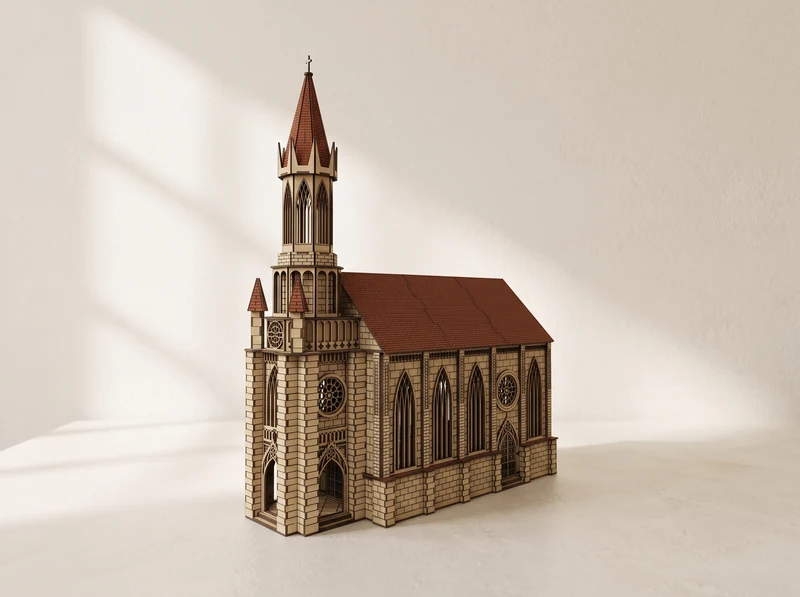
04 / Church with a spire
A slender spire rises above the entrance tower, beside a long pitched roof. Pointed windows and a circular front window define the facade.
Explore the design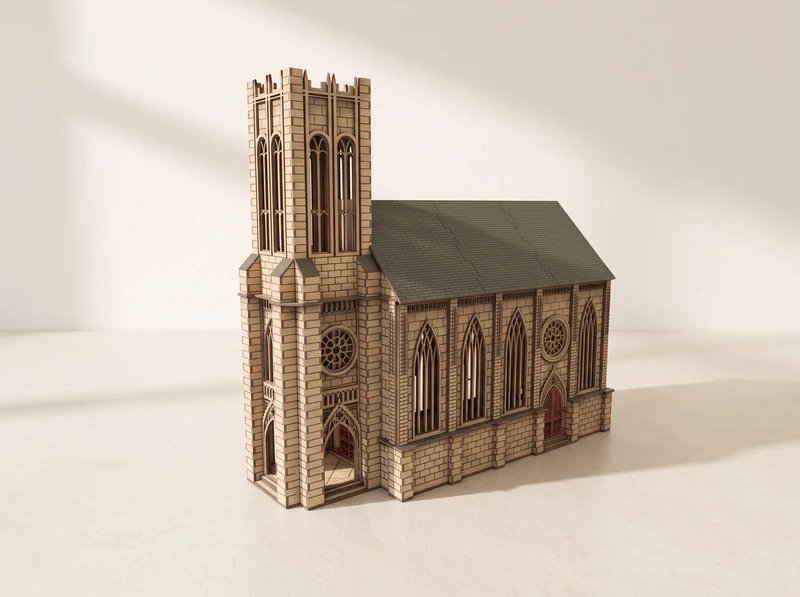
05 / Church with a square tower
A broad square tower gives this church a different profile. Tall windows and stone-patterned walls continue along the main building.
Explore the design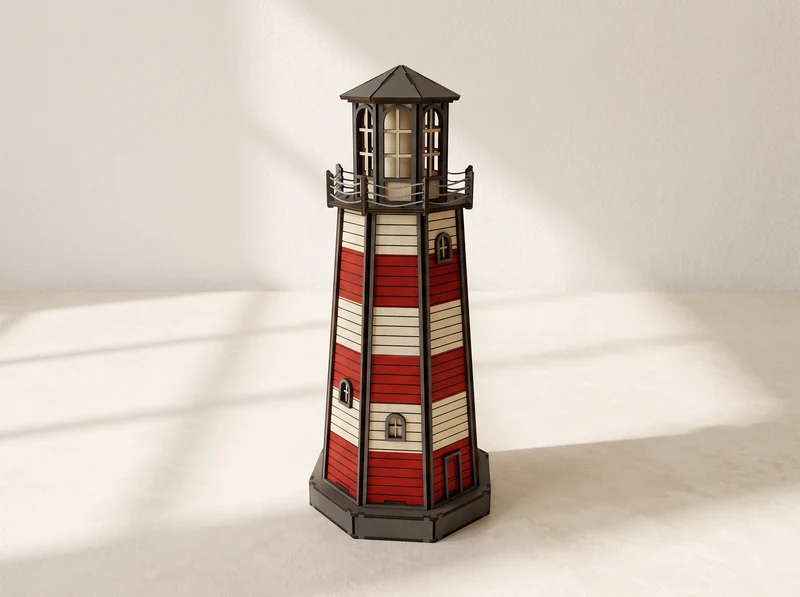
06 / Coastal model
Red and pale bands run up the tapered tower to a glazed lantern room. Build a coastal landmark with a balcony around the light chamber.
Explore the designBuildings for your own miniature cars. Vehicles shown in images are for scale.
07 / 1:64 car display
An open-front parking scene with marked bays and a parking sign. A building design for displaying your own miniature cars.
Explore the design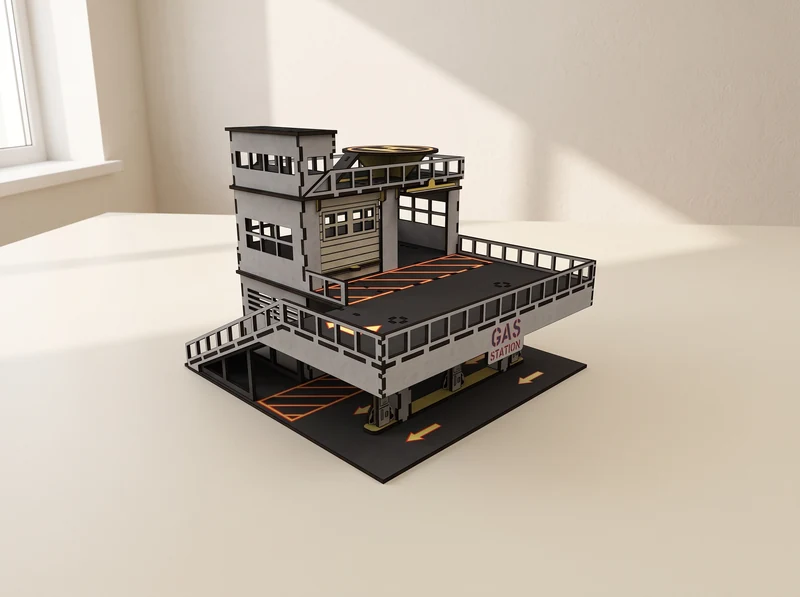
08 / 1:64 diorama
Service bays below an upper parking deck, with pumps at the front. Give a miniature car collection a multi-level setting.
Explore the design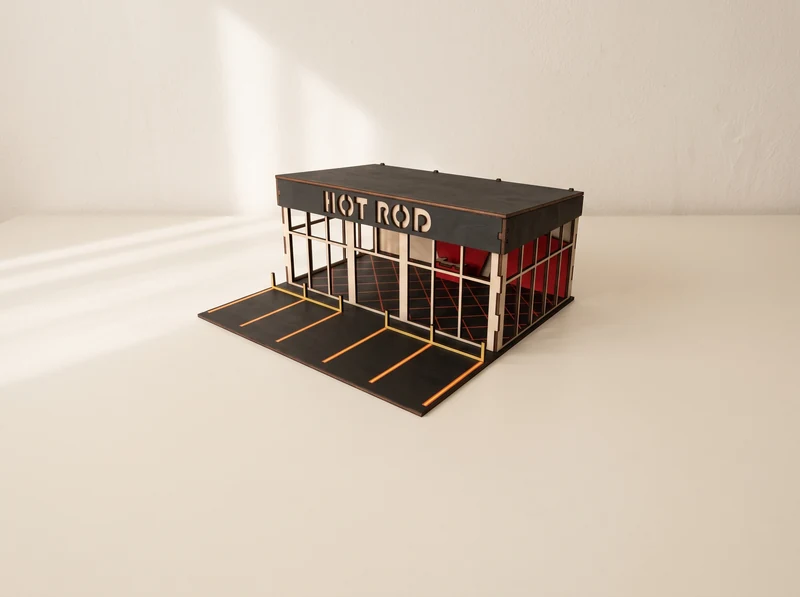
09 / 1:64 display building
A wide glazed facade behind a row of marked parking spaces. An open view into a showroom for your own diecast collection.
Explore the designFrom file to workbench
Start with the design you want to build, then check its file version against your material and machine.
Display models, gaming buildings and 1:64 car scenes serve different purposes. Check the finished dimensions of the specific design before planning a shelf or combining buildings in one scene.
At the 3 mm material scale, no individual part exceeds 290 mm. Rescaling changes the part sizes too. See each model for file formats and assembly instructions.
Material thickness and the width of the laser cut affect how parts meet. Cut a small joint sample before committing a whole sheet, and adjust the fit for your setup.
These are digital designs for laser cutting. You supply the material, cut the parts and assemble the building. The individual design page lists its files and assembly information.
No. The 1:64 car buildings are a separate group from the architectural display models and tabletop terrain. Check the dimensions and scale of each design before combining them.
Open the Tabletop Gaming Terrain collection for pagodas, watchtowers, a bridge, the Samurai Fortress, medieval gaming buildings and a modular space station.
The designs here are for the buildings. Cars in the visualizations show how a scene can look; use your own miniature vehicles and check the individual listing for the exact file contents.
At the scale intended for 3 mm material, no individual part exceeds 290 mm. The assembled building and full sheet layout can be larger. Rescaling changes the part sizes as well.
Scaling changes the finished size, slots and tabs together. Choose a supplied version that matches your measured material, or prepare an SVG in Laser Studio and test a joint first. The resulting building will also change scale relative to cars or figures.