Keep the scale in mind.
Compare your cars with the building dimensions before choosing a design. Resizing for thicker material also changes the building’s scale relative to a 1:64 car.
1:64 diorama buildings / Digital laser-cut files
Build a setting for your diecast collection. Choose laser-cut files for a parking garage, a service station or a car showroom, all designed for 1:64 scenes.
Digital files · No physical building or cars
03 designs / 1:64 scale
01 / Open-front display
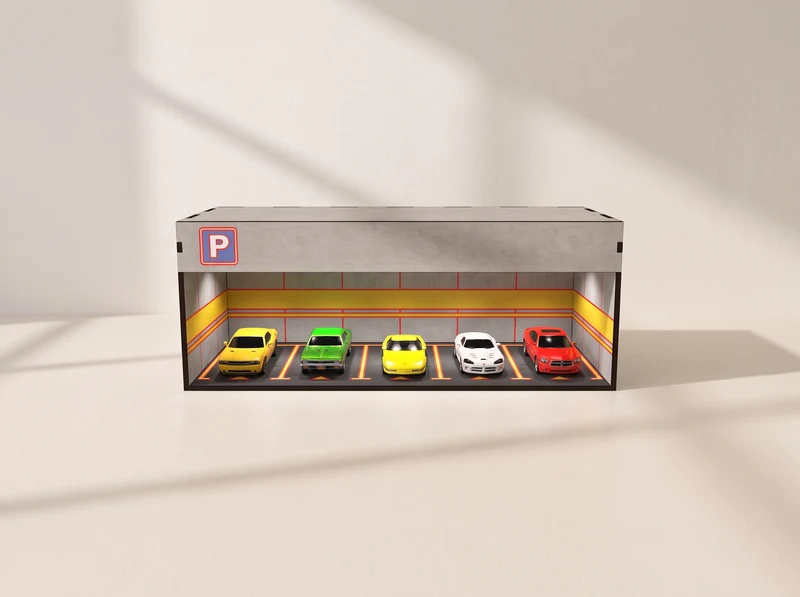
Marked parking bays, a broad open front and a parking sign frame a row of miniature cars. Choose this design for a scene you can view straight on.
Explore the design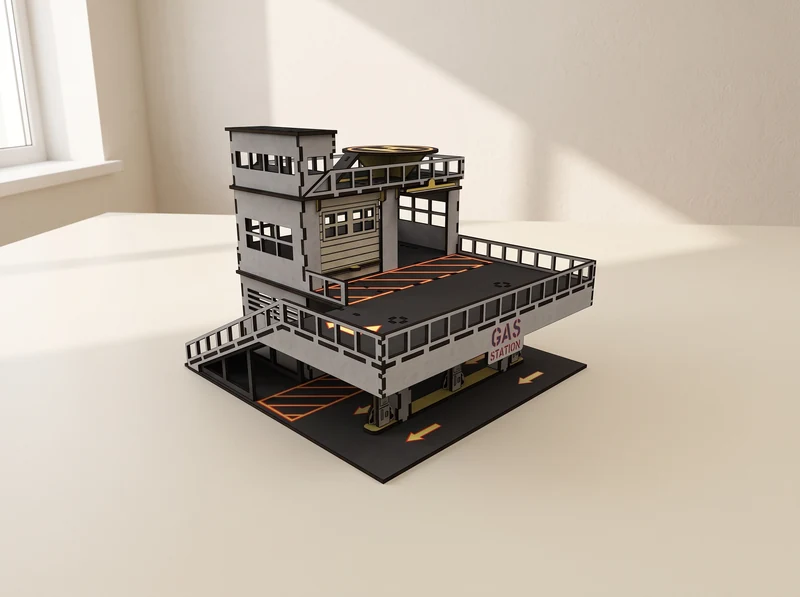
02 / A scene across several levels
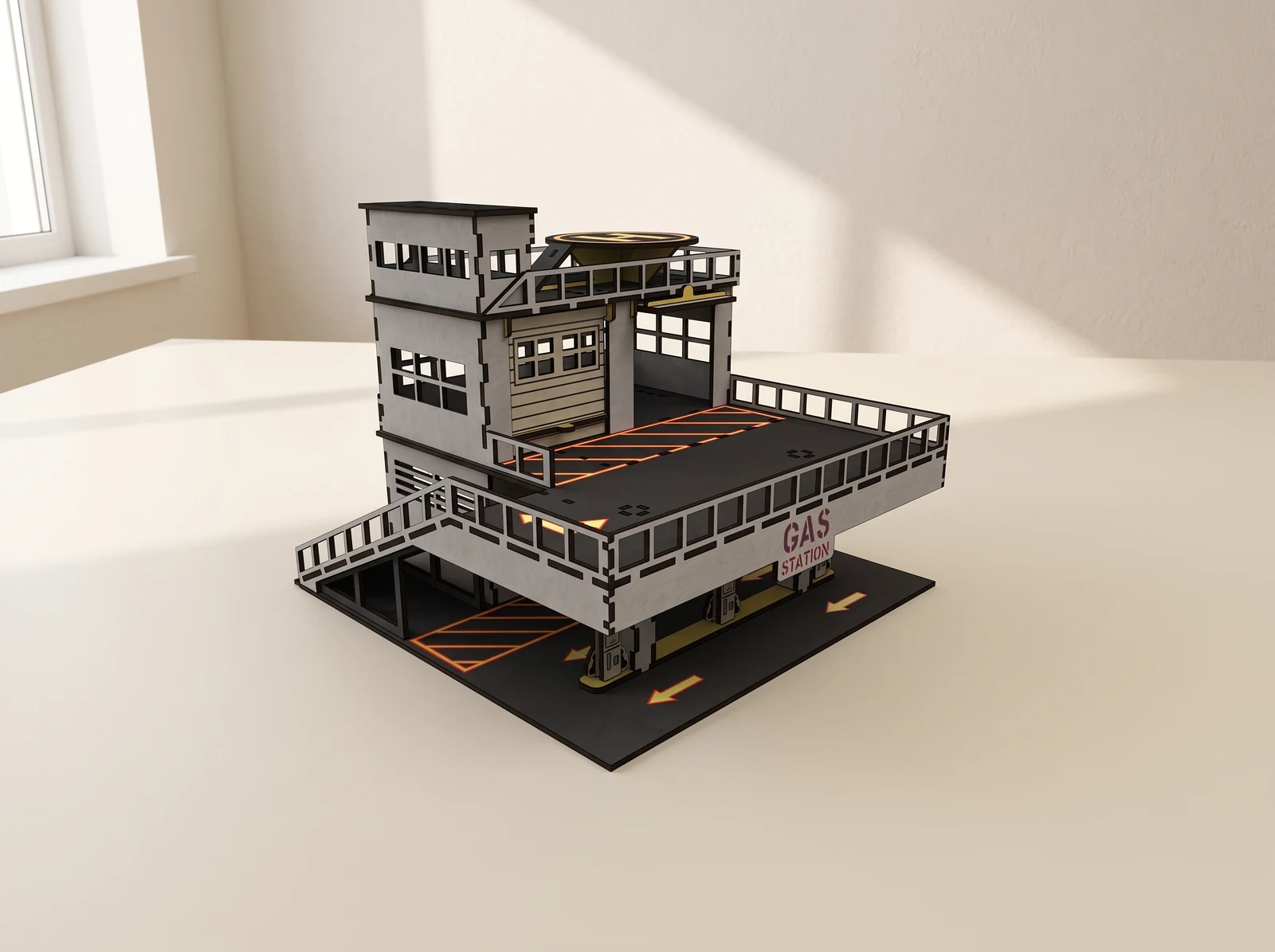
Fuel pumps sit below an upper parking deck, with service bays and a tower behind. Build a taller setting with places to arrange cars on more than one level.
Explore the design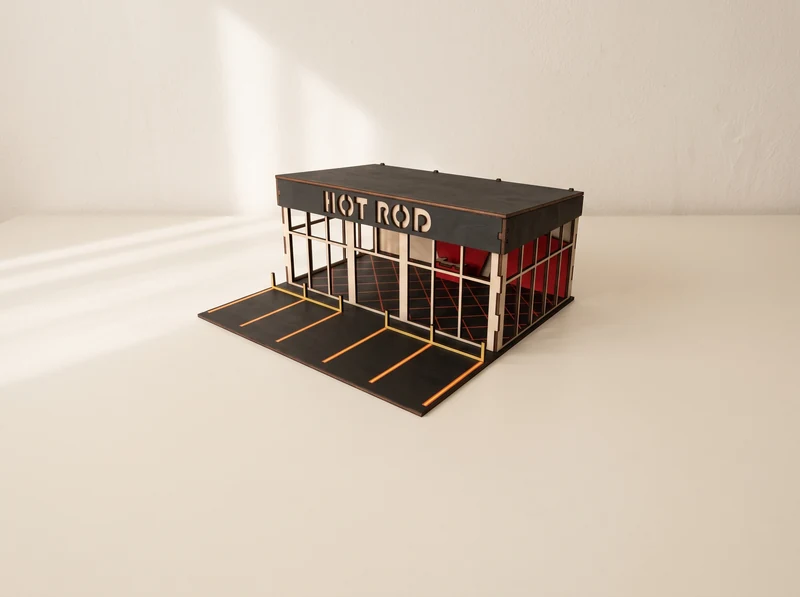
03 / A showroom for your collection
A glazed facade opens the view into the showroom, with marked parking spaces outside. The low, dark roof frames a street-facing display for your cars.
Explore the designModel visualizations show example finishes and scenes. See each design for the exact file contents; cars and physical materials are not included.
From file to workbench
Plan around your cars, your shelf and the material you will actually cut.
Compare your cars with the building dimensions before choosing a design. Resizing for thicker material also changes the building’s scale relative to a 1:64 car.
At the 3 mm material scale, no individual part exceeds 290 mm. This is a limit for one part; the assembled building and complete layout can be larger.
Choose a file version for your measured material. Cut a small joint sample and check the fit before cutting a whole sheet. The laser’s kerf affects how parts meet.
These are digital designs for laser cutting. You supply the material, cut the parts and assemble the building. Check the individual design page for its file formats, material versions and assembly instructions.
The files here are for the buildings. Cars in the visualizations show a possible display; use your own miniature vehicles.
These buildings are designed for 1:64 scenes. Check the dimensions of your cars and the chosen building before cutting, especially for taller or wider vehicles. A scale label alone does not confirm the clearance of every model.
Scaling the whole drawing changes the building, slots and tabs together. It also changes the scale relative to your cars. Start with a file version intended for your measured material, and check the resulting dimensions before cutting.
At the scale intended for 3 mm material, no individual part exceeds 290 mm. The complete sheet layout and the assembled building can be larger. Rescaling changes the part sizes too.