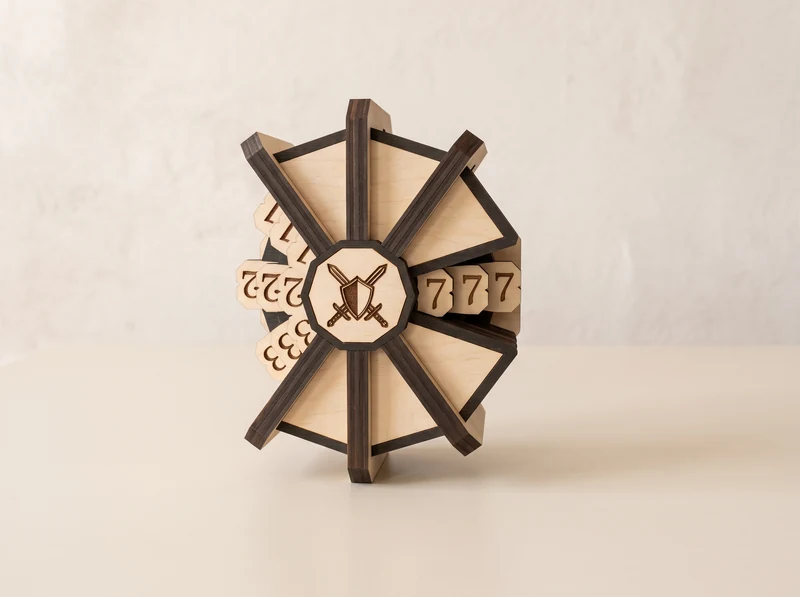
Match your miniatures.
Check the scale and dimensions on the individual design page. A miniature’s stated height alone does not tell you whether its base will fit through a doorway or onto a platform.
Tabletop gaming terrain / Digital laser-cut files
Laser-cut files for the places your miniatures explore. Build a samurai village, a medieval street or a modular space station.
Digital files · Cut and assemble your own scenery
12 designs & sets
AI-assisted model visualizations. Check each design for the files, scale and parts included.
Pagodas, a bridge and two distinct watchtowers.
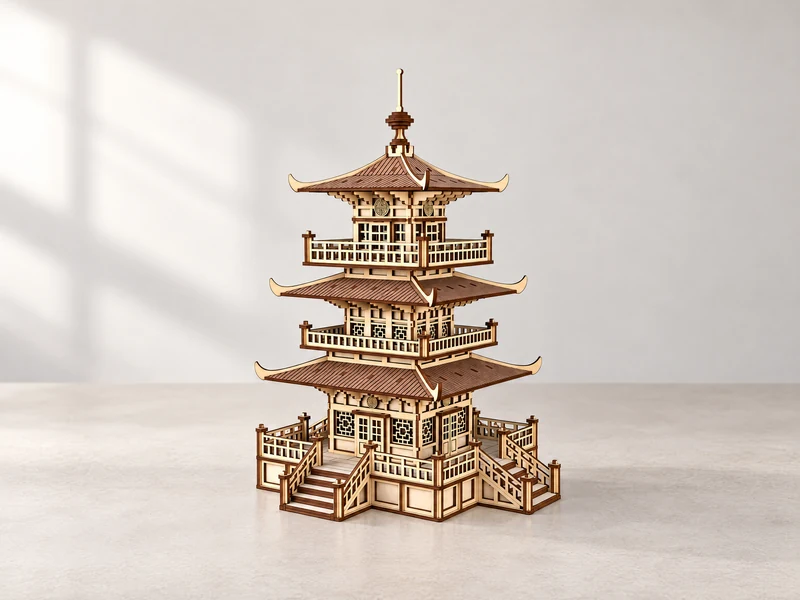
01 / Tiered pagoda
Three sweeping roofs, wraparound balconies and stairs at the base. Make this tall pagoda the focal point of a village scene.
Explore the design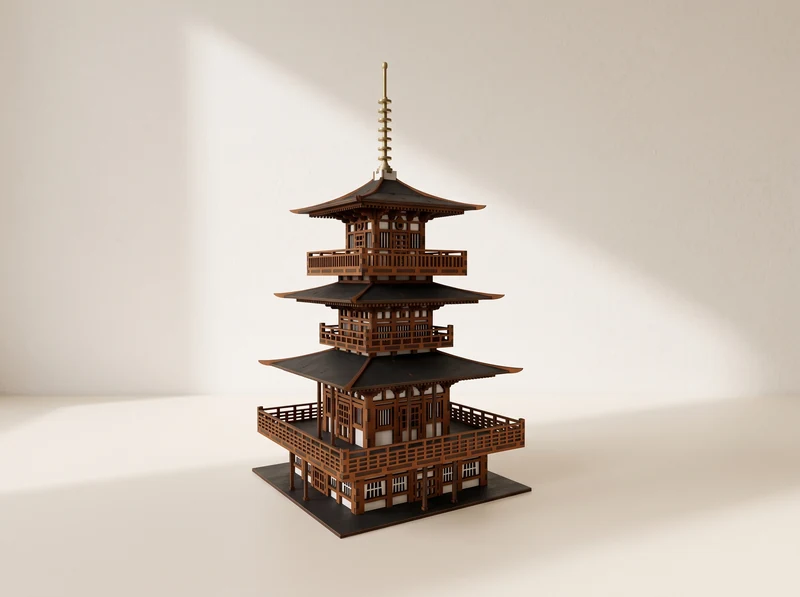
02 / Temple model
Deep overhanging roofs and a slender spire give this pagoda a different silhouette. Compare its enclosed lower floor with the open pavilion.
Explore the design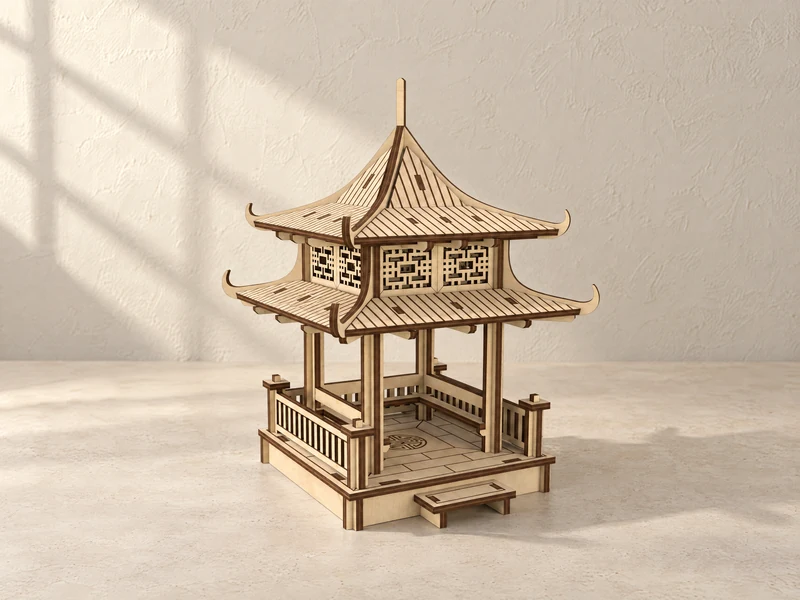
03 / Open pavilion
An open lower platform beneath a decorative upper room. Railings and a double roof give this smaller building its layered shape.
Explore the design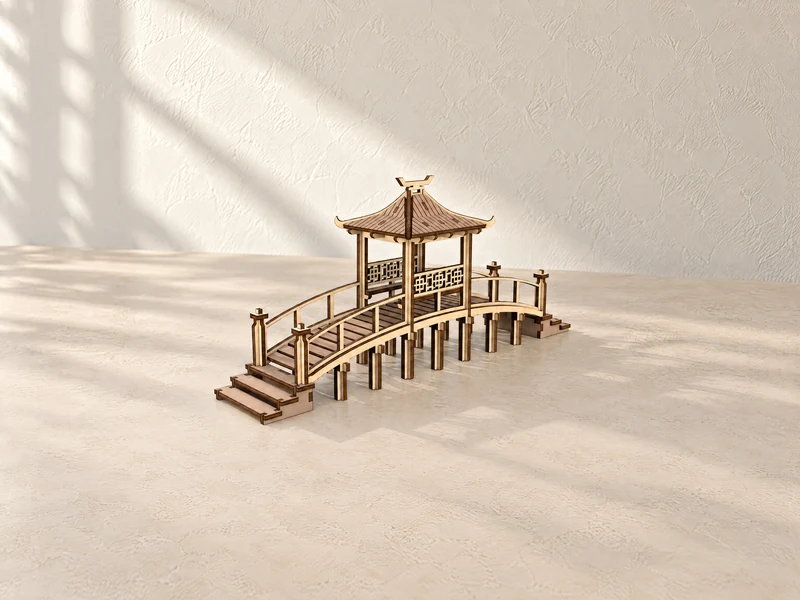
04 / Bridge model
A raised walkway passes through a roofed pavilion, with steps and railings at either end. Add a crossing to your village layout.
Explore the design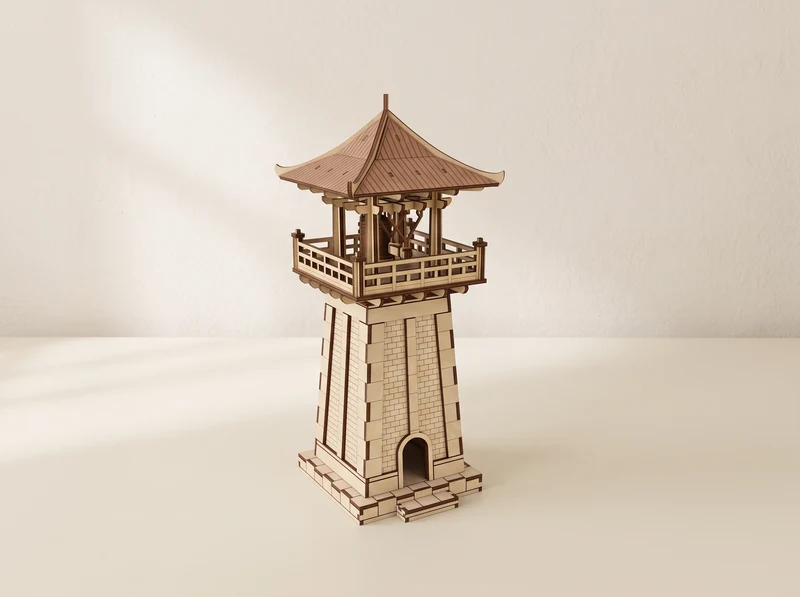
05 / Watchtower model
A wide roof shelters an open balcony above a tapered tower base. The raised platform offers a clear view over the scene.
Explore the design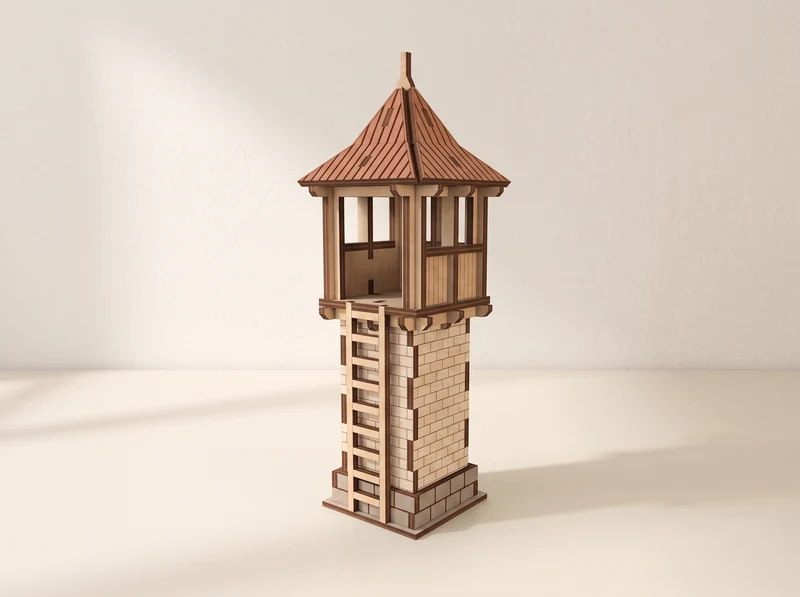
06 / Watchtower model
An enclosed lookout sits above a narrow stone-patterned shaft. Compare this compact tower with the wider balcony version.
Explore the designChoose the house or church individually, or explore the two-building set.
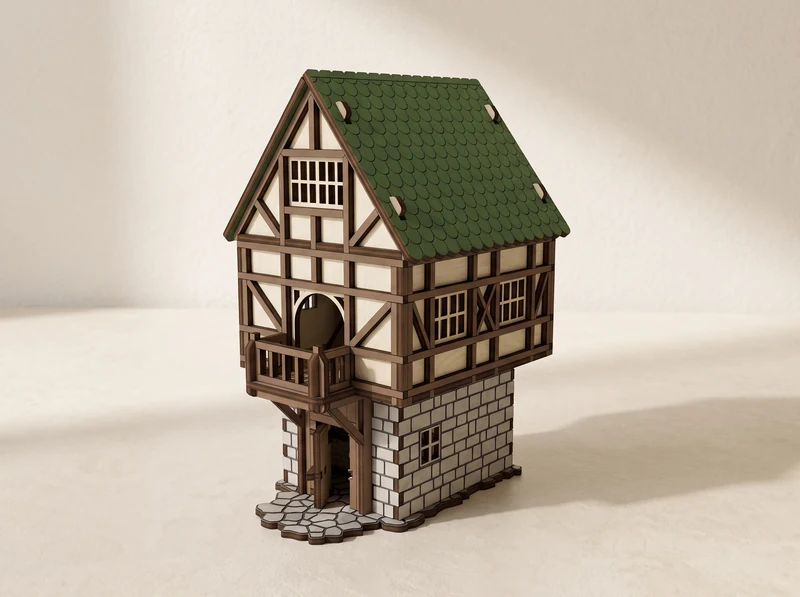
07 / Half-timbered house
Timber framing, a steep roof and a stone-patterned ground floor. Start a street with one house, or pair it with the Gothic Church.
Explore the design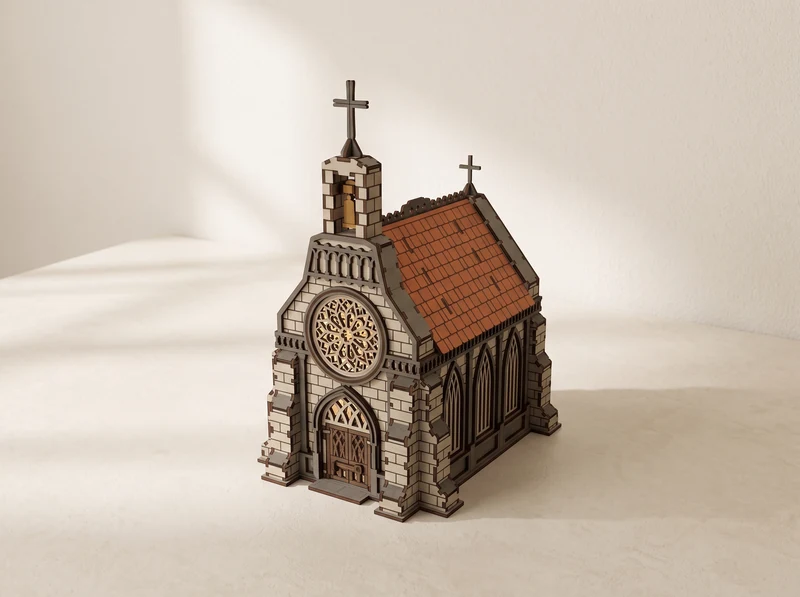
08 / Church model
A circular window above pointed entrance doors, with a bell tower rising over the roof. A distinct landmark for a medieval settlement.
Explore the design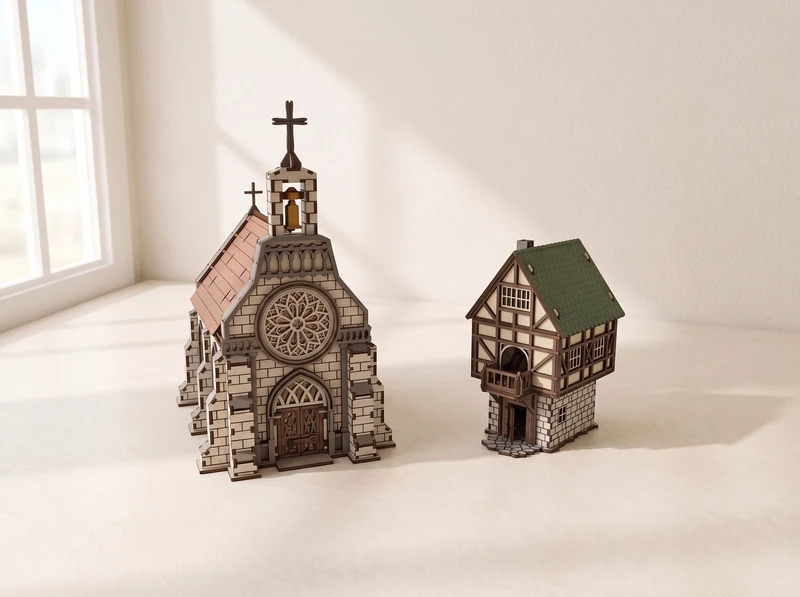
09 / Two-building set
The Medieval House and Gothic Church together. Check this set against the individual designs if you already own either building.
Explore the designPlan a fortified courtyard or a science-fiction station.
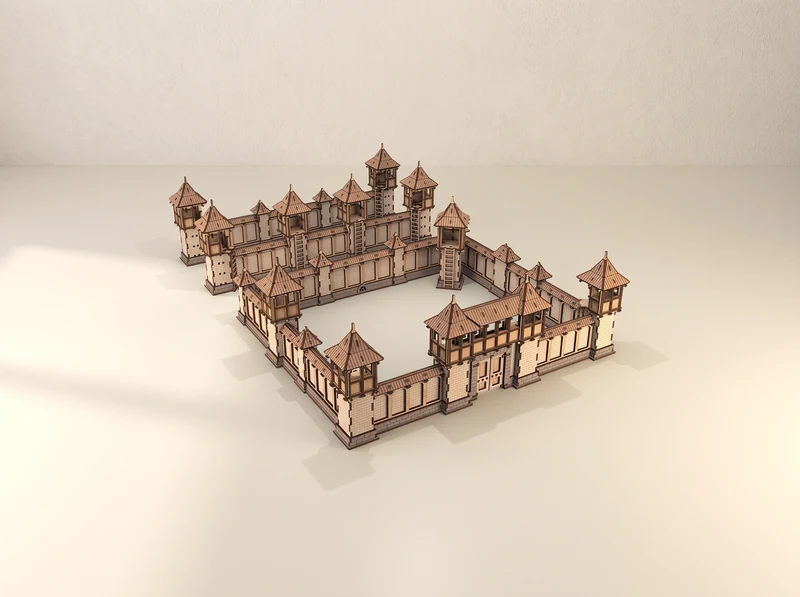
10 / Modular fortifications
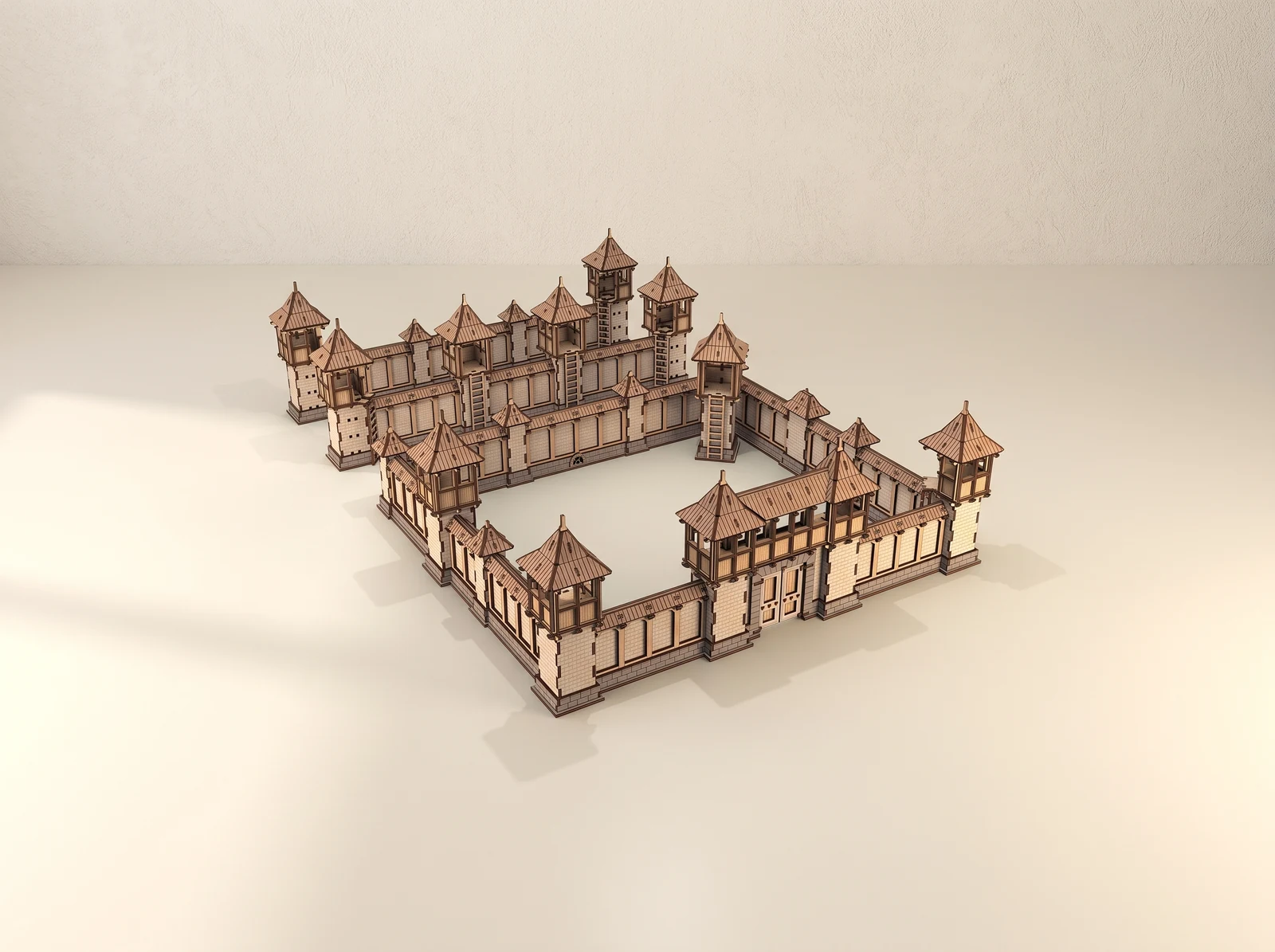
Walls, gates and roofed towers surround an open courtyard. Explore the fortress components and plan the outline of your next stronghold.
Explore the design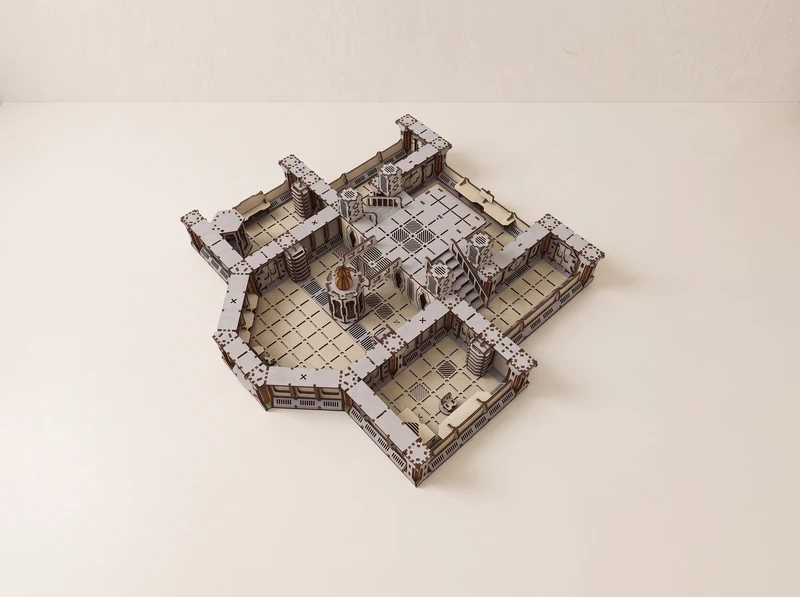
11 / Sci-fi terrain
Raised platforms, wall sections and stairs form a compact station layout. Explore the separate components for a science-fiction setting.
Explore the designA small accessory to use alongside the scenery.
From file to workbench
Start with the design you want to build, then check its file version against your material and machine.
Check the scale and dimensions on the individual design page. A miniature’s stated height alone does not tell you whether its base will fit through a doorway or onto a platform.
At the 3 mm material scale, no individual part exceeds 290 mm. Rescaling changes the part sizes too. See each model for file formats and assembly instructions.
Material thickness and the width of the laser cut affect how parts meet. Cut a small joint sample before committing a whole sheet, and adjust the fit for your setup.
These are digital files for laser cutting. You cut the parts from your own material and assemble the scenery. Check each design page for its file versions and assembly instructions.
Check the scale and finished dimensions of the specific design. Many buildings in this collection are intended for 28–32 mm tabletop figures, but bases, doorways and floor space still matter. The HP Counter is a separate gaming accessory.
It brings the Medieval House and Gothic Church together. Those designs are also listed individually on this page. Compare the included files before buying if you already own either one.
At the 3 mm material scale, no individual part exceeds 290 mm. That limit applies to separate parts, not the complete cutting layout or assembled scenery. Rescaling changes the dimensions.
Uniform scaling changes the building dimensions, slot widths and tabs together. Choose the supplied version that matches your measured material, or adjust an SVG in Laser Studio and test a joint first. Changing material scale also changes how the scenery fits your miniatures.