New York Street Map / Laser-cut design
New York. In layers.
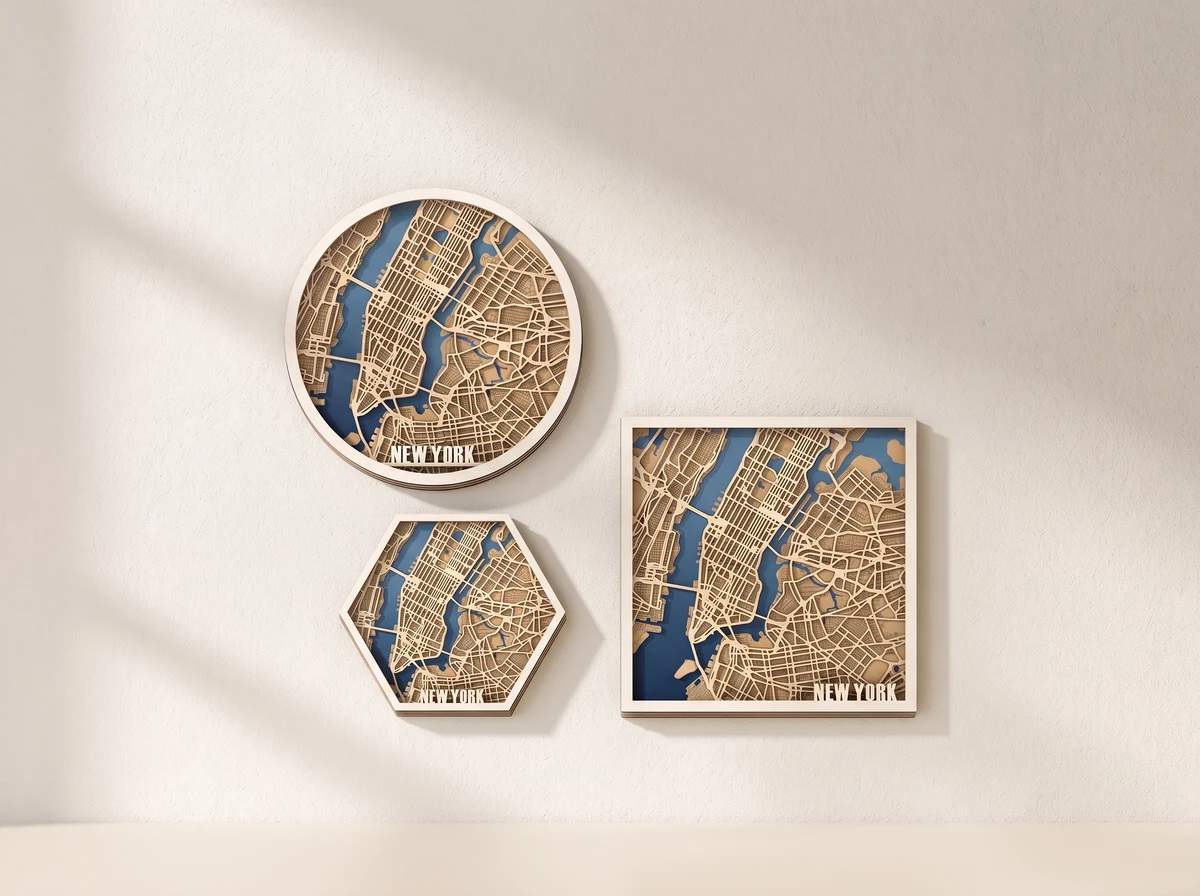
A four-layer New York street map with round, square and hexagonal frame options. SVG and DXF files turn the street pattern into a layered display.
Digital design · SVG + DXF
No physical model or materials are shipped.
01 /The design
The street pattern becomes the picture.
Roads, blocks and waterways create the pattern across the map. Stacked layers separate those areas, so a contrasting base can bring the street network forward.
Round, square and hexagonal frames give the map three different outlines. The documented files also offer line-based and shape-based road treatments; check which layout suits the detail you want.
Four layers.
The map builds depth by separating its cut shapes into layers.
Three frame shapes.
Choose a round, square or hexagonal outline.
Two road treatments.
Line-based and shape-based layouts handle the street detail differently.
A real build
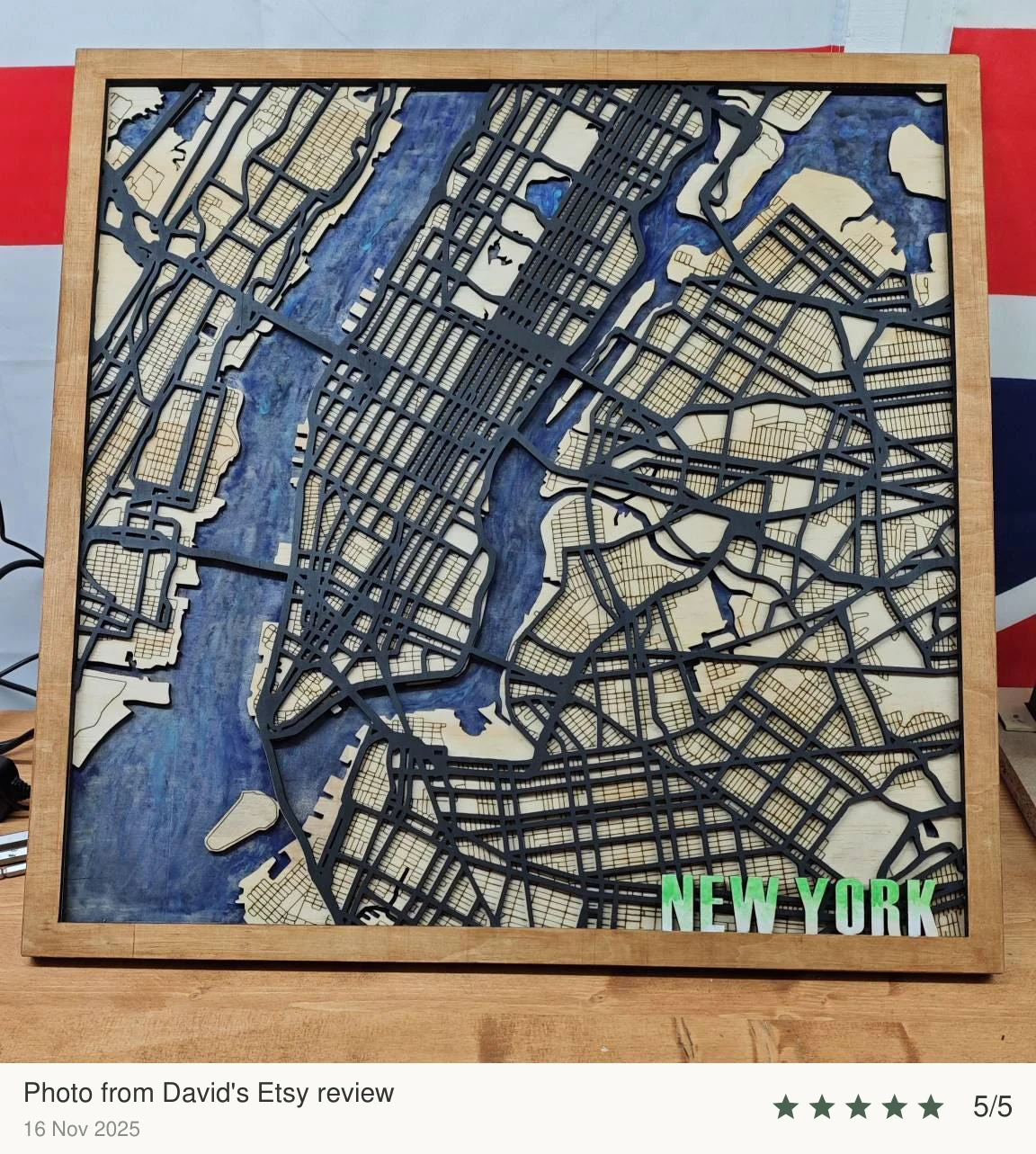
Made from the files.
A physical build, with the maker’s choice of materials and finish.
02 /At your workbench
Choose your material.Make it fit.
Check the detail.
Inspect the smallest bridges and fine cutouts at your chosen size. Cut a small sample before committing a full sheet.
Keep the layers aligned.
Use the same scale for every layer. Check the design against your laser’s usable work area before cutting.
Stack in order.
Arrange the cut layers in order and check their alignment before fixing them together.
Plan this build.
Choose the road treatment before setting the size. Inspect narrow bridges and small islands, keep all layers at one scale and check the full frame against your work area.
Before you start.
- Design
- Four-layer New York street map
- Design files
- SVG + DXF
- Frame shapes
- Round, square and hexagonal
- Road treatments
- Line-based and shape-based layouts
How do the two road layouts differ?
The documented package includes a layout with roads represented as lines and another with roads represented as shapes. Review their operations and minimum-size guidance before choosing a layout, then test the finest road details.
What do I receive?
Digital SVG and DXF files for the four-layer New York map, with the documented frame and road-layout options. No physical map, material or frame is shipped.
Can I change the scale?
Scale every layer by the same percentage. The overall dimensions change, and fine bridges can become fragile when reduced. Material thickness changes the depth of the stack; check any alignment features or fitted connections and test a small section first.
Can I use the design commercially?
Contact 21CNCStudio to discuss permission before commercial use. Do not distribute the digital files without the author’s permission.
03 /From the studio to your workbench
Choose your view of New York.
View the New York Street Map file package and its current terms on Etsy.
View files on EtsyDigital design files.No physical model, material or hardware is shipped.