Start with the file.
Check the design’s formats, material versions and instructions. Engraving artwork needs an engraving workflow; an assembly model needs the correct cutting files and material.
Sci-fi projects / Digital laser files
Wooden spacecraft and robots, layered wall art and smaller sci-fi projects. Explore the designs and check their release status before planning a cut or engraving.
Digital files · No physical model or kit
29 designs & sets / 4 groups
Assemble parts into freestanding models. Individual designs and bundles are shown separately; availability is marked on each card.
01 / 3D assembly
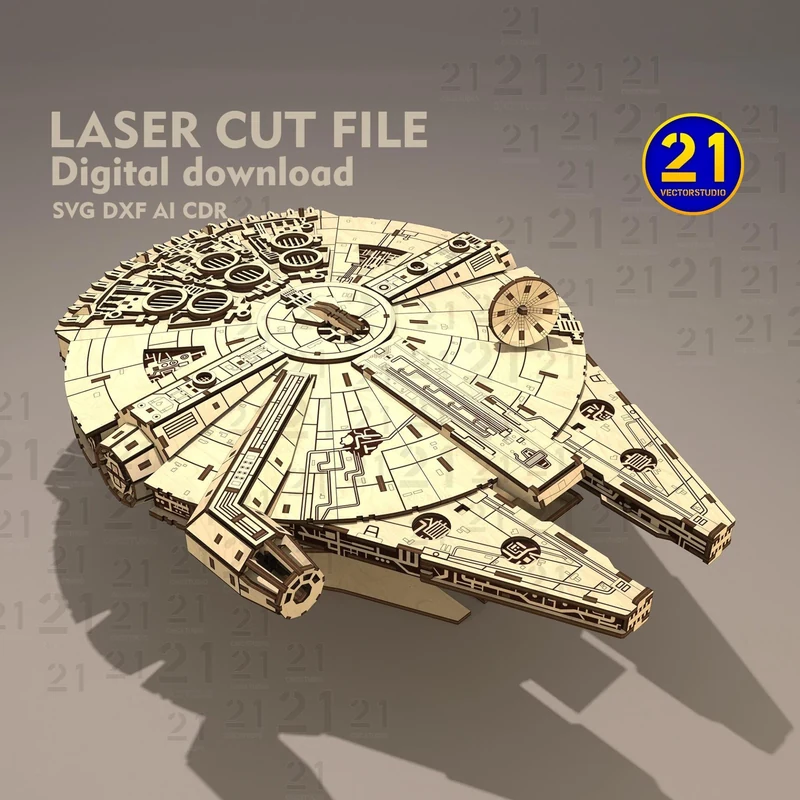
A broad circular hull, a side cockpit and surface panels form this freestanding starship. Choose the layered version below for a flat wall display.
Free release on MakerWorld planned
02 / 3D model variants
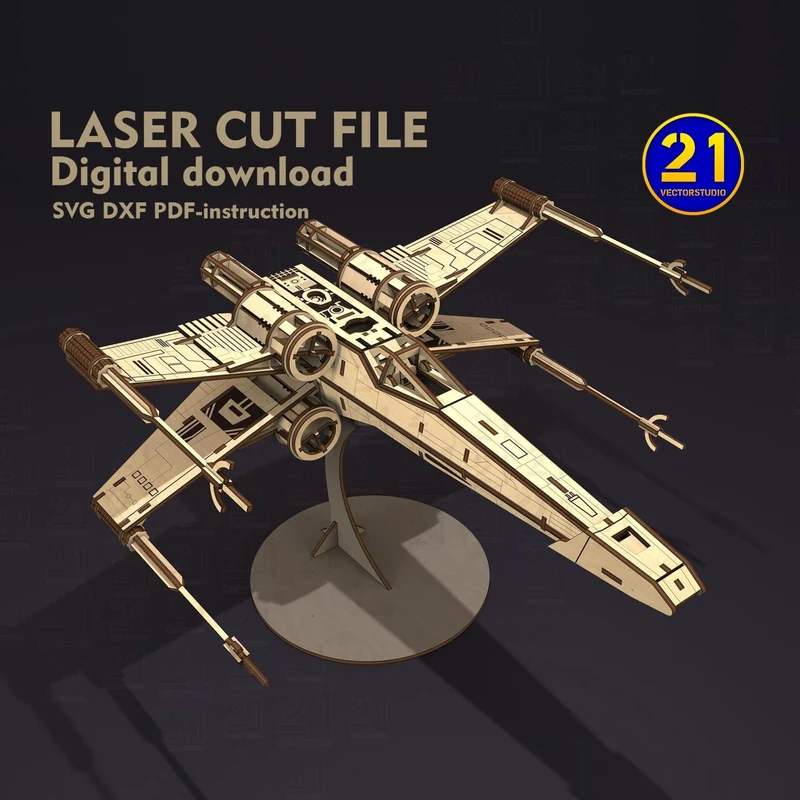
Long wing-mounted cannons surround a narrow fuselage. The T65 and T70 versions have different wing arrangements.
Free release on MakerWorld planned
03 / 3D assembly
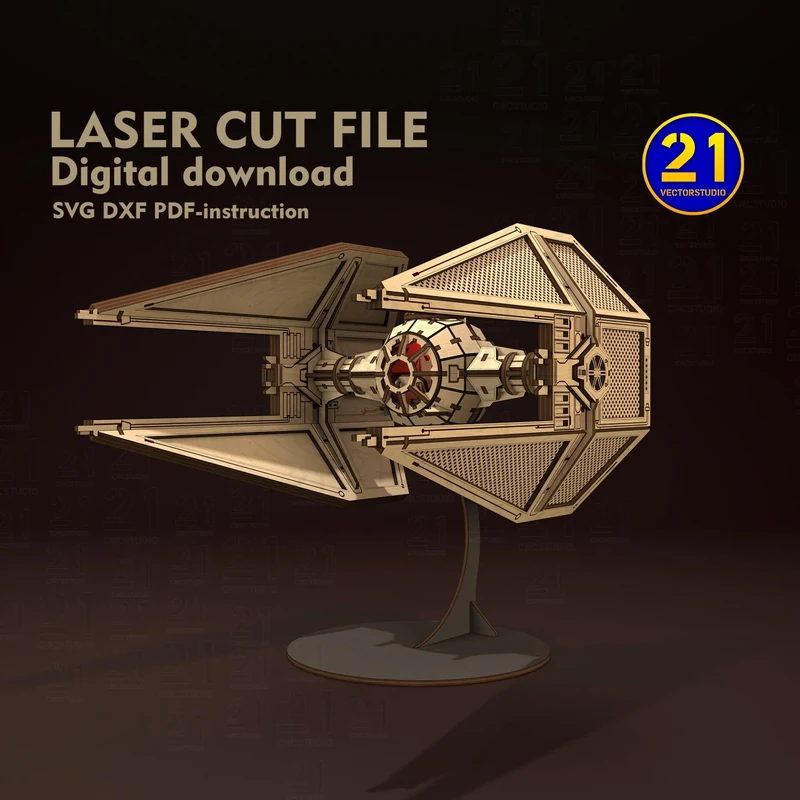
Pointed wing panels extend ahead of a round cockpit. A compact starfighter with an angular outline.
Free release on MakerWorld planned
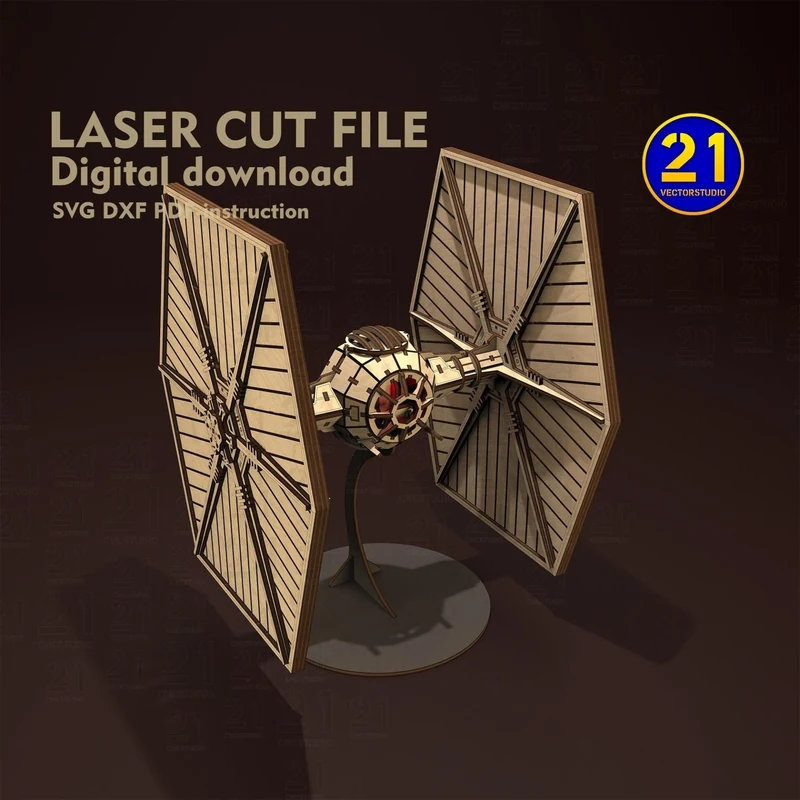
04 / 3D assembly
Two broad upright wings frame the central cockpit. The standing model shows the panel structure from several angles.
Free release on MakerWorld planned
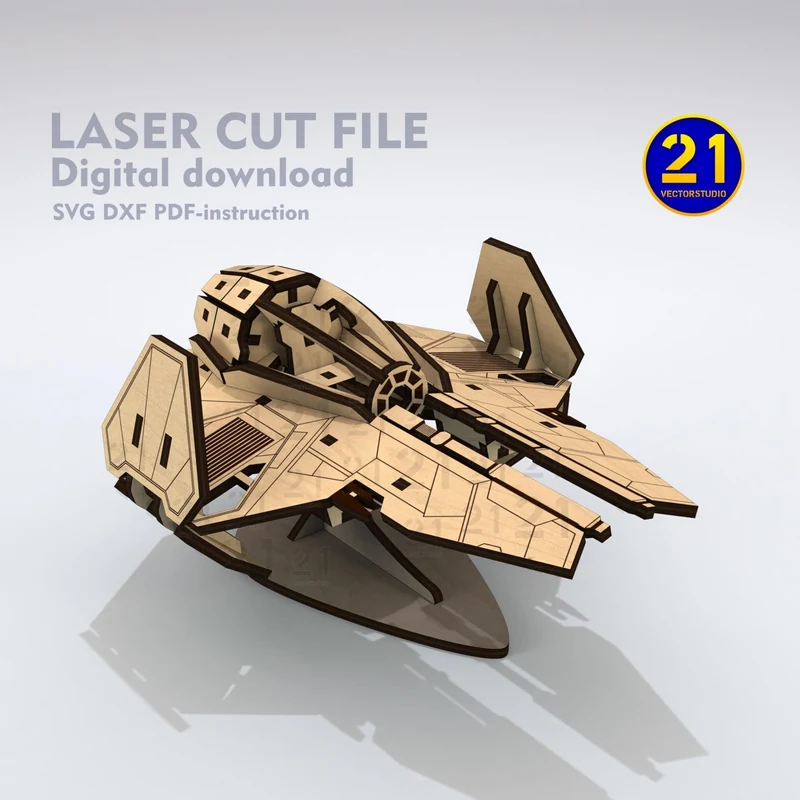
05 / 3D assembly
A short, pointed nose and raised cockpit give this craft a wedge-shaped profile. Layered plywood parts build the body in depth.
Free release on MakerWorld planned
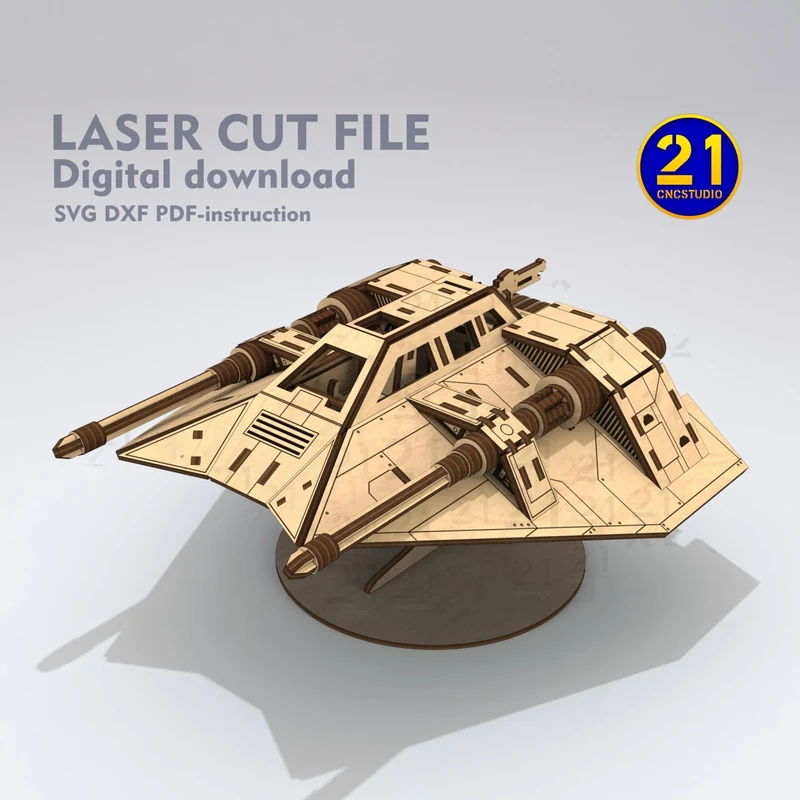
06 / Model set
An angular Snowspeeder with twin forward cannons, paired with the N1 starfighter design.
Free release on MakerWorld planned
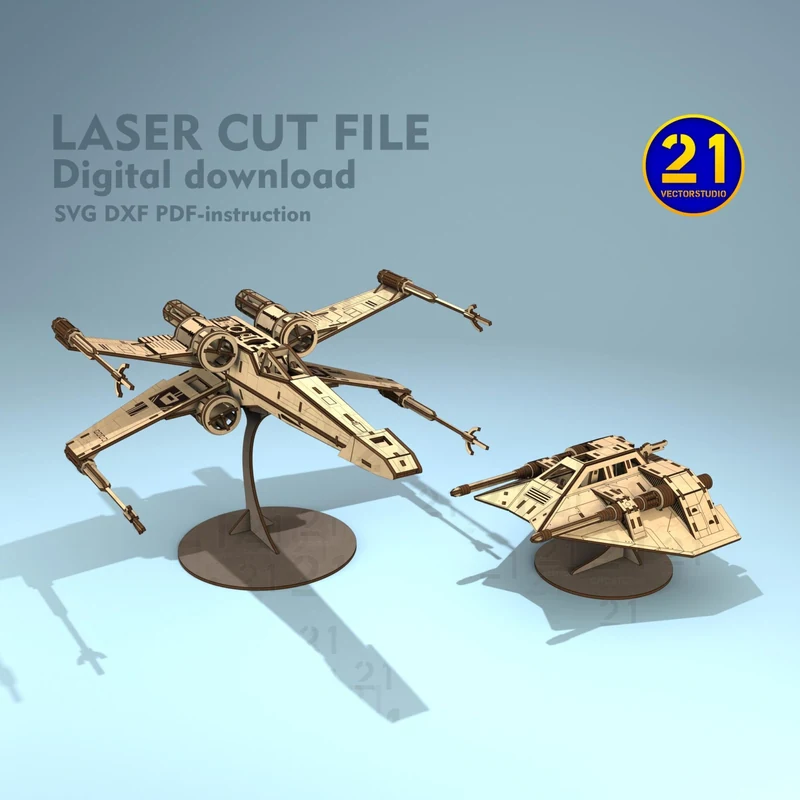
07 / Model bundle
A pair of spacecraft with different silhouettes: the X-Wing and the Snowspeeder.
Free release on MakerWorld planned
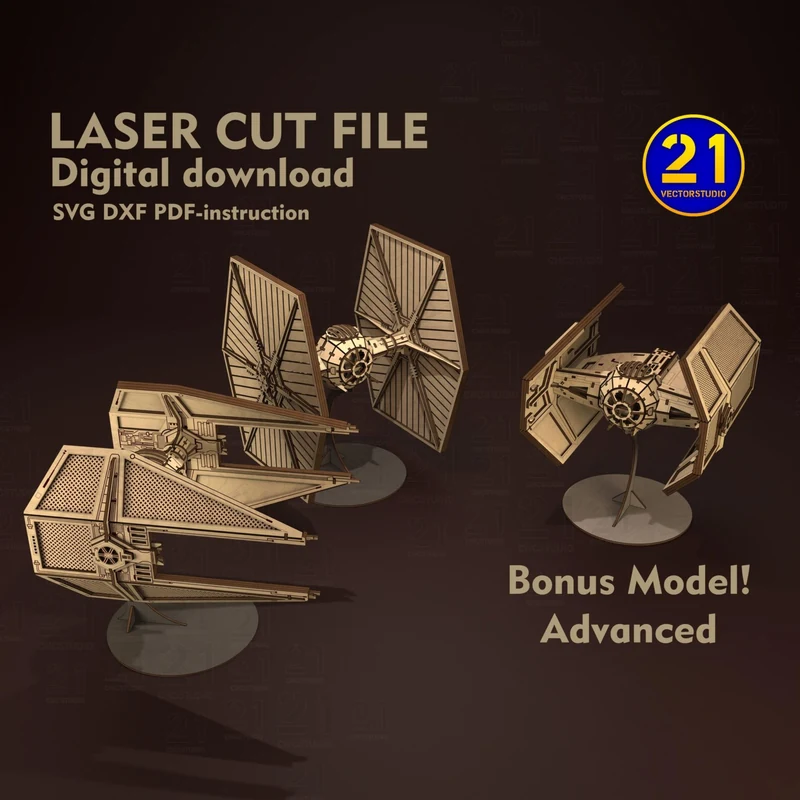
08 / Model set
A group of wing-panel starfighters with different silhouettes for a shelf display.
Free release on MakerWorld planned
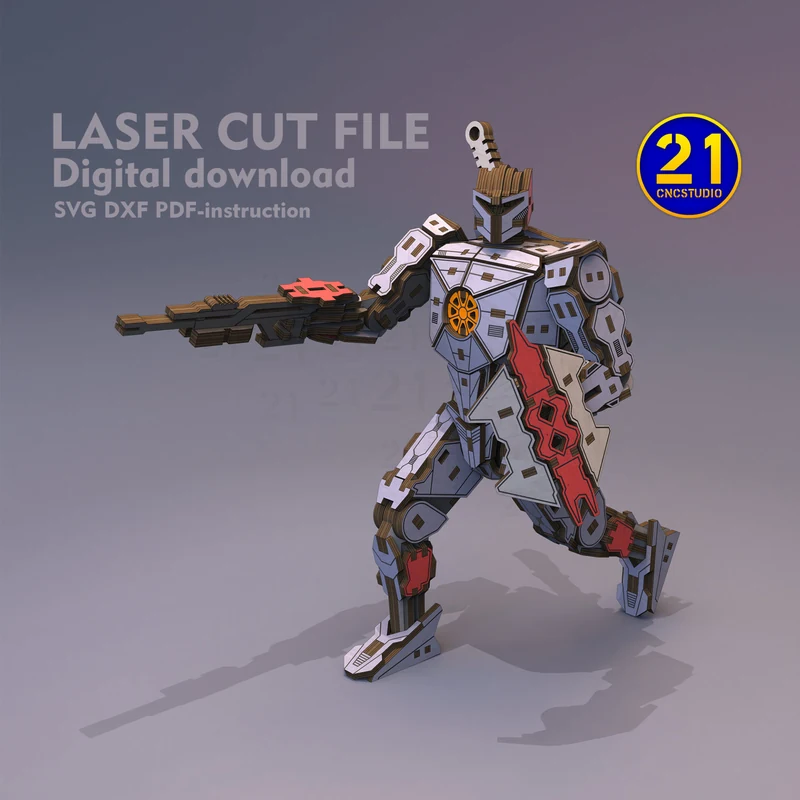
09 / 3D assembly
A standing robot with broad shoulders, segmented limbs and layered armor. A different build from the spacecraft in this group.
Moving to MakerWorld
Stack flat cut shapes to create spacecraft, portraits and planet scenes with depth.
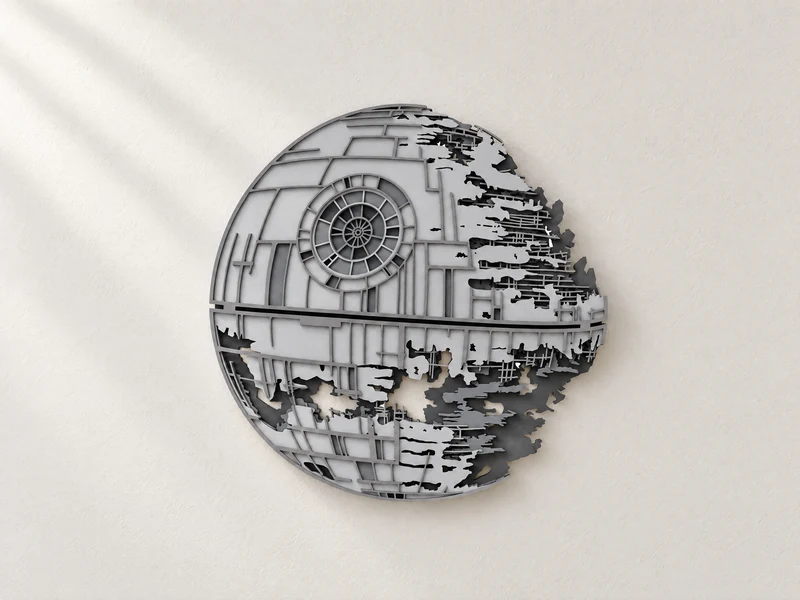
10 / Layered wall art
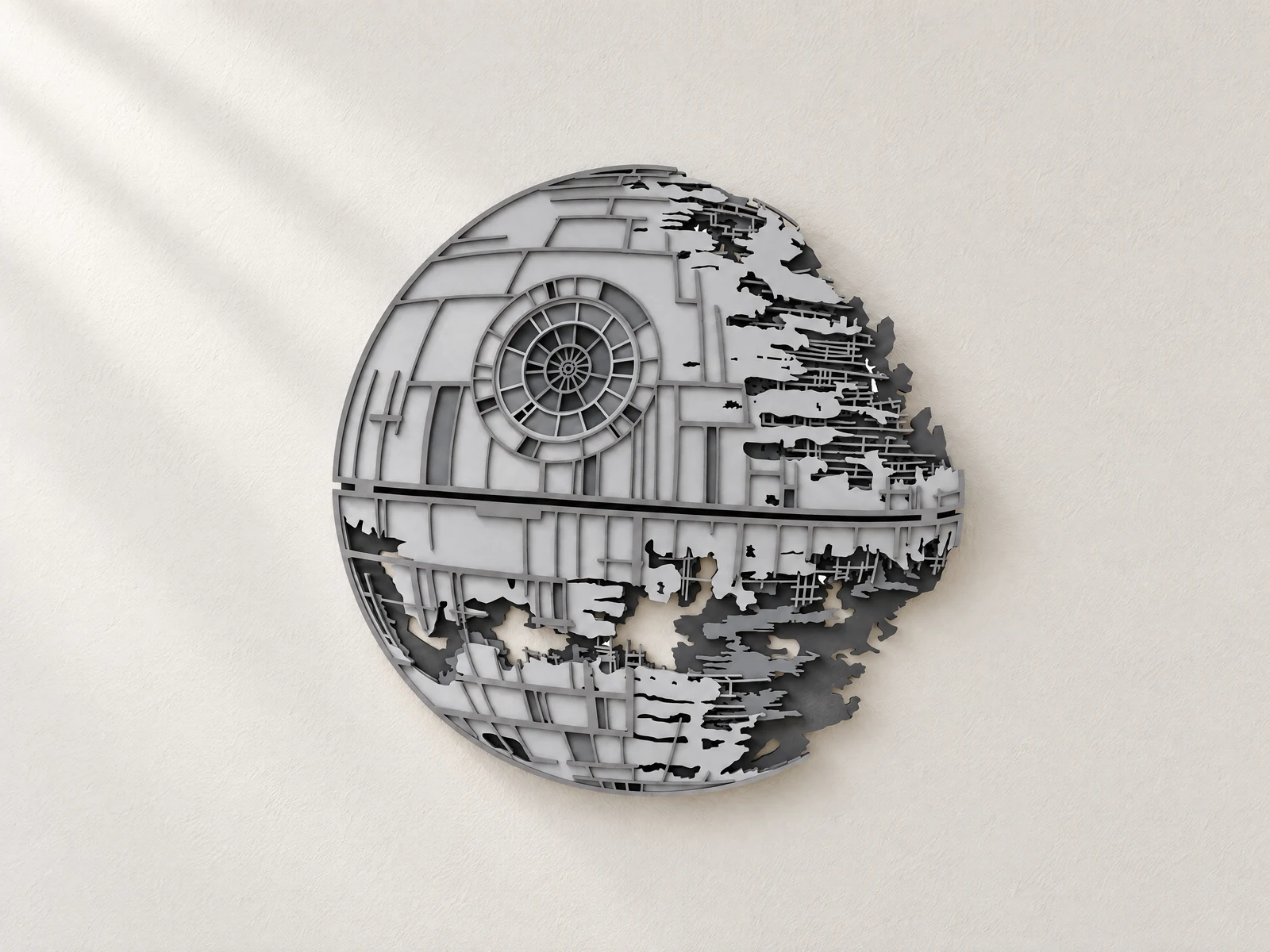
Circular panelwork gives way to an exposed framework along one side. Stacked cut layers create the depth of this wall piece.
Free release on MakerWorld planned
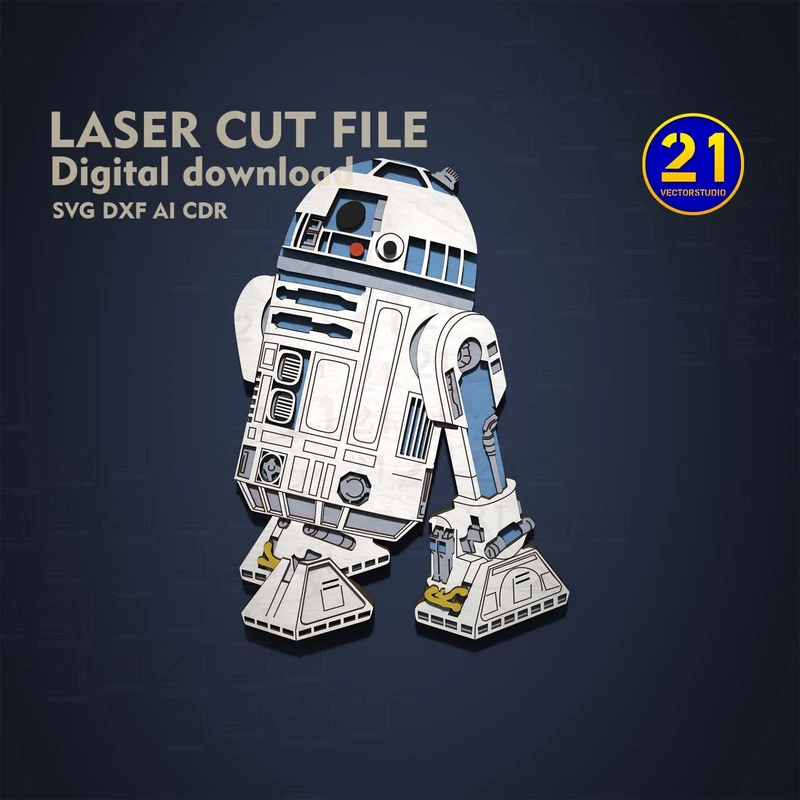
11 / Layered character art
A domed head and blue body panels build up from stacked layers. A character-shaped display rather than a freestanding robot kit.
Free release on MakerWorld planned
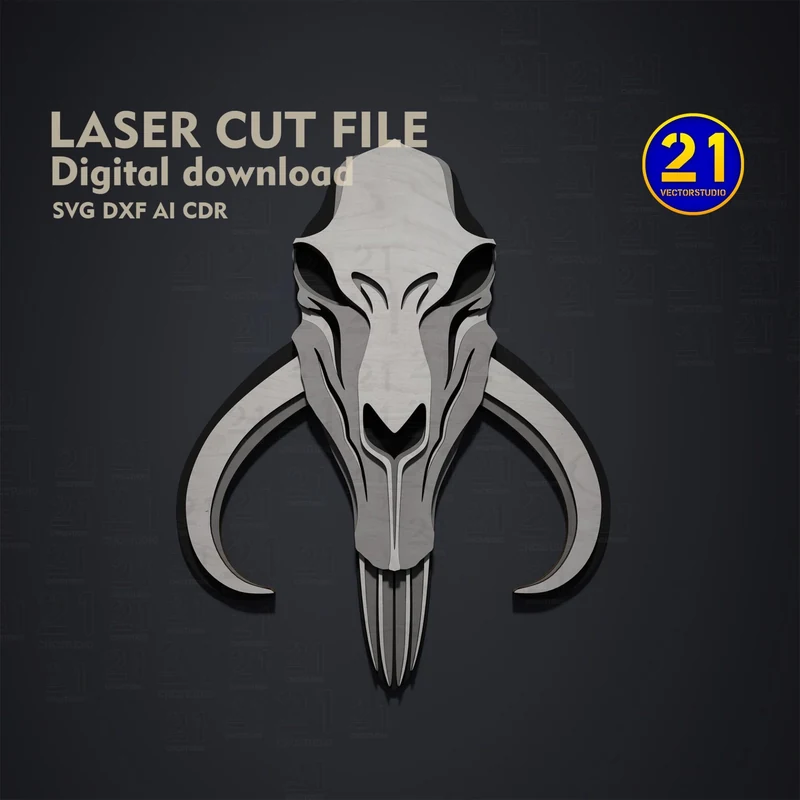
12 / Layered wall art
Long curved tusks surround the skull silhouette. The stacked face shapes create a raised, mask-like surface.
Free release on MakerWorld planned
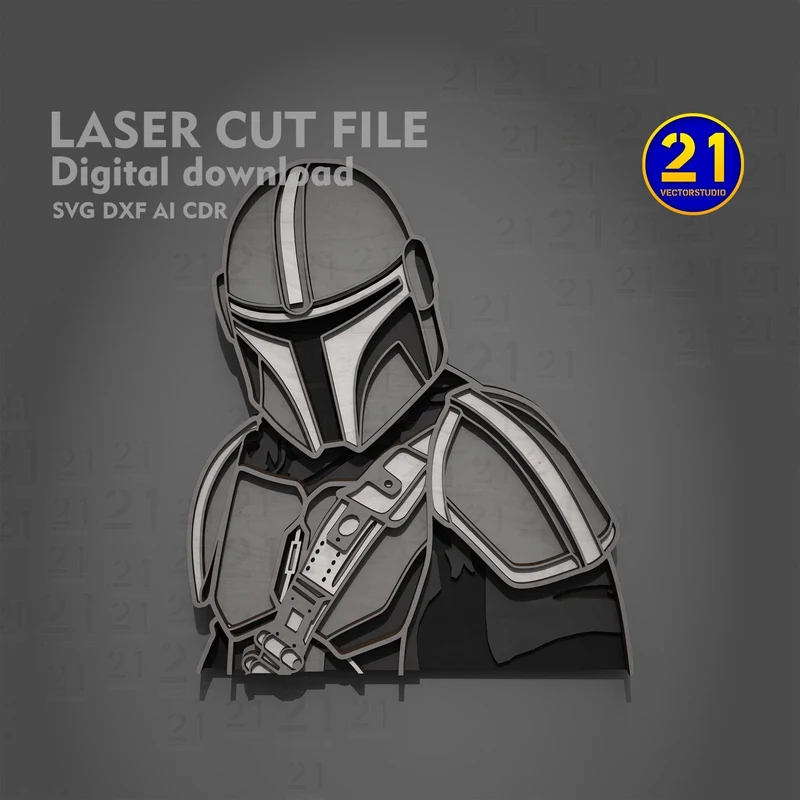
13 / Layered portrait
Helmet, shoulder armor and chest panels form a cropped character portrait. Build the image by stacking the cut outlines.
Free release on MakerWorld planned
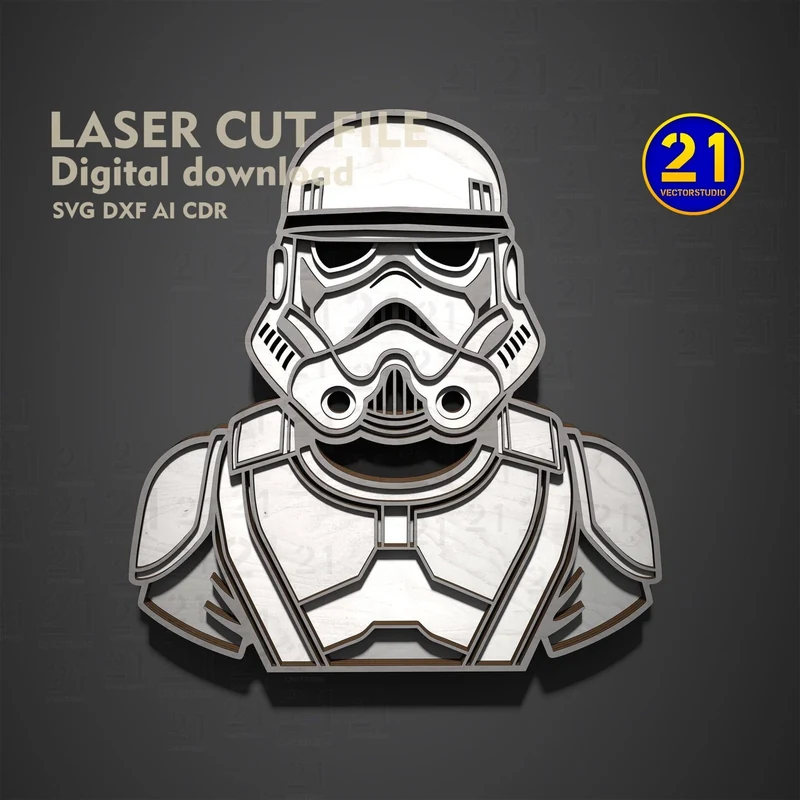
14 / Layered portrait
A front-facing helmet and shoulder armor in a bold black-and-white arrangement. The portrait follows the character’s outer silhouette.
Free release on MakerWorld planned
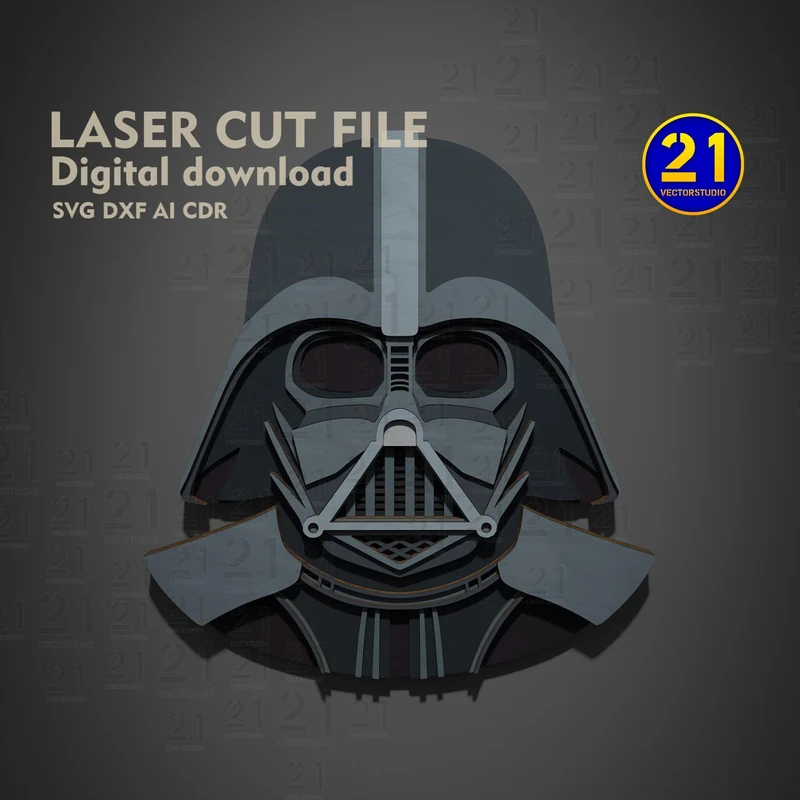
15 / Layered helmet art
The dark helmet fills a broad silhouette, with facial shapes raised in layers. A compact wall-art project.
Free release on MakerWorld planned
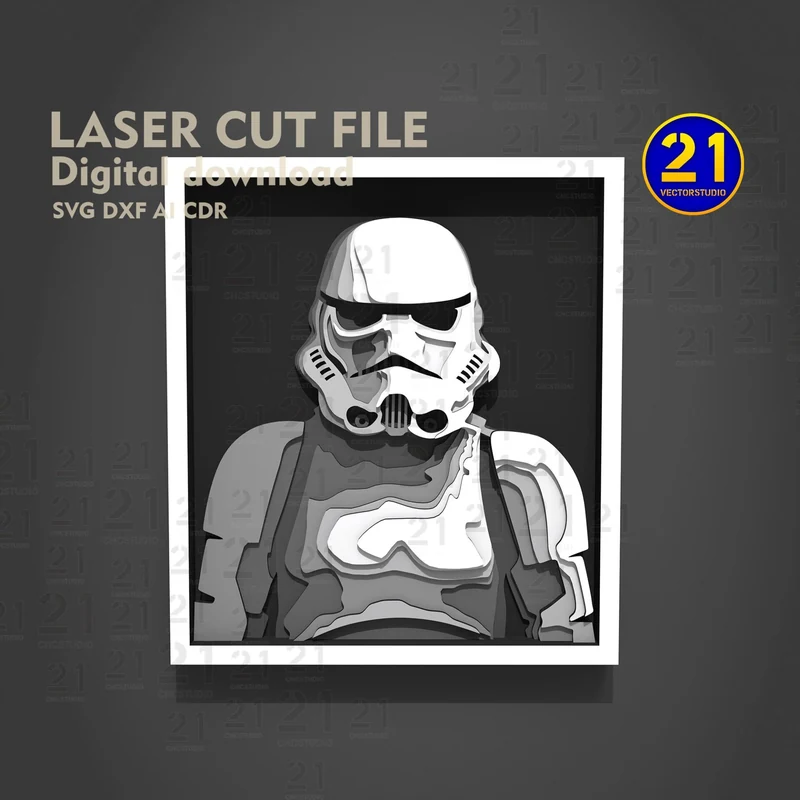
16 / Layered framed portrait
A rectangular border surrounds a helmeted figure. This design uses a framed composition instead of a character-shaped outline.
Free release on MakerWorld planned
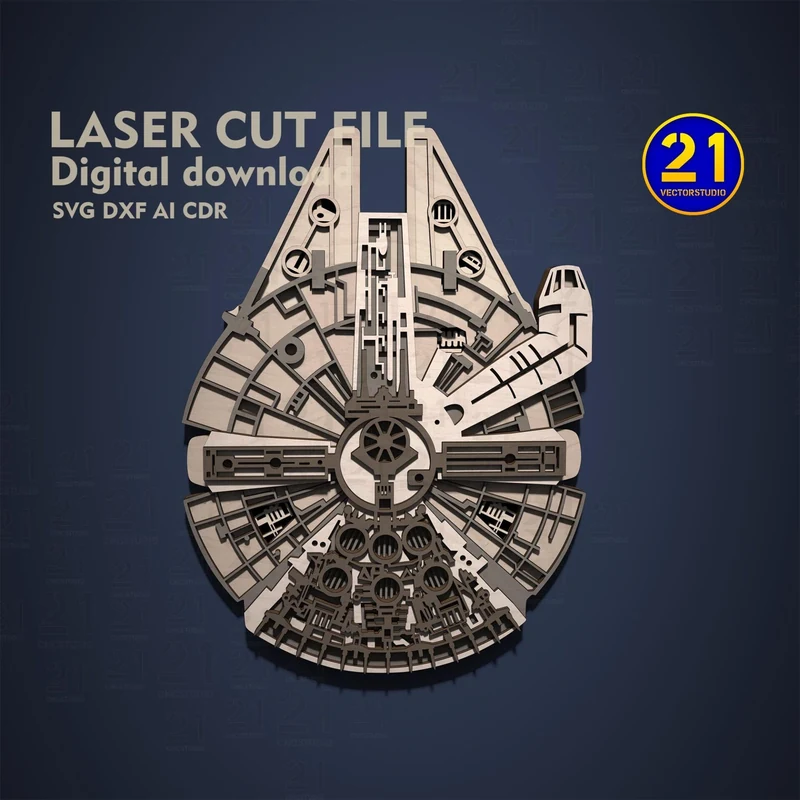
17 / Layered spacecraft art
A top-down starship silhouette with panelwork built in layers. This is the wall-art version of the spacecraft.
Free release on MakerWorld planned
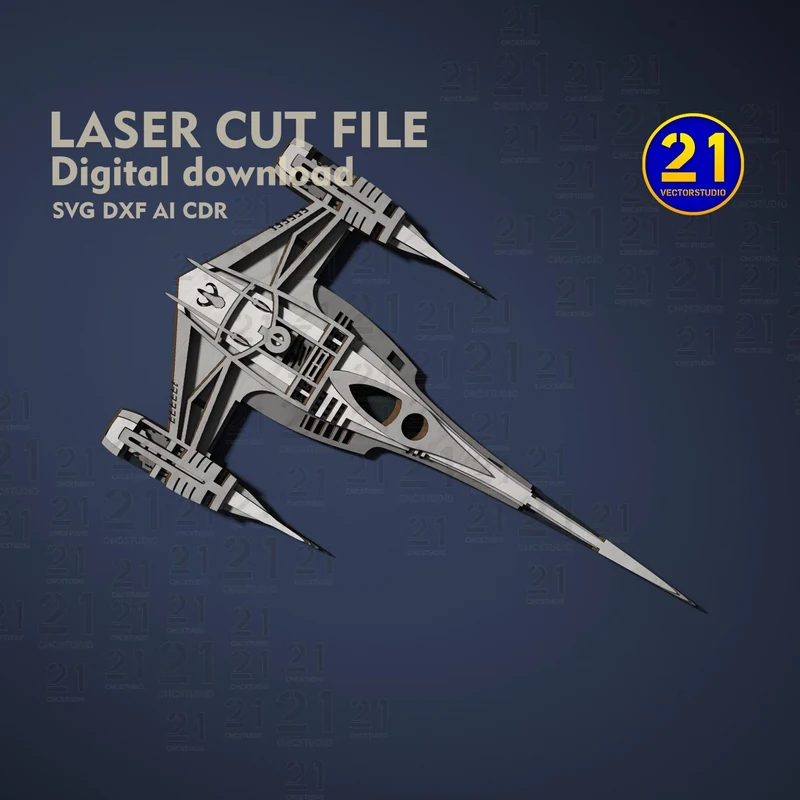
18 / Layered spacecraft art
A narrow fuselage and two long engine shapes form a pointed silhouette. Stacked layers describe the craft from above.
Free release on MakerWorld planned
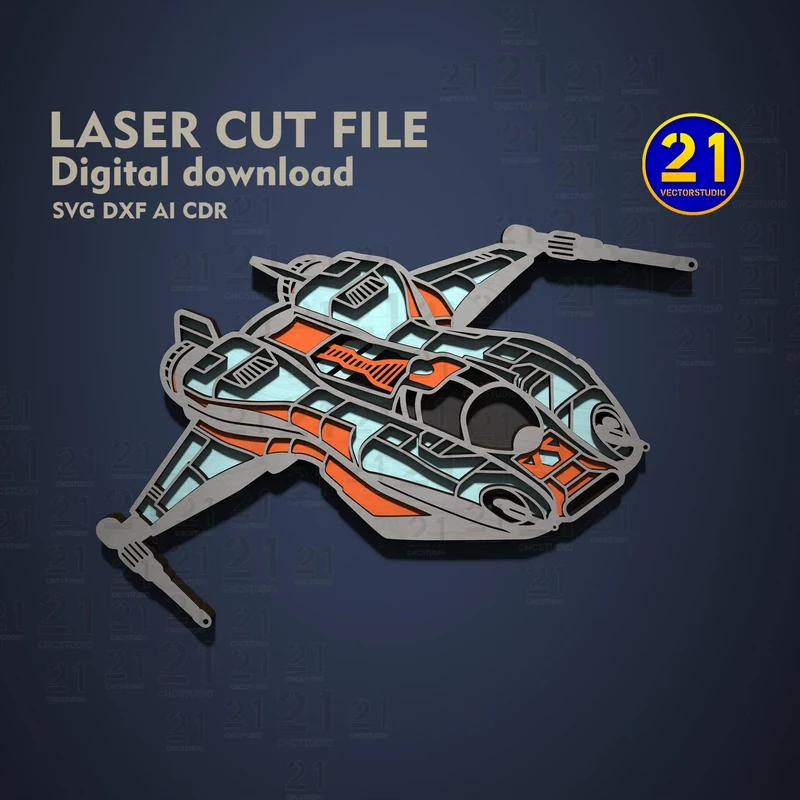
19 / Layered spacecraft art
Blue and orange accents cross a wide spacecraft silhouette. The design builds a shallow relief from flat cut layers.
Free release on MakerWorld planned
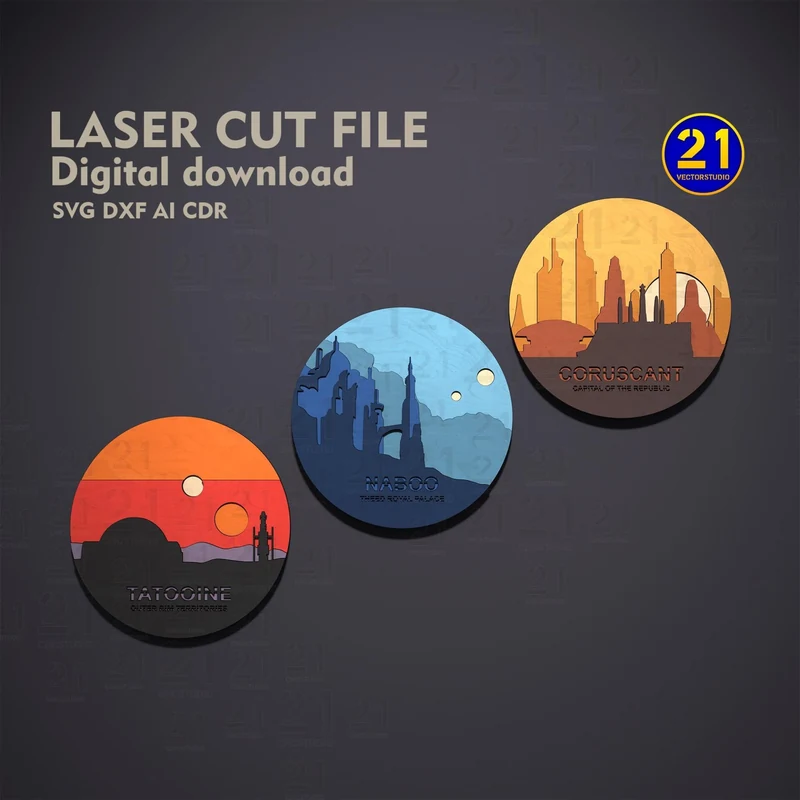
20 / Planet art set
Three circular scenes with skyline and landscape silhouettes. Each planet has its own arrangement of stacked shapes.
Free release on MakerWorld planned
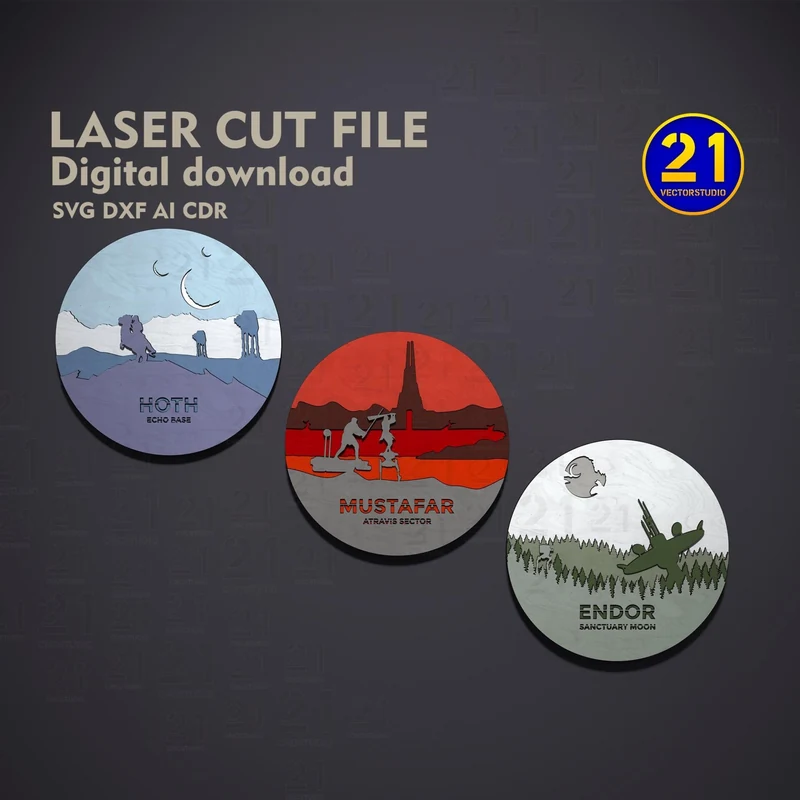
21 / Planet art set
Snow, lava and forest scenes form a second trio of circular planet designs. Pick the setting for your wall or shelf.
Free release on MakerWorld planned
Ornaments, a photo frame, a key holder and two bottle-opener designs.
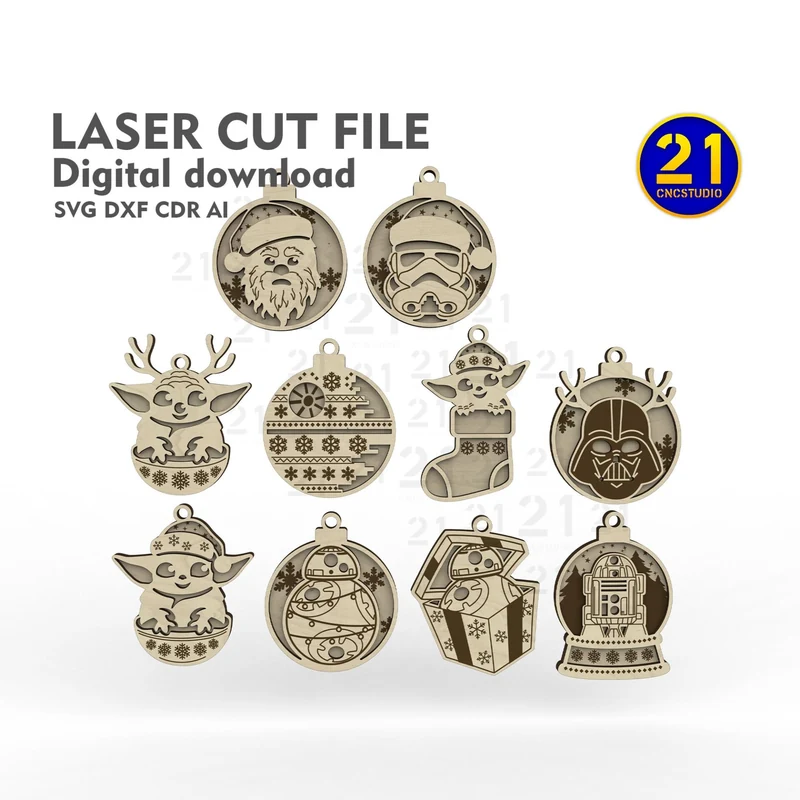
22 / Hanging decorations
A collection of character-shaped decorations with hanging loops. Choose the figures you want to cut for your own display.
Free release on MakerWorld planned
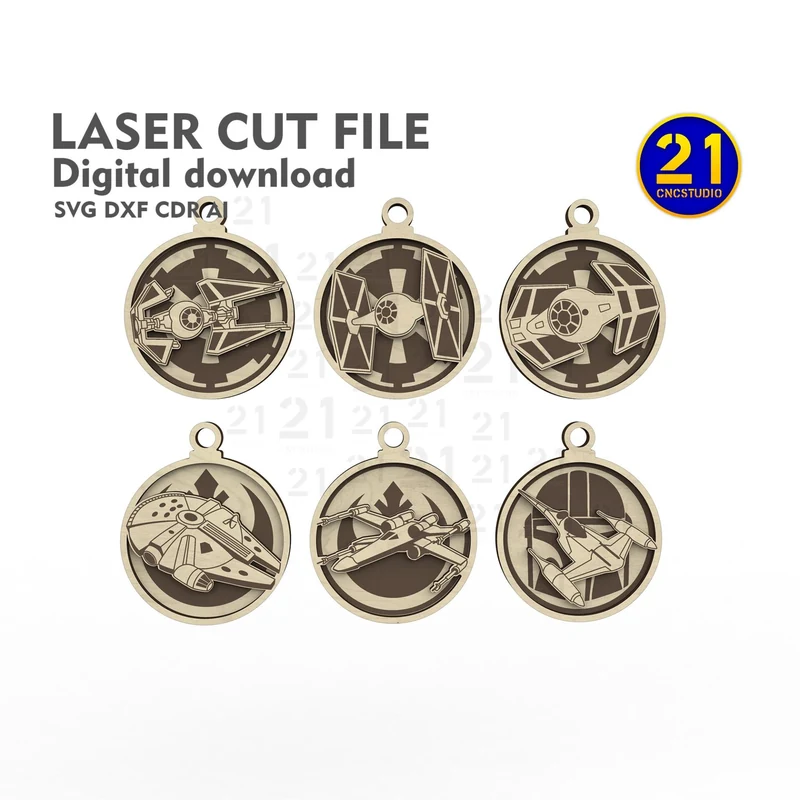
23 / Hanging decorations
Round frames hold spacecraft silhouettes. A different ornament collection built around ships rather than characters.
Free release on MakerWorld planned
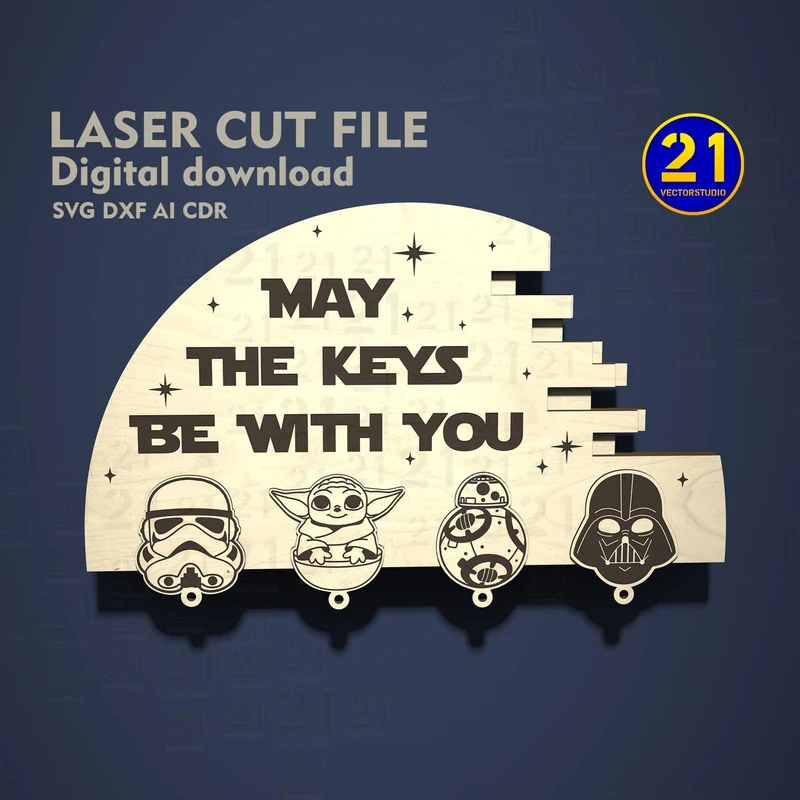
24 / Key holder design
A broken-circle silhouette carries the quote above a row of character faces. A sci-fi project for the hallway.
Free release on MakerWorld planned
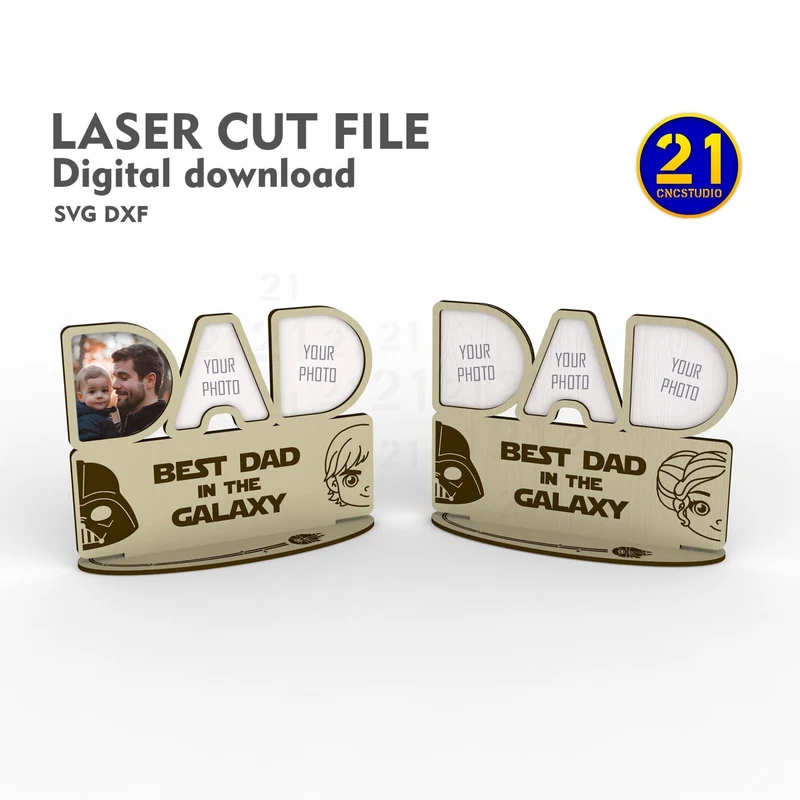
25 / Photo frame design
Spaces for family photos sit above a galaxy-themed message. Use your own pictures to finish the display.
Free release on MakerWorld planned
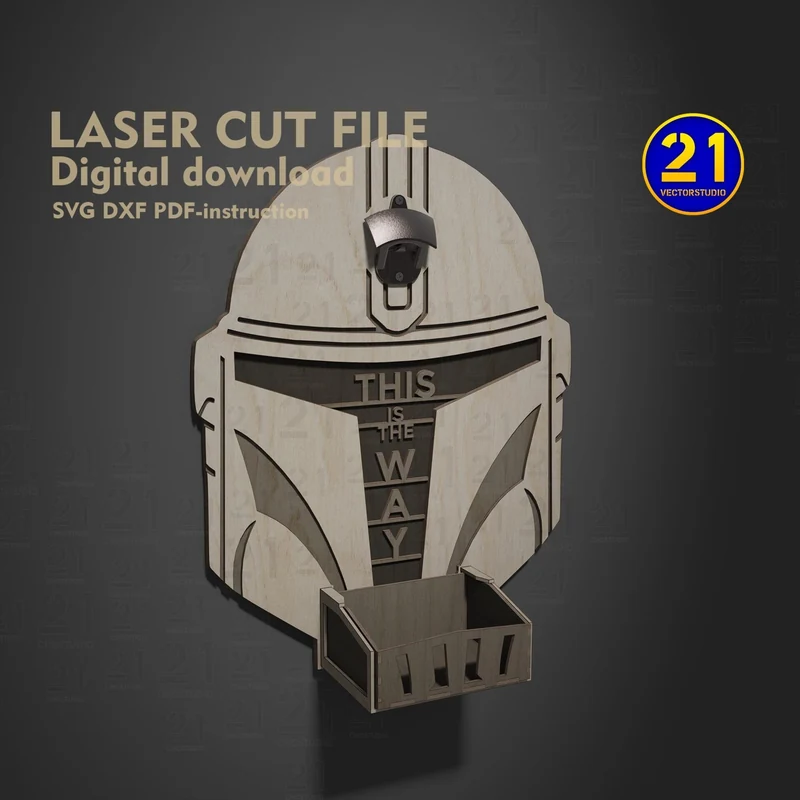
26 / Hardware project
A helmet-shaped backplate with a small cap tray below. The finished project needs separate opener hardware.
Free release on MakerWorld planned
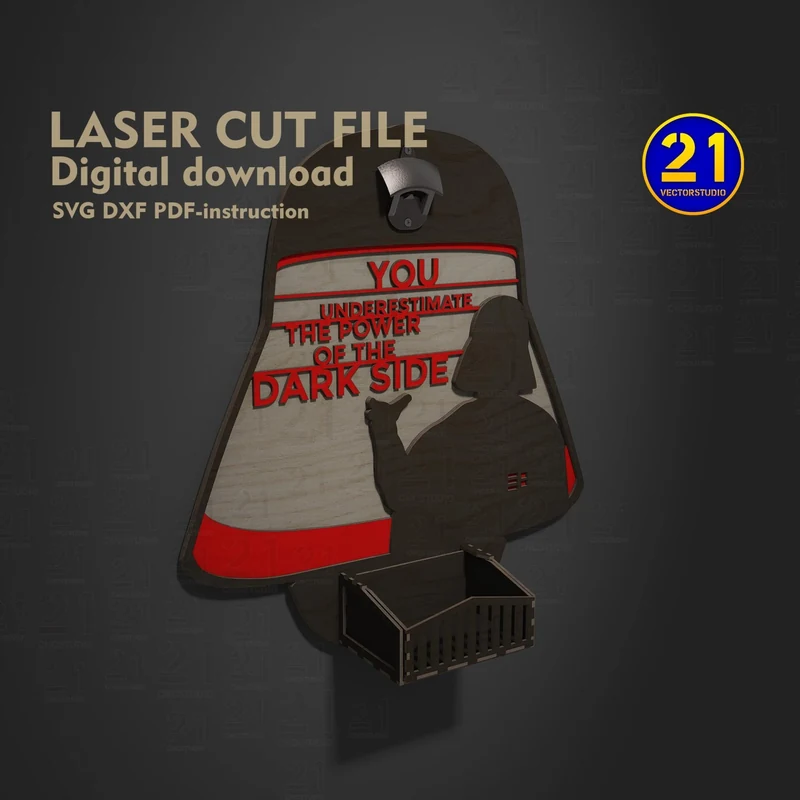
27 / Hardware project
A broad helmet-shaped backplate and a lower cap tray. The digital design provides the cut shapes; physical hardware is separate.
Free release on MakerWorld planned
Image-based artwork for engraving a surface. These previews do not represent assembly kits or 3D-printing files.
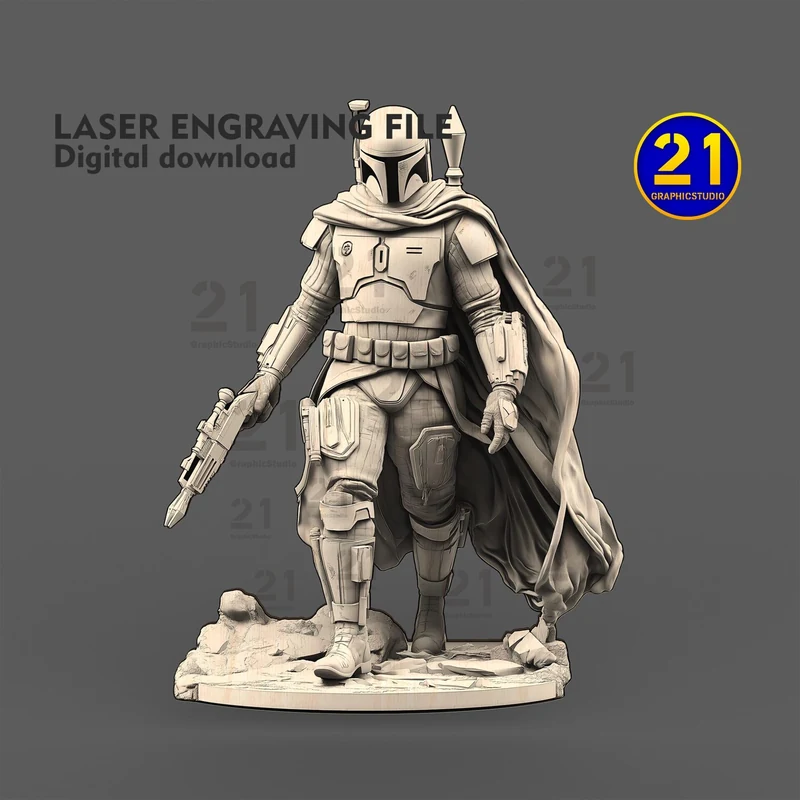
28 / Engraving artwork
An armored figure with a cape and blaster, prepared as engraving artwork. Use this image-based design for a surface engraving.
Free release on MakerWorld planned
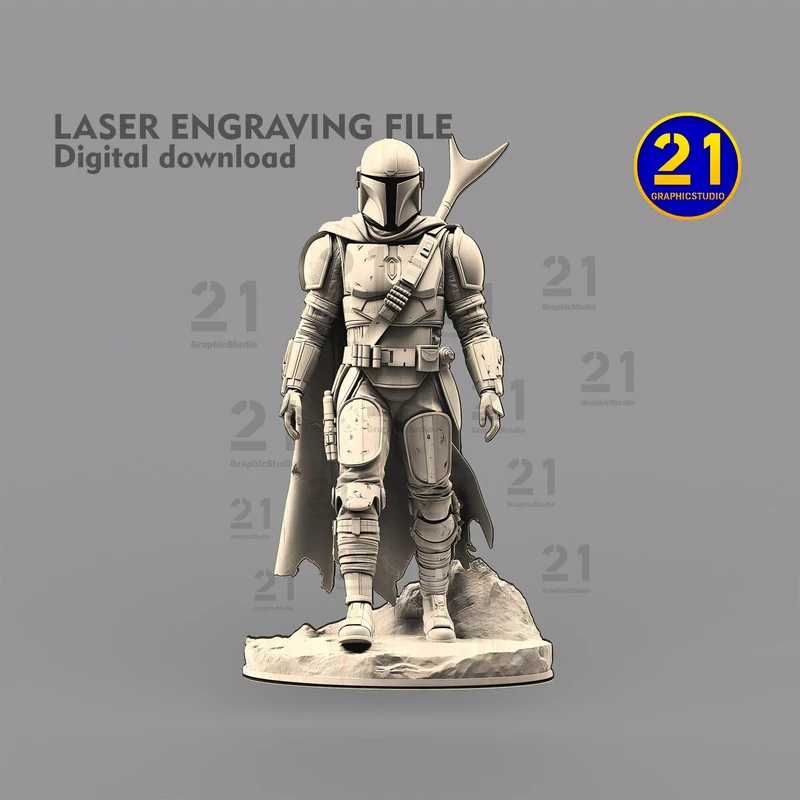
29 / Engraving artwork
A helmeted figure shown head to toe with a blaster and cape. This is an engraving design, not a kit for assembling the pictured figure.
Free release on MakerWorld planned
From file to workbench
A standing model, a layered picture and an engraving need different preparation.
Check the design’s formats, material versions and instructions. Engraving artwork needs an engraving workflow; an assembly model needs the correct cutting files and material.
Check the largest individual part and the complete layout for your chosen design, material and scale. Some fan-art files are awaiting revision before release. Rescaling changes both the slots and the overall dimensions.
Test a joint for a fitted model or a small area for an engraving. When resizing layered art, check that narrow bridges and small cutouts remain practical for your material.
These are digital designs. You provide the material, cut or engrave it, and assemble the project where needed. Photos and visualizations show example finishes; physical parts, paint, lighting and hardware are not supplied.
The assembly models form freestanding spacecraft or a robot. Layered art stacks flat shapes into a shallow relief. Engraving files create an image on a surface; they are not files for assembling the pictured figure.
Some sets share spacecraft with individual designs. Check the contents of the published MakerWorld release before choosing a bundle. Similar names do not mean the files or construction are identical.
These vary by design. Formats, material versions, instructions and any additional hardware will be listed with each MakerWorld release. Check the published package before starting your build. Choose the version that matches your measured material and software.
Scaling a drawing changes its dimensions and any slots or tabs together. For layered artwork, check the smallest bridges and details before reducing the size. Test a small area before committing to the full cut or engraving.
The Tabletop Gaming Terrain collection includes the modular space station alongside other gaming buildings.