Layered Train / Laser-cut design
Train. Seven layers.
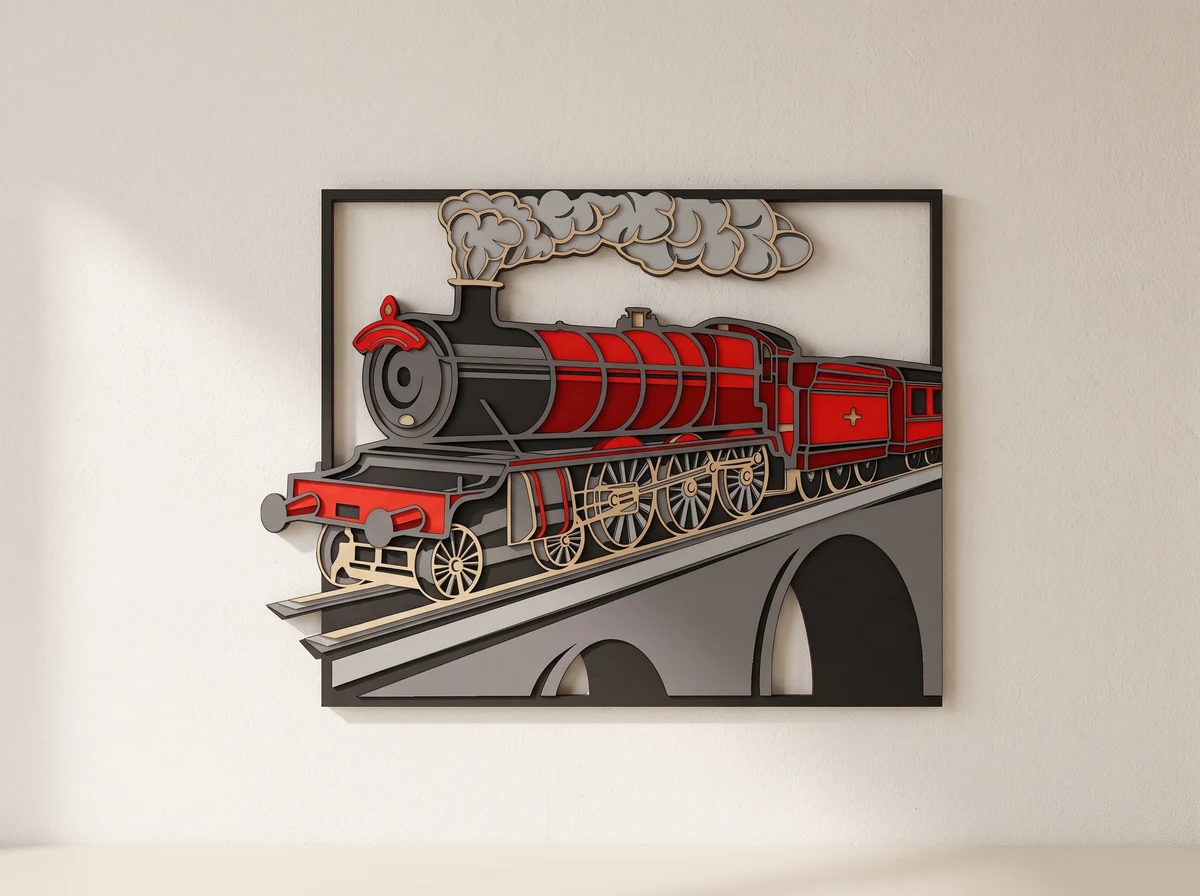
A steam locomotive crossing an arched viaduct, built up in seven cut layers. SVG, DXF, AI and CDR files for making a railway wall display.
Digital design · SVG + DXF + AI + CDR
No physical model or materials are shipped.
01 /The design
A railway scene with depth.
The locomotive reaches across the scene above the arches of the viaduct. Wheels, rods and a trail of smoke sit at different depths within the framed composition.
Seven layers give you room to separate the train from its background with colour or contrasting materials. Keep the complete set at one scale so the details align.
Seven layers.
The cut shapes build depth across the locomotive, smoke and bridge.
A framed scene.
The railway composition is designed as layered wall art.
Four vector formats.
The listed package includes SVG, DXF, AI and CDR files.
A real build
Made from the files.
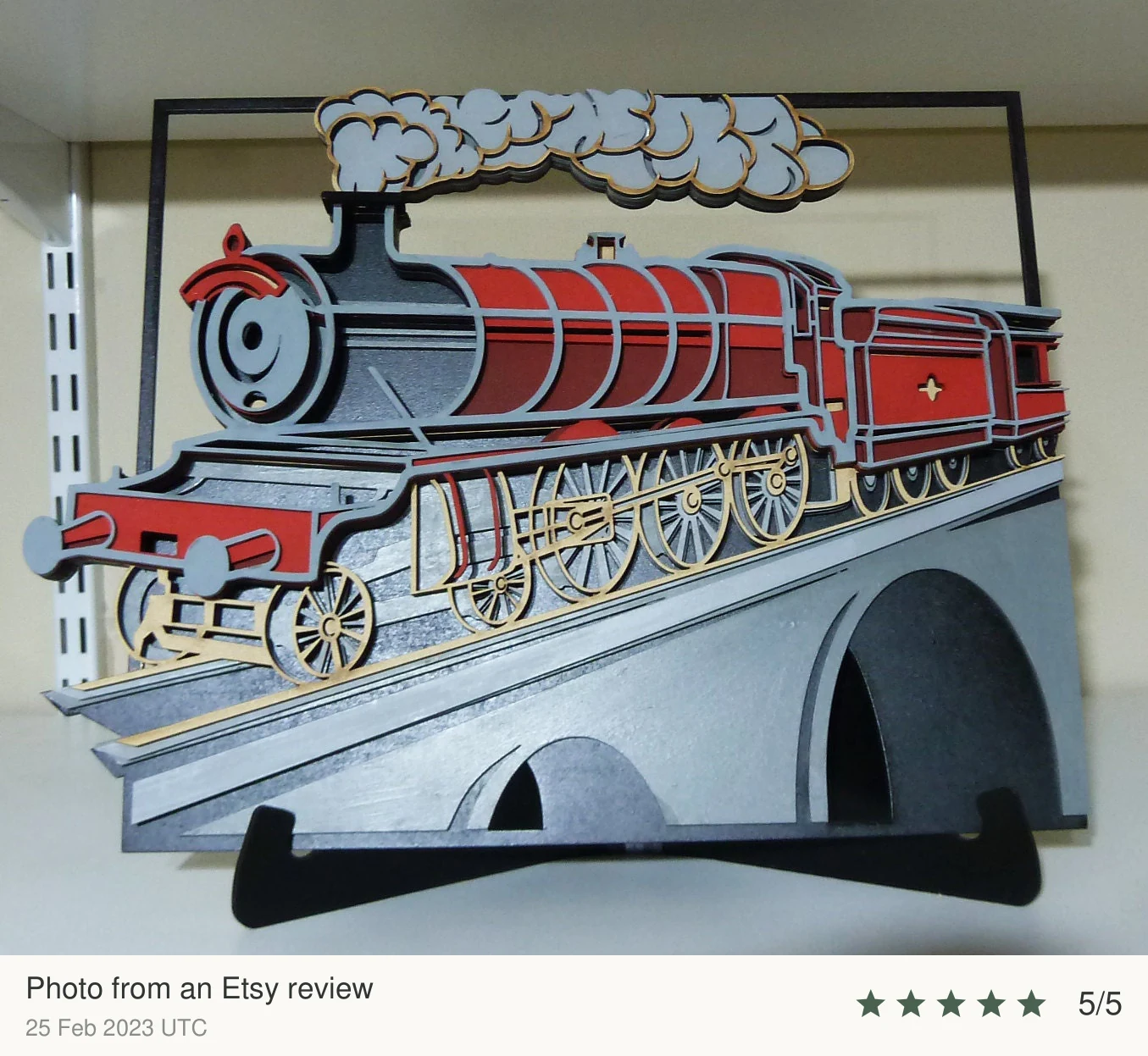
A physical build, with the maker’s choice of materials and finish.
02 /At your workbench
Choose your material.Make it fit.
Check the detail.
Inspect the smallest bridges and fine cutouts at your chosen size. Cut a small sample before committing a full sheet.
Keep the layers aligned.
Use the same scale for every layer. Check the design against your laser’s usable work area before cutting.
Stack in order.
Arrange the cut layers in order and check their alignment before fixing them together.
Plan this build.
Check the current file dimensions against your sheet and work area. Inspect the narrow wheel and smoke details at your chosen size before cutting the full layer set.
Before you start.
- Design
- Seven-layer locomotive wall art
- Design files
- SVG, DXF, AI, CDR
- Assembly instructions
- No guide included
Is this a freestanding train model?
This design is a seven-layer wall-art scene with a locomotive and viaduct. It is not a locomotive-and-carriage assembly.
What do I receive?
Digital SVG, DXF, AI and CDR design files. No assembly guide is included. No physical artwork, sheet material or hardware is shipped.
Can I change the scale?
Scale every layer by the same percentage. The overall dimensions change, and fine bridges can become fragile when reduced. Material thickness changes the depth of the stack; check any alignment features or fitted connections and test a small section first.
Can I use the design commercially?
Contact 21CNCStudio to discuss permission before commercial use. Do not distribute the digital files without the author’s permission.
03 /From the studio to your workbench
Put a railway on your wall.
View the Layered Train file package and its current terms on Etsy.
View files on EtsyDigital design files.No physical model, material or hardware is shipped.