Laser cut christmas ornaments
Star Wars Christmas Ornaments.
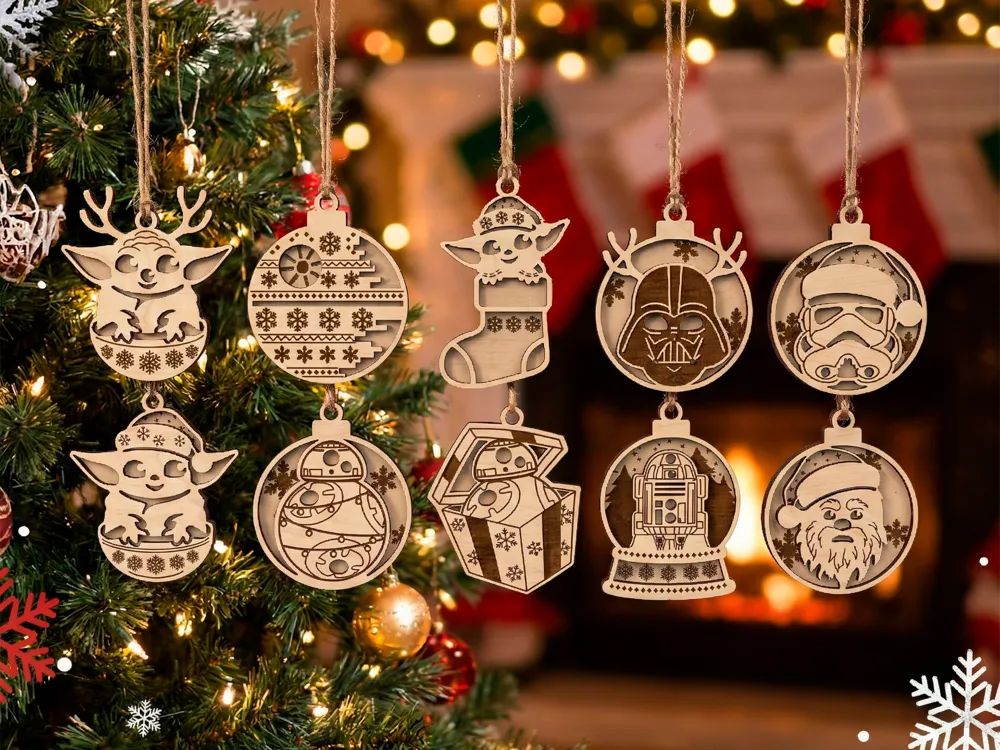
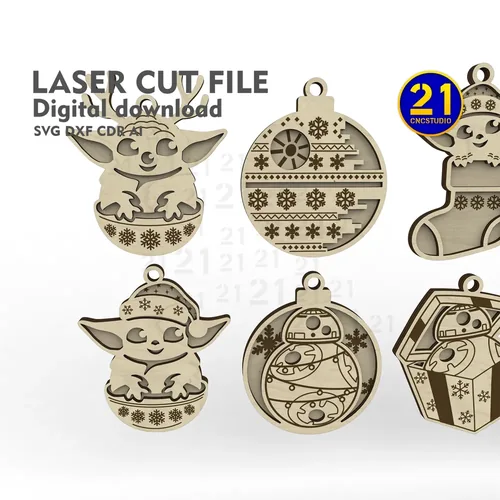
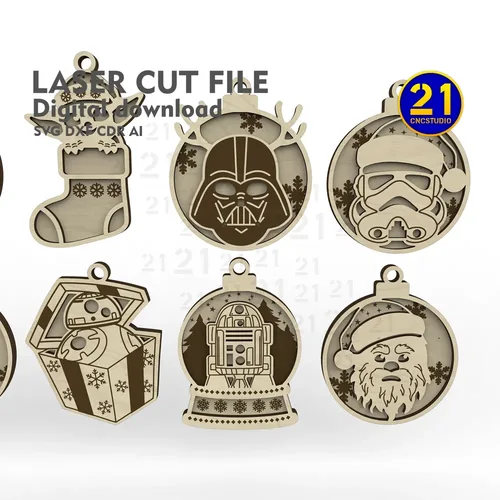
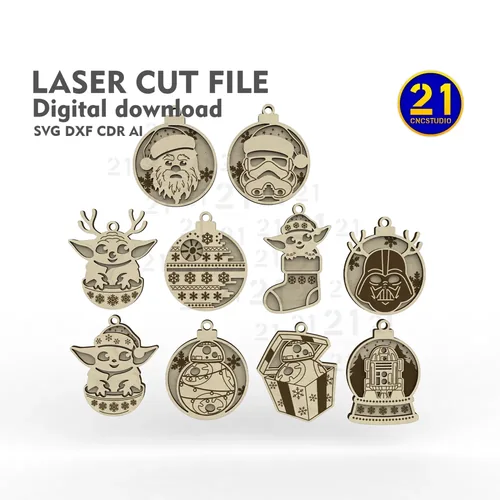
Grogu and a few familiar helmets take their place on the Christmas tree. Two layers of plywood give each ornament its relief.

The project
Use the two layers to bring out the shapes.
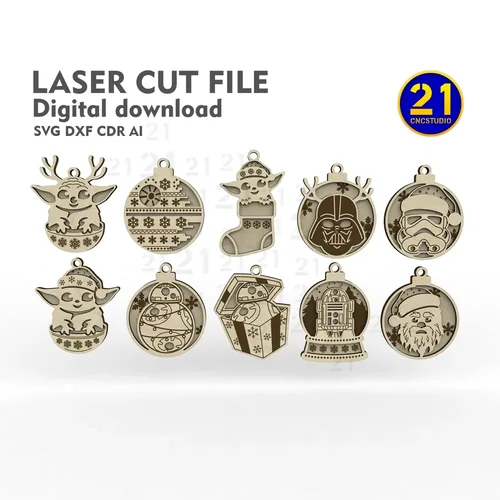
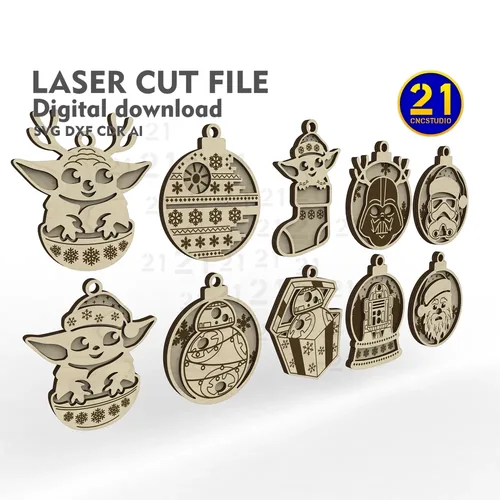
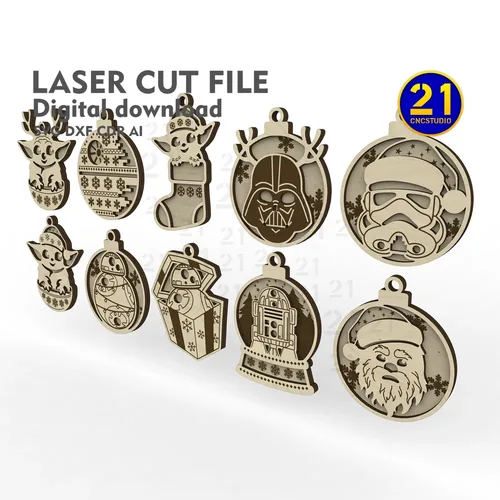
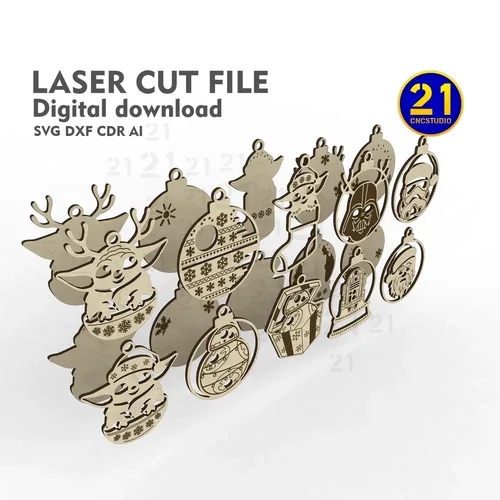
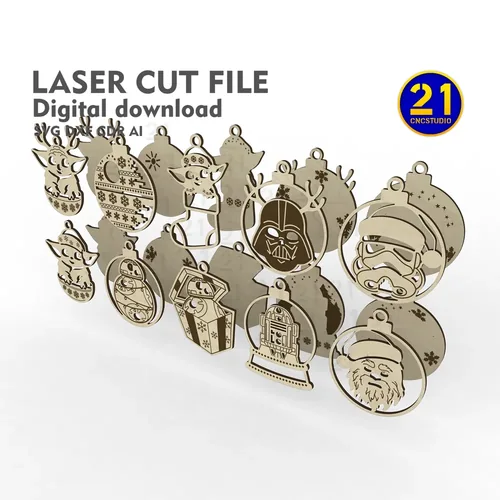
The set includes character and helmet designs, from Grogu to Darth Vader and the stormtrooper. Each ornament has two layers. Pair their outlines before gluing so the smaller cut-outs sit over their matching background.
The MakerWorld profile uses 3 mm basswood plywood. You can leave both layers in natural wood or plan a contrasting finish before joining the pieces. Test any paint or stain on a scrap from your sheet first.
At the workbench
Cut a single ornament before the whole set.
Choose one design with small cut-outs and check how well its engraved lines show. Run engraving before the outer outline while the wood is still held in the sheet.
Dry-stack the two pieces and check the hanging opening before adding adhesive. Keep the finished pairs together as you work through the rest of the sheet. A small tray helps keep similar round pieces and backings from getting mixed up.
Free on MakerWorld
Get the cutting files.
 Free laser-cut ornament files
Download on MakerWorld
SVG, DXF + LAC
Unofficial Star Wars fan art for personal, non-commercial use.
Read about the Imperial Kyber Crate build, or browse the free laser-cut projects.